https://github.com/zakimohammed/react-notsey-app
React notes app (notsey) getting started
https://github.com/zakimohammed/react-notsey-app
axios bootstrap bootswatch javascript react react-context-api react-icons react-router-dom
Last synced: 5 months ago
JSON representation
React notes app (notsey) getting started
- Host: GitHub
- URL: https://github.com/zakimohammed/react-notsey-app
- Owner: ZakiMohammed
- Created: 2023-08-15T10:28:53.000Z (about 3 years ago)
- Default Branch: master
- Last Pushed: 2023-10-08T15:21:50.000Z (about 3 years ago)
- Last Synced: 2025-08-22T05:02:23.844Z (about 1 year ago)
- Topics: axios, bootstrap, bootswatch, javascript, react, react-context-api, react-icons, react-router-dom
- Language: JavaScript
- Homepage: https://codeomelet.com/posts/react-journey-part-1-getting-started
- Size: 233 KB
- Stars: 0
- Watchers: 1
- Forks: 0
- Open Issues: 0
-
Metadata Files:
- Readme: README.md
Awesome Lists containing this project
README
# Notesy App - React Getting Started
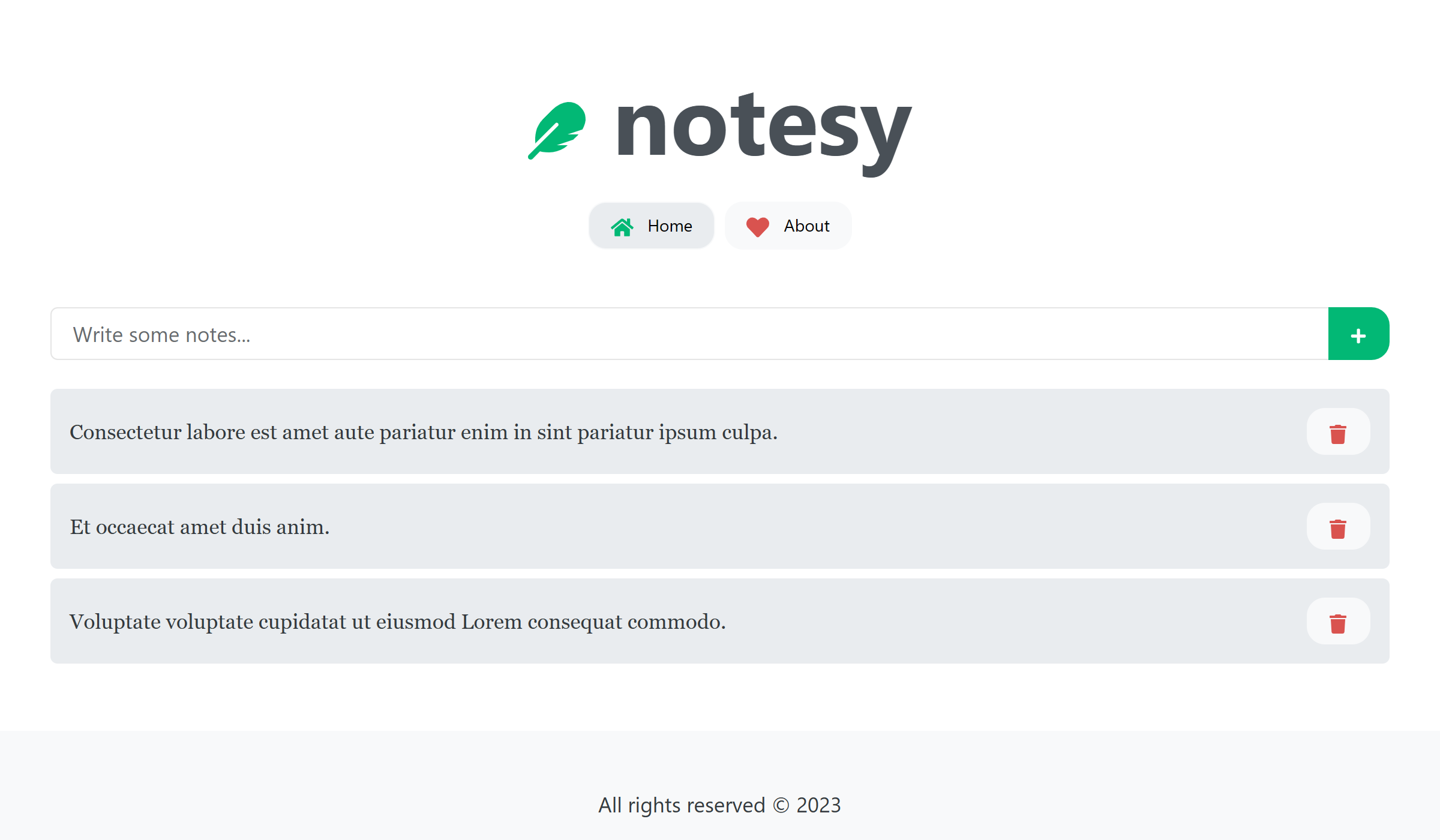
React notes app (notsey) getting started.
___
Check out the CodeOmelet blog posts for this project:
- [React Journey: Part 1 - Getting Started](https://codeomelet.com/posts/react-journey-part-1-getting-started)
- [React Journey: Part 2 - States, Props, Events and Hooks](https://codeomelet.com/posts/react-journey-part-1-getting-started)
- [React Journey: Part 3 - React Routes](https://codeomelet.com/posts/react-journey-part-3-react-routes)
- [React Journey: Part 4 - Working with Web API](https://codeomelet.com/posts/react-journey-part-4-working-with-web-api)
- [React Journey: Part 5 - Context API](https://codeomelet.com/posts/react-journey-part-5-context-api)
## Folders:
```
notsey
|-- react-1-init
|-- react-2-crud
|-- react-3-routes
|-- react-4-api
|-- react-5-context
|-- README.md
```
1. React Init: Initial project skeleton and init commands.
2. React CRUD: List, add and remove operations.
3. React Routes: Configuring routes and navigation.
4. React API: Getting data from API.
5. React Context: Component communications.
## Run Application
```
npm run dev
```
## Initial Setup
```
npm create vite@latest
# project name: notesy-app
# framework: react
# variant: JavaScript + SWC
cd notesy-app
npm i
npm run dev
```
## Add Dependencies
```
npm i bootstrap
npm i bootswatch
npm i uuid
npm i react-icons
npm i react-router-dom
npm i axios
```
## JSON Server
Install `json-server` globally:
```
npm install -g json-server
```
Add npm script in package.json file:
```
"scripts": {
"server": "json-server server/db.json --config server/json-server.json"
}
```
Read about json-server from here https://www.npmjs.com/package/json-server.