https://github.com/zed-extensions/bash
https://github.com/zed-extensions/bash
Last synced: 5 months ago
JSON representation
- Host: GitHub
- URL: https://github.com/zed-extensions/bash
- Owner: zed-extensions
- License: apache-2.0
- Created: 2024-03-29T19:38:25.000Z (over 2 years ago)
- Default Branch: main
- Last Pushed: 2025-12-03T18:45:22.000Z (7 months ago)
- Last Synced: 2025-12-06T23:56:38.501Z (7 months ago)
- Language: Rust
- Size: 33.2 KB
- Stars: 45
- Watchers: 6
- Forks: 3
- Open Issues: 9
-
Metadata Files:
- Readme: README.md
- License: LICENSE
Awesome Lists containing this project
- awesome-zed-extensions - Basher - language-server support | (🌐 Languages)
README
# Bash for Zed
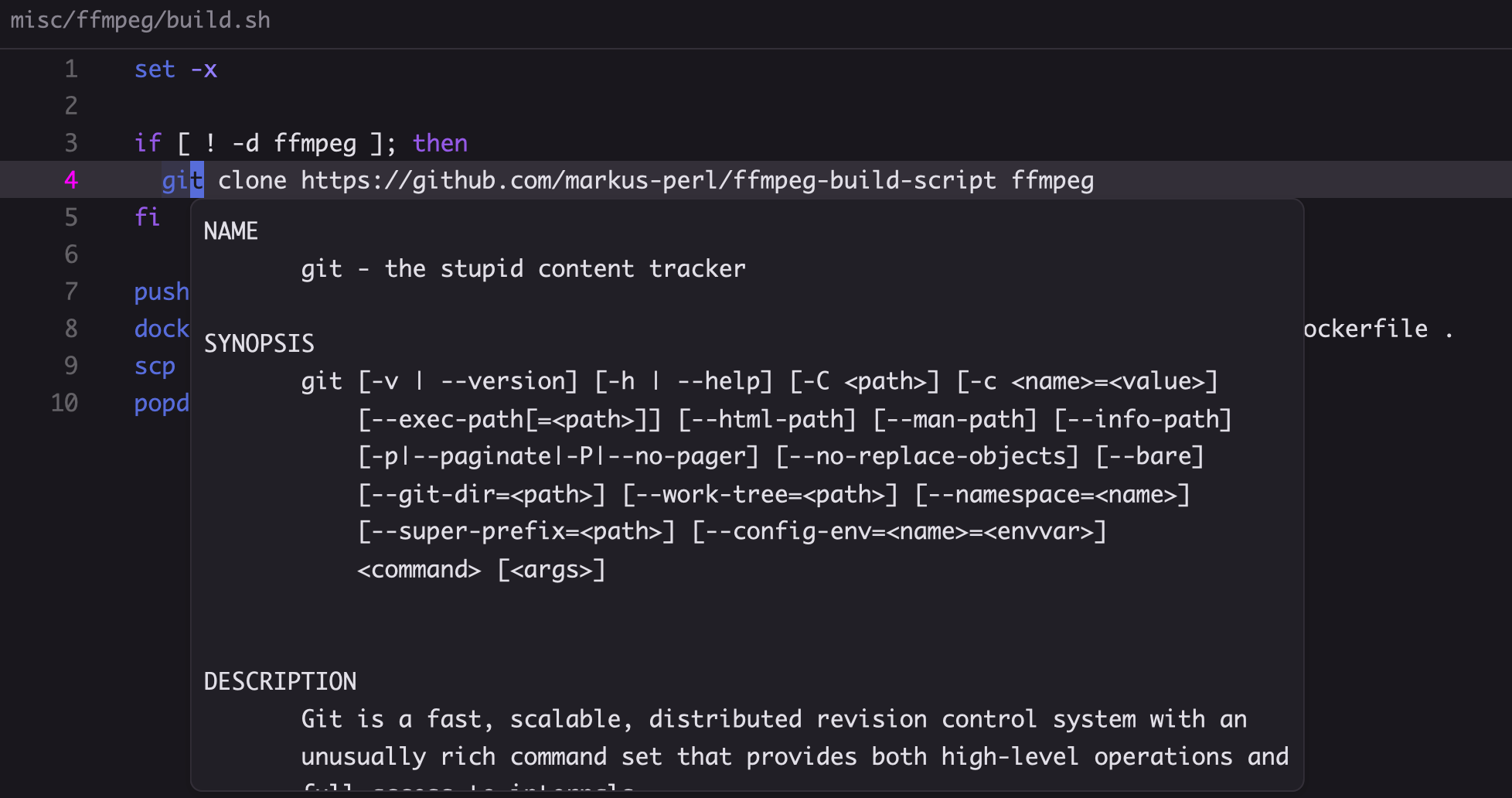
Tree Sitter: https://github.com/tree-sitter/tree-sitter-bash
Language Server: https://github.com/bash-lsp/bash-language-server
# shellcheck
The [bash-language-server](https://github.com/bash-lsp/bash-language-server) support shellcheck.
But you need to [install it manually](https://github.com/koalaman/shellcheck#installing)
```bash
brew install shellcheck # macOS
sudo apt-get install shellcheck # ubuntu/debian
sudo pacman -S shellcheck # Arch Linux
choco install shellcheck # Windows (chocolatey)
```
## Shellcheck ignores
If you wish to ignore certain ShellCheck warnings in your files you can add an inline comment `# shellcheck disable=SC0000` specifying the warning/error.
Alternatively, if you'd like to ignore something for an entire file, put the comment at the top of the file. For example to ignore [SC2034](https://www.shellcheck.net/wiki/SC2034) `foo appears unused. Verify it or export it.` in an `.env` file it would look like so:
```sh
# shellcheck disable=SC2034
FOO=123
BAR="something"
DATABASE_URL="postgres://something"
```
# shfmt
bash-language-server can support formatting using `shfmt` if it is available in your path. Install with:
```sh
brew install shfmt # macOS
sudo apt-get install shfmt # ubuntu/debian
sudo pacman -S shfmt # Arch Linux
choco install shfmt # Windows (chocolatey)
```
To control automatic formatting, in your Zed settings use [`format_on_save`](https://zed.dev/docs/configuring-zed#format-on-save) or manually invoke `editor: format document` from the command palette.
# tldr vs man
`bash-language-server` use `man` to show document 👀
The markdown rendering is completely bad
So, let's just use the documentation provided by tldr (it's really a markdown display!)
github: https://github.com/d1ylab/bash-language-server
npm: https://www.npmjs.com/package/neo-bash-ls
| After | Before |
| ----------- | ----------- |
| 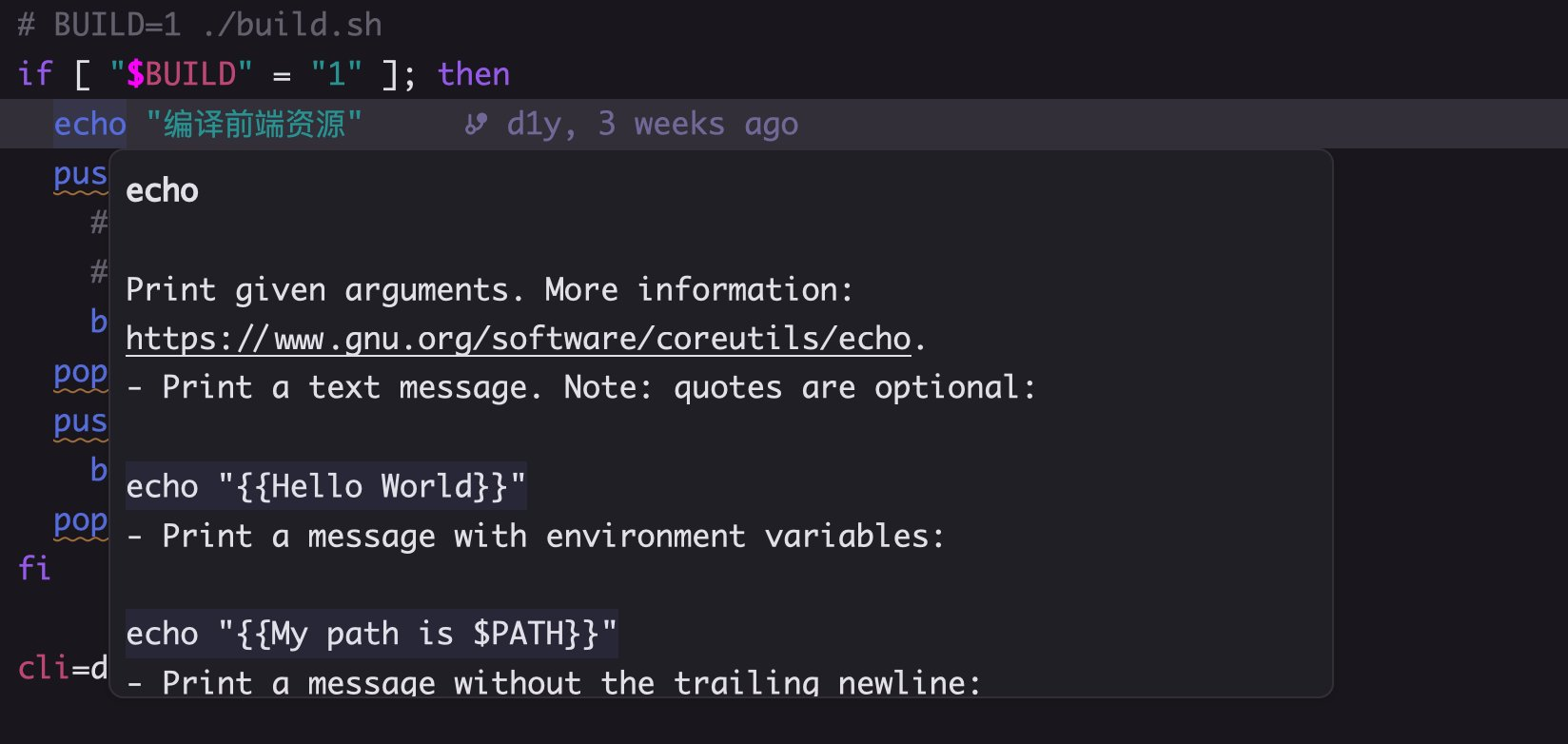 | 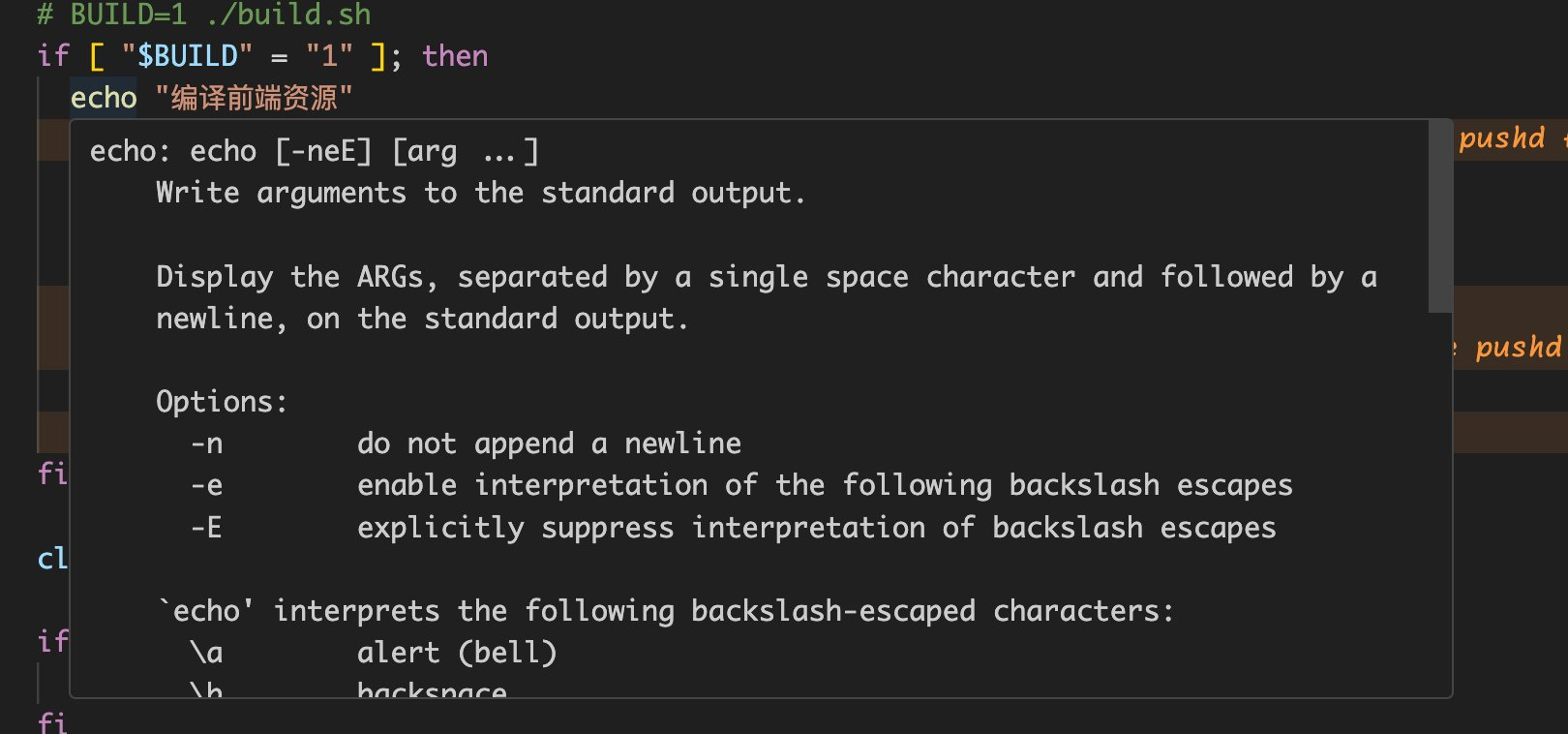 |
Apply the patch
```diff
diff --git a/src/bash.rs b/src/bash.rs
index d9cdd6b..d8fc8f5 100644
--- a/src/bash.rs
+++ b/src/bash.rs
@@ -1,8 +1,8 @@
use std::{env, fs};
use zed_extension_api::{self as zed, Result};
-const SERVER_PATH: &str = "node_modules/bash-language-server/out/cli.js";
-const PACKAGE_NAME: &str = "bash-language-server";
+const SERVER_PATH: &str = "node_modules/neo-bash-ls/out/cli.js";
+const PACKAGE_NAME: &str = "neo-bash-ls";
struct BashExtension {
did_find_server: bool,
```