https://github.com/zeezide/fscheckoutsheet
A WKWebView wrapper that handles interaction w/ a FastSpring checkout form
https://github.com/zeezide/fscheckoutsheet
fastspring store swift
Last synced: 10 months ago
JSON representation
A WKWebView wrapper that handles interaction w/ a FastSpring checkout form
- Host: GitHub
- URL: https://github.com/zeezide/fscheckoutsheet
- Owner: ZeeZide
- License: mit
- Created: 2020-05-30T14:03:08.000Z (about 6 years ago)
- Default Branch: main
- Last Pushed: 2021-05-10T15:29:22.000Z (about 5 years ago)
- Last Synced: 2025-09-16T15:10:35.082Z (10 months ago)
- Topics: fastspring, store, swift
- Language: Swift
- Size: 25.4 KB
- Stars: 21
- Watchers: 1
- Forks: 5
- Open Issues: 0
-
Metadata Files:
- Readme: README.md
- License: LICENSE
Awesome Lists containing this project
README
# FSCheckoutSheet
A WKWebView wrapper that handles interaction w/ a [FastSpring](https://fastspring.com)
checkout form.
FastSpring is an online store provider, useful for selling digital products. For example
Mac applications outside of Apple's Mac App Store.
This package is only dealing with the actual FastSpring checkout process,
it doesn't provide any In-App store parts.
To see it in a live app, download [Shrugs.app](https://shrugs.app).
Inspired by
[Make Money Outside the Mac App Store](https://christiantietze.de/books/make-money-outside-mac-app-store-fastspring/).
This code doesn't require a "classic" FastSpring store, but uses the regular one.
It uses the
[Store Builder Library](https://fastspring.com/branded-checkout/store-builder-library/)
to configure the checkout,
and scans the result for licenses after a successful checkout.
### Usage
The package provides a single NSViewController used for checkout:
`FastSpringCheckoutVC`.
```swift
let vc = FastSpringCheckoutVC()
vc.checkoutProduct("soy-for-community-slacks",
in: "zeezide.onfastspring.com") {
licenseKeys in
for licenseKey in licenseKeys {
print("User", licenseKey.name,
"bought", licenseKey.sku,
"code:", licenseKey.code)
}
}
self.presentAsSheet(vc)
```
Note: Currently this is only reporting CocoaFob licenses.
Don't forget to enable client network connections if your hosting app is sandboxed!
Otherwise you'll just see the spinner or a white background.
#### Import Package
The Package URL is: https://github.com/ZeeZide/FSCheckoutSheet.git,
can be added to your Xcode project.
#### Demo Application
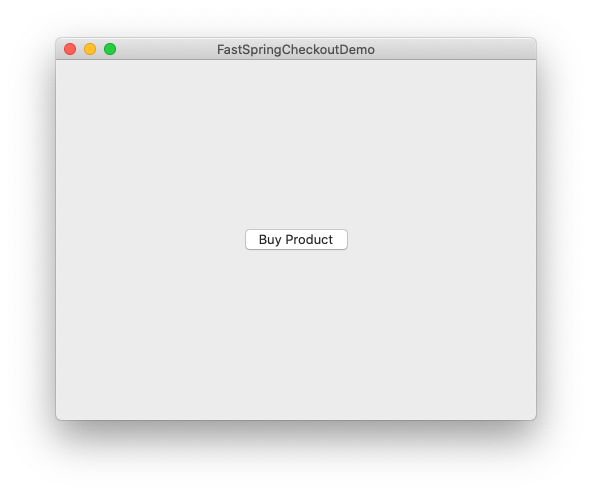
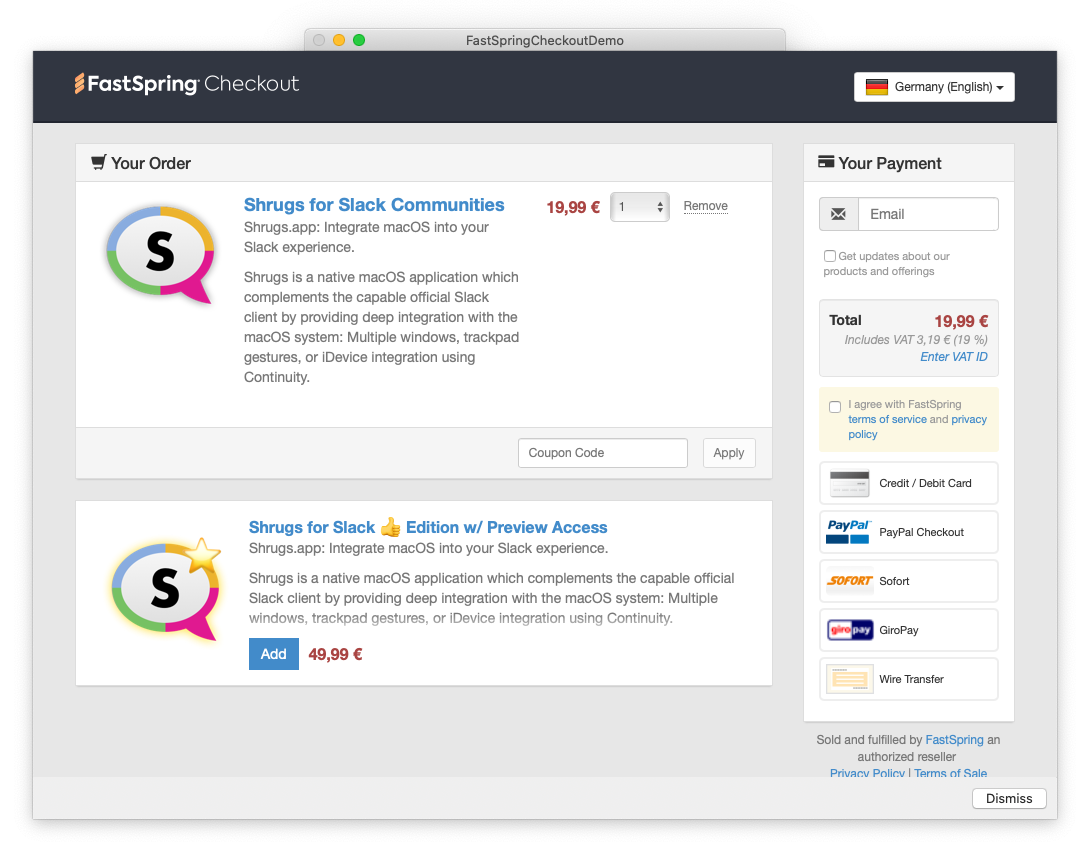
The Demo folder contains a demo application for the sheet.
Configure your store (e.g. a test store) in the `Configuration.swift` file,
to play with the panel.
By default it is configured to access the live [Shrugs.app](https://shrugs.app) store,
so careful, what you buy is what you buy :-)
Looks like this:
### Who
FSCheckoutSheet is brought to you by [ZeeZide](https://zeezide.de).
We like feedback, GitHub stars, cool contract work,
presumably any form of praise you can think of.