https://github.com/zesty-io/module-contact-page
https://github.com/zesty-io/module-contact-page
Last synced: 10 months ago
JSON representation
- Host: GitHub
- URL: https://github.com/zesty-io/module-contact-page
- Owner: zesty-io
- Created: 2022-11-04T14:25:52.000Z (over 3 years ago)
- Default Branch: main
- Last Pushed: 2023-03-01T13:59:10.000Z (over 3 years ago)
- Last Synced: 2025-08-21T11:37:35.330Z (11 months ago)
- Language: Smarty
- Size: 31.3 KB
- Stars: 0
- Watchers: 5
- Forks: 0
- Open Issues: 0
-
Metadata Files:
- Readme: README.md
Awesome Lists containing this project
README
# Module Contact Page
[Live Demo](https://modulecontactustest.zesty.dev/contact/)
Based from  Bootstrap framework powered by
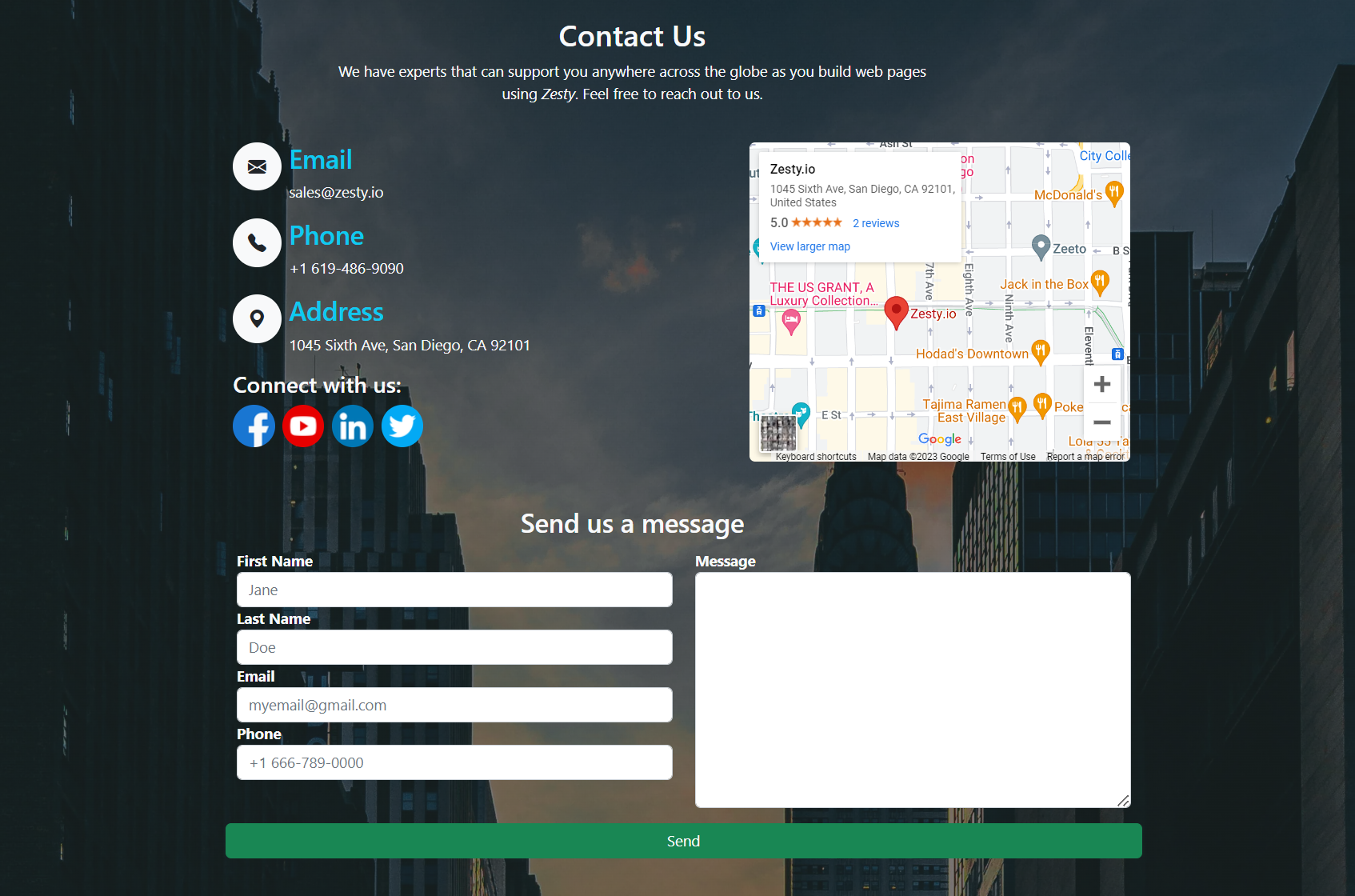
  Zesty. A simple contact landing page with forms connected to [Zesty leads](https://zesty.org/tools/guides/how-to-create-a-lead-form).
> **Warning**: Installing this module may affect existing content models that are using bootstrap stylings. Since this module is created using Bootstrap, the [Module Bootstrap 5](https://github.com/zesty-io/module-bootstrap5) is pre requisite and will be installed automatically in the instance for the stylings to work.
All **Contact Page** content items can be modify in the **Zesty Instance Manager**. Click **Content** -> **Contact**
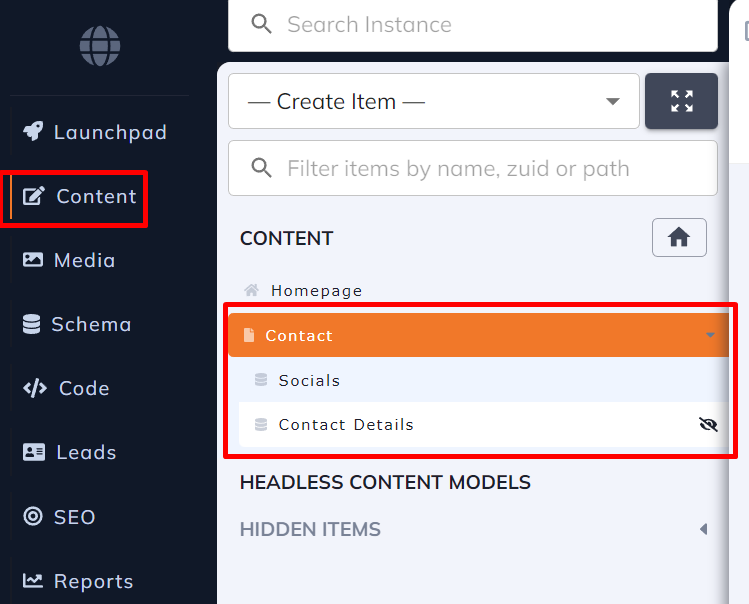
### 1. Contact Page
> It has basic content items such as: ** Background Image, Header, Header text, Map, Form header text and Thankyou text**
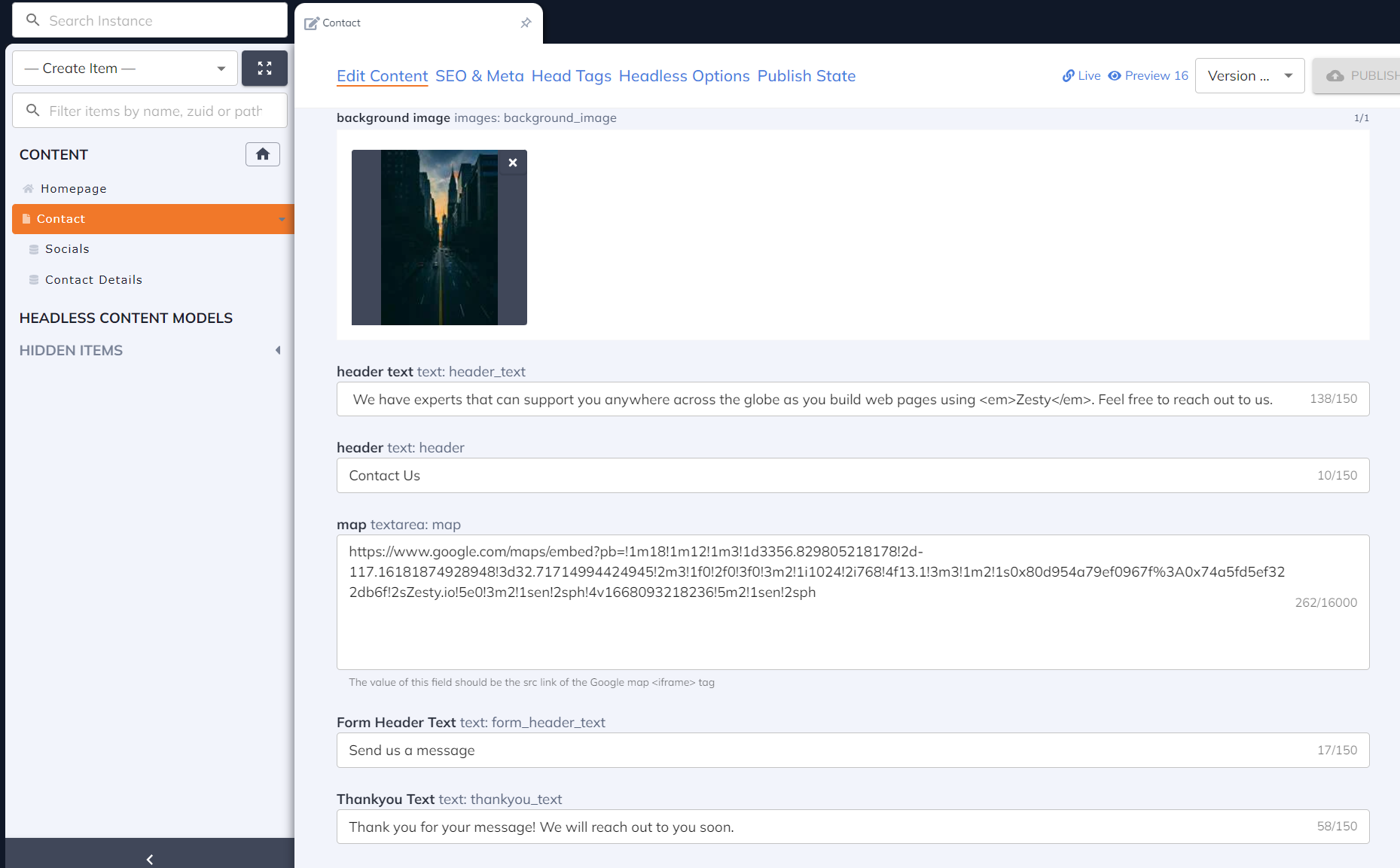
#### 1.1 Map
> The value of this field should be the src link of the embed iframe generated from the Google Maps.
_How to get the link of the map_ ?
In Google maps, after searching a location, click share then **Embed a map** and copy the link value of the "src" attribute.
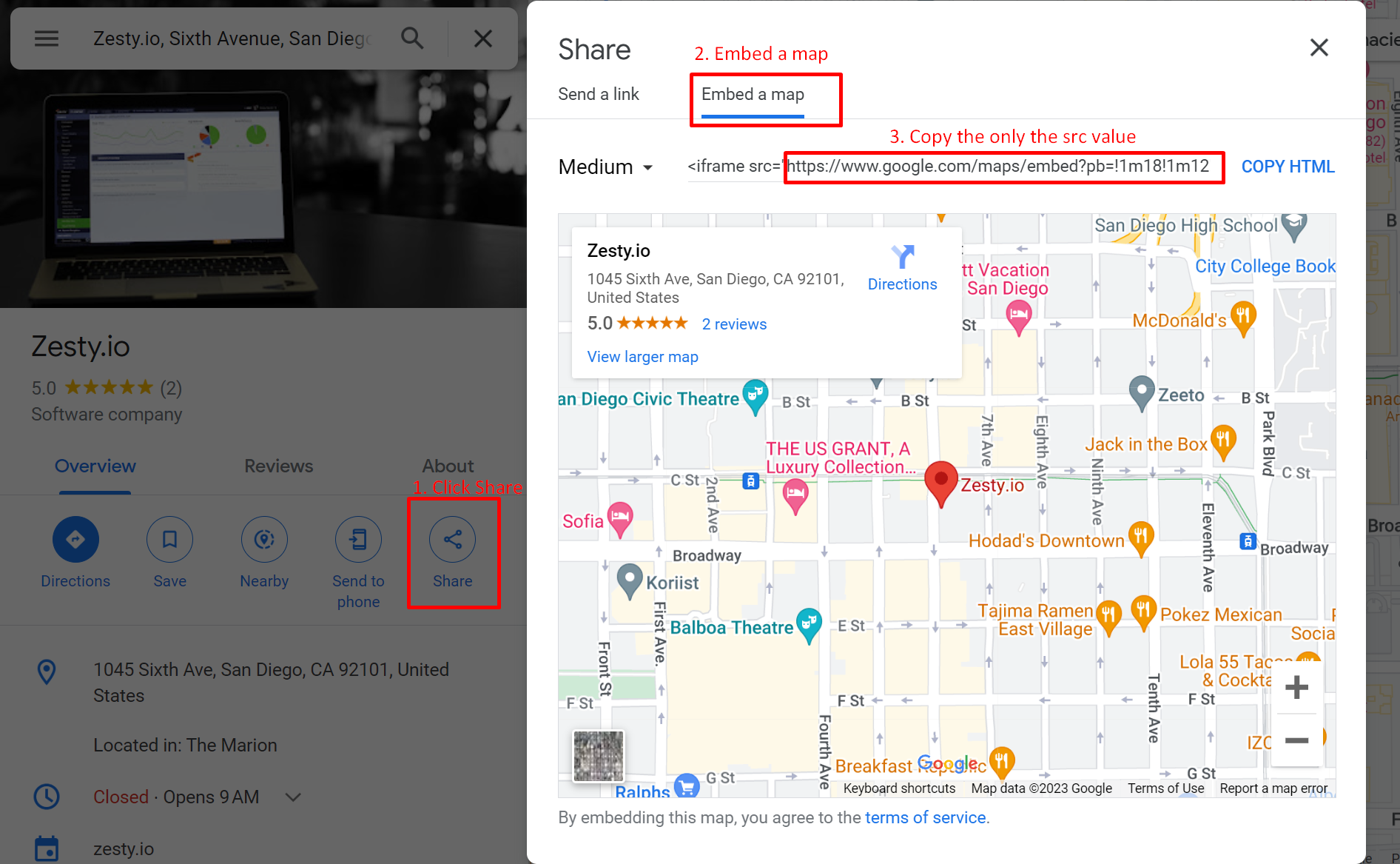
After copying the link, paste it in the Map field then the map will be automatically generated from the web page.

#### 1.2 Thankyou text
> The value of this field will be displayed once the web visitor submitted the form.

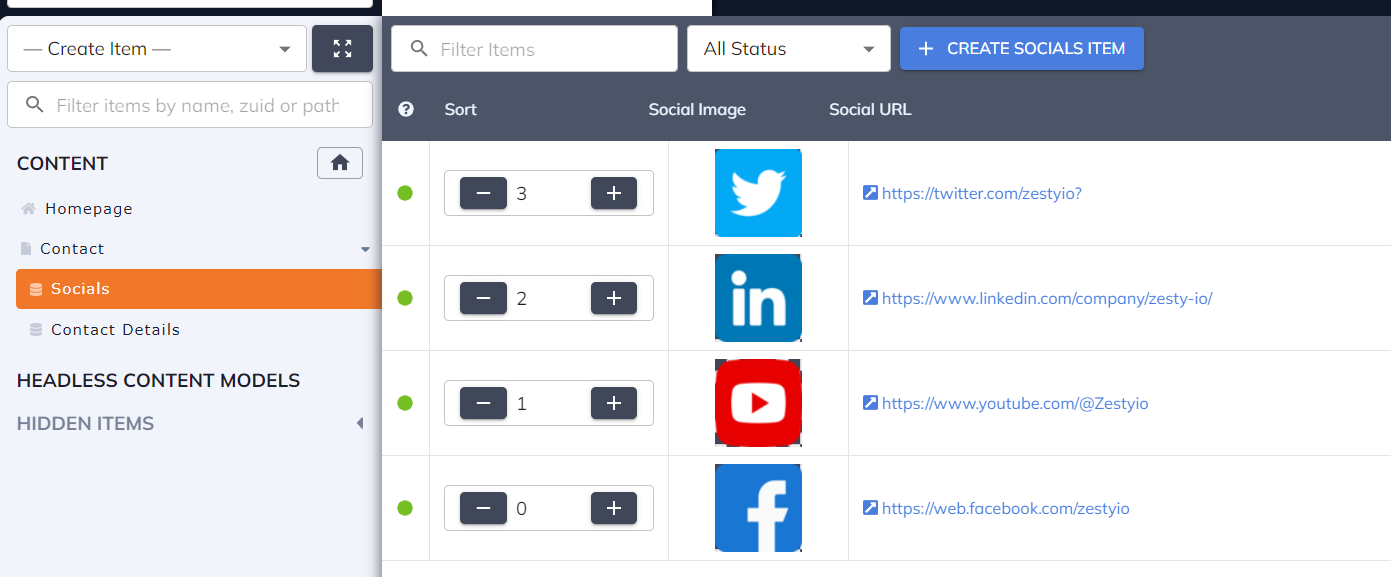
### 2. Socials
> Users can add their social media platforms with images

### 3. Contact Details
> Company contact details can be added as a content in the web page.

#### 3.1 Icons
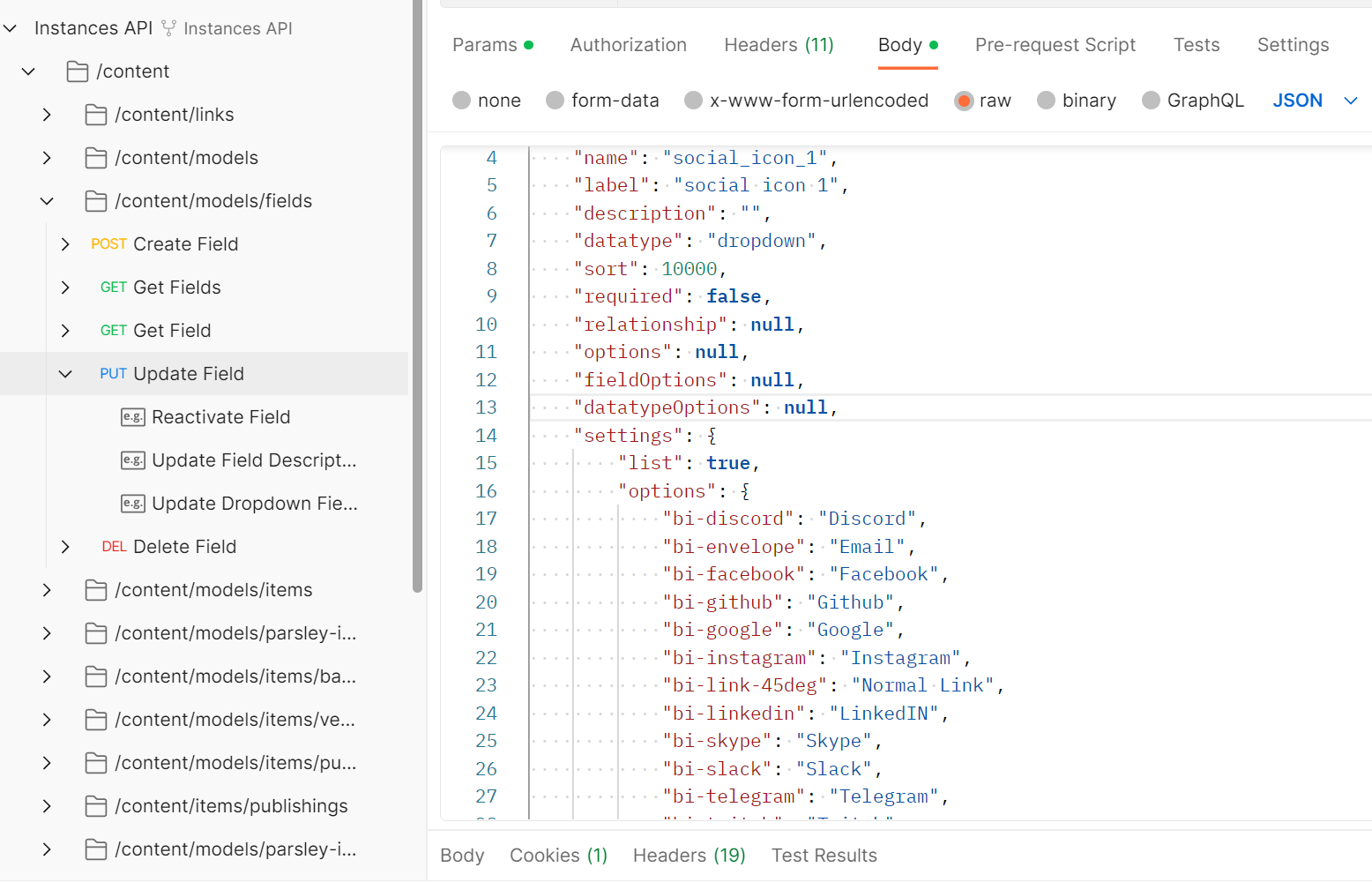
> The drop down for icon options are based on [Bootstrap Icons](https://icons.getbootstrap.com/).
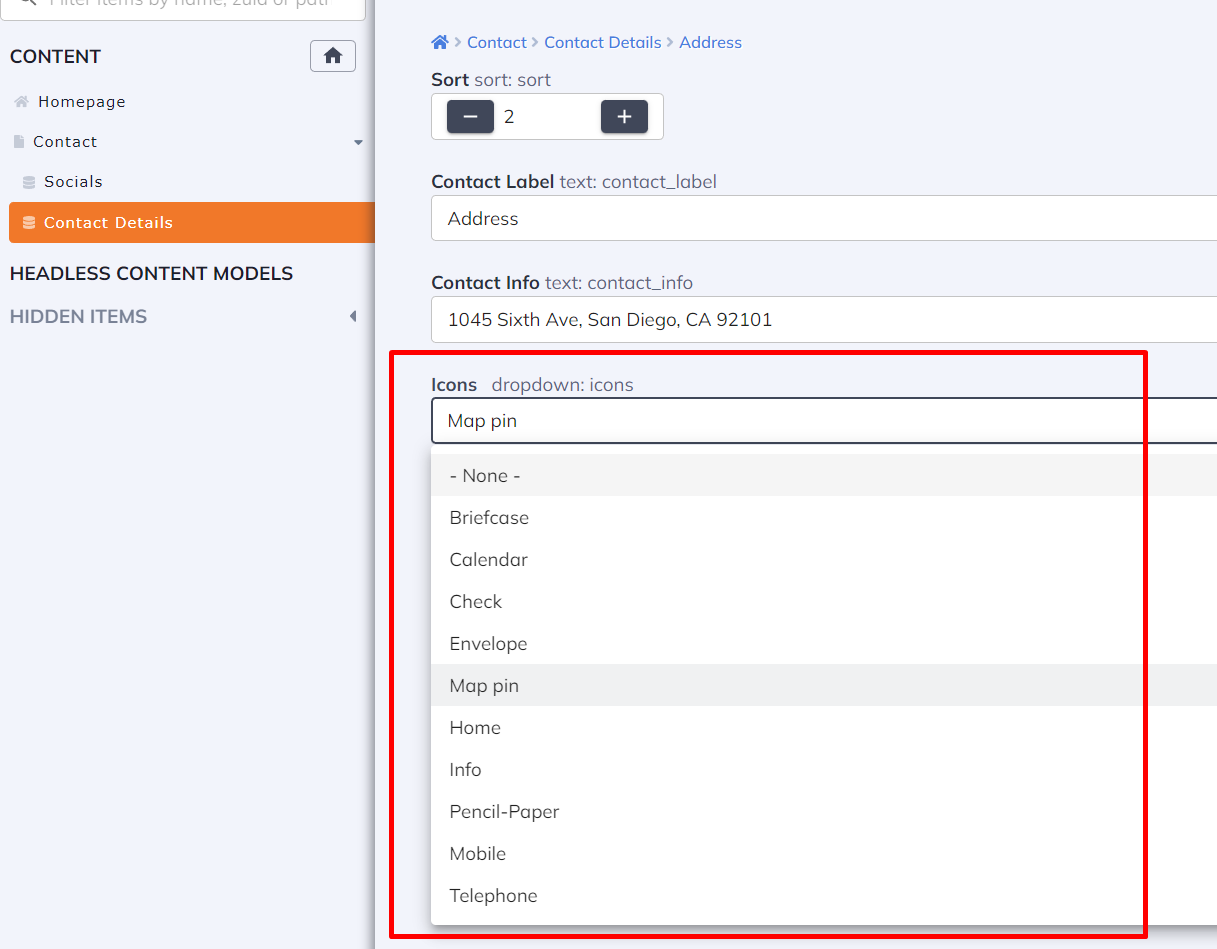
and they can be customized using Update endpoint in [Instance API](https://instances-api.zesty.org/#94a7161f-7e07-496a-87d8-1ac3a5b0475f).