https://github.com/zhaohaodang/ghost-theme-tiny
Ghost博客 Vue风格极简主题
https://github.com/zhaohaodang/ghost-theme-tiny
ghost ghost-blog ghost-theme
Last synced: 10 months ago
JSON representation
Ghost博客 Vue风格极简主题
- Host: GitHub
- URL: https://github.com/zhaohaodang/ghost-theme-tiny
- Owner: zhaohaodang
- License: mit
- Created: 2017-09-02T12:18:32.000Z (almost 9 years ago)
- Default Branch: master
- Last Pushed: 2021-06-07T03:05:57.000Z (about 5 years ago)
- Last Synced: 2025-04-04T14:03:20.236Z (about 1 year ago)
- Topics: ghost, ghost-blog, ghost-theme
- Language: JavaScript
- Homepage: https://s1.ax1x.com/2020/05/12/YtiABt.png
- Size: 413 KB
- Stars: 17
- Watchers: 1
- Forks: 4
- Open Issues: 0
-
Metadata Files:
- Readme: README.md
- License: LICENSE
Awesome Lists containing this project
README
# 简介
适用于Ghost博客系统的简约主题。
# 预览
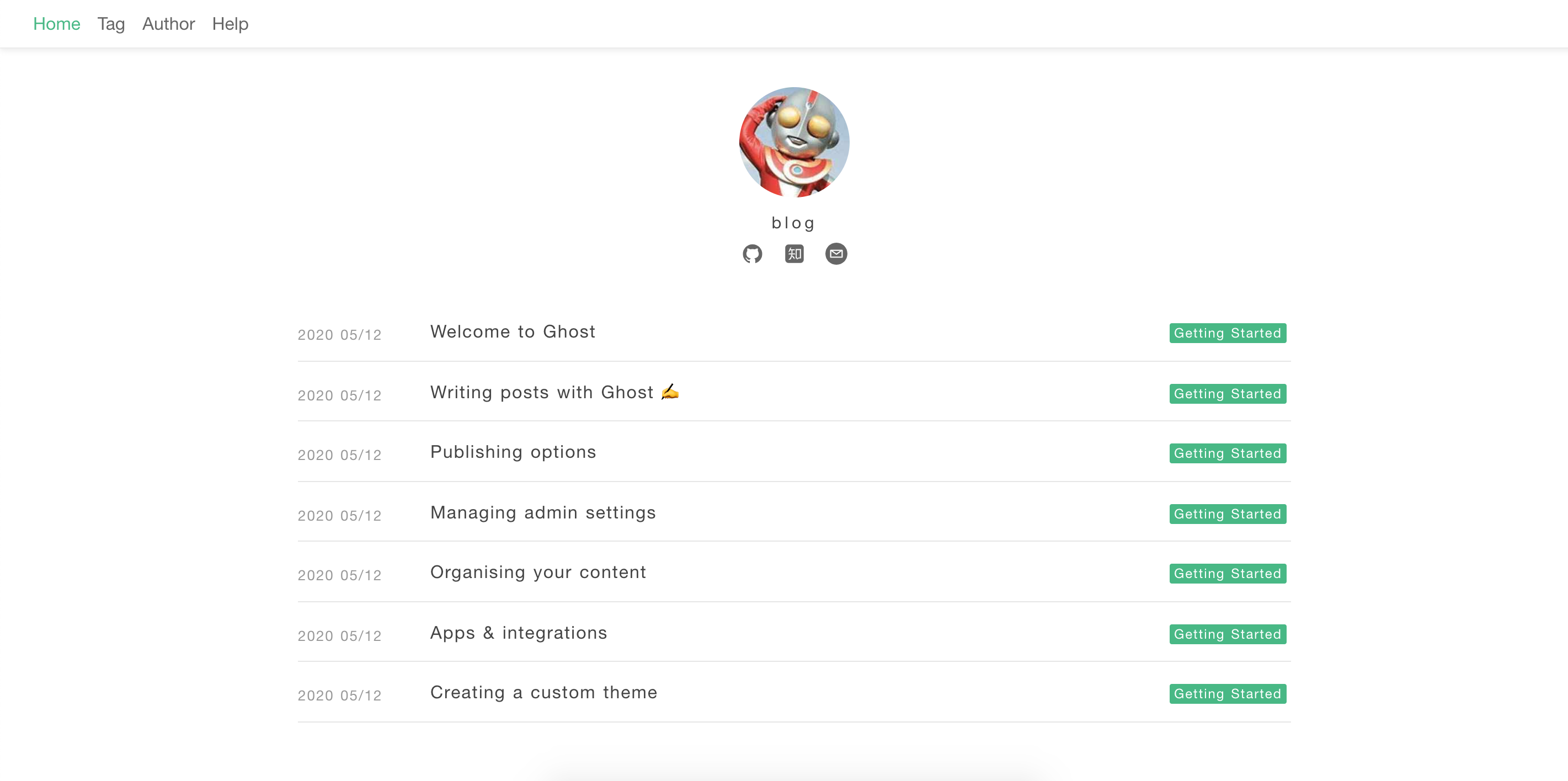
PC端预览图

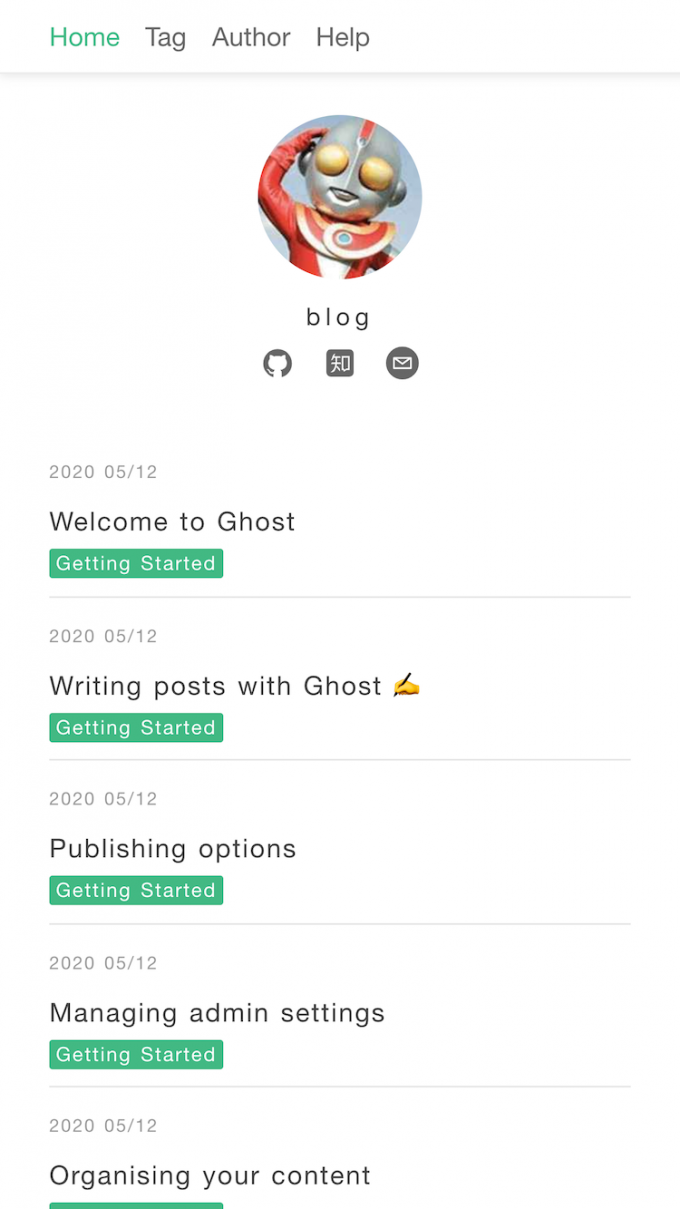
移动端预览图
## 特性
* 风格简约
* 代码高亮为vue风格
* 布局自适应
## 使用
首先下载主题包↓
[旧版本](https://github.com/zhaohaodang/ghost-theme-tiny/archive/1.0.0.zip)(适合版本低于1.0的Ghost系统)
[最新版本](https://github.com/zhaohaodang/ghost-theme-tiny/tags)(适合4.0版本的Ghost系统)
进入博客后台(博客地址+`/ghost`),点击左侧栏的小齿轮图标,点击`Themes`模块,然后点击底部`upload theme`按钮(记得active)。
## 开启评论或统计
默认不开启任何评论或统计,你可以在`{{ghost_head}}`为以下几个全局变量赋值,以开启对应评论或者统计:
```javascript
//baidu_tongji 是你在百度统计申请到的id
var baidu_tongji = '33fbd6f1c17fbe2f063ddd873f375596';
//disqus_shortname 是你在disqus填写的简写名称
var disqus_shortname = 'zhaohd';
```
## 开启归档和标签页面
1. 进入博客的后台
2. 点击左侧栏的Pages,新建一个page
3. 点击右侧的小齿轮,在底部为页面选择tags模板或者archives模板
4. 发布页面
## 注意
1. 随着ghost博客系统版本版本的更新,该主题可能已经不适合最新版本。
2. 页面头部的社交按钮超链接,请在代码里自行修改。
3. 任何问题可以在此提出 https://github.com/zhaohaodang/ghost-theme-tiny/issues