https://github.com/zhiqingchen/linear-gradient-taro
A <LinearGradient /> component for taro
https://github.com/zhiqingchen/linear-gradient-taro
react react-native taro
Last synced: 8 months ago
JSON representation
A <LinearGradient /> component for taro
- Host: GitHub
- URL: https://github.com/zhiqingchen/linear-gradient-taro
- Owner: zhiqingchen
- License: mit
- Created: 2022-08-04T05:07:57.000Z (almost 4 years ago)
- Default Branch: master
- Last Pushed: 2022-08-05T05:49:55.000Z (almost 4 years ago)
- Last Synced: 2025-02-01T04:06:06.717Z (over 1 year ago)
- Topics: react, react-native, taro
- Language: TypeScript
- Homepage:
- Size: 120 KB
- Stars: 3
- Watchers: 2
- Forks: 0
- Open Issues: 0
-
Metadata Files:
- Readme: README.md
- Contributing: .github/CONTRIBUTING.md
- License: LICENSE
Awesome Lists containing this project
README
# Linear Gradient Taro
linear gradient fro taro, reference react-native-linear-gradient & react-native-web-linear-gradient add web and miniprogram support. the documentation modified from project react-native-linear-gradient.
## Table of Contents
- [Installation](#installation)
- [Usage and Examples](#examples)
- [Props](#props)
- [Example App](#an-example-app)
- [Troubleshooting](#troubleshooting)
- [Other Platforms](#other-platforms)
## Installation
Using Yarn
```sh
yarn add linear-gradient-taro react-native-linear-gradient
```
### With React Native >= 0.60
Run `npx pod-install`
### Simple
The following code will produce something like this:
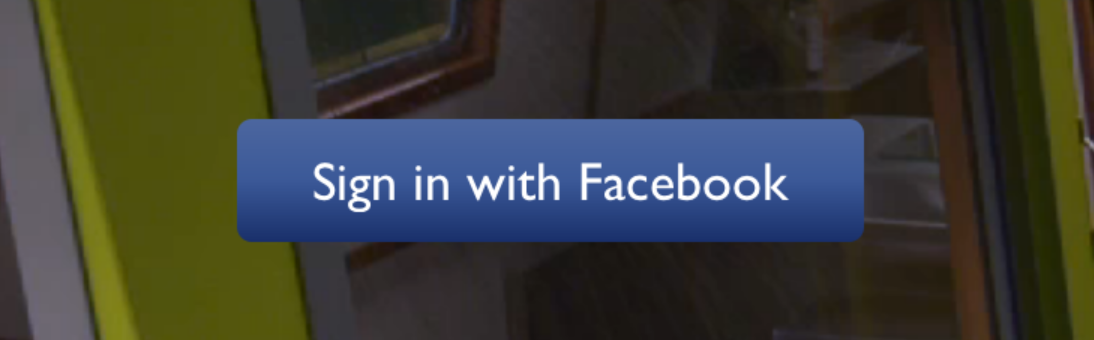
```javascript
import LinearGradient from 'linear-gradient-taro';
// Within your render function
Sign in with Facebook
```
### Horizontal gradient
Using the styles from above, set `start` and `end` like this to make the gradient go from left to right, instead of from top to bottom:
```javascript
Sign in with Facebook
```
### Animated Gradient
Check out [Examples/AnimatedGradient](https://github.com/react-native-linear-gradient/react-native-linear-gradient/blob/master/Examples/AnimatedGradient/App.js) (`git clone` this project, cd into it, npm install, open in Xcode and run) to see how this is done:
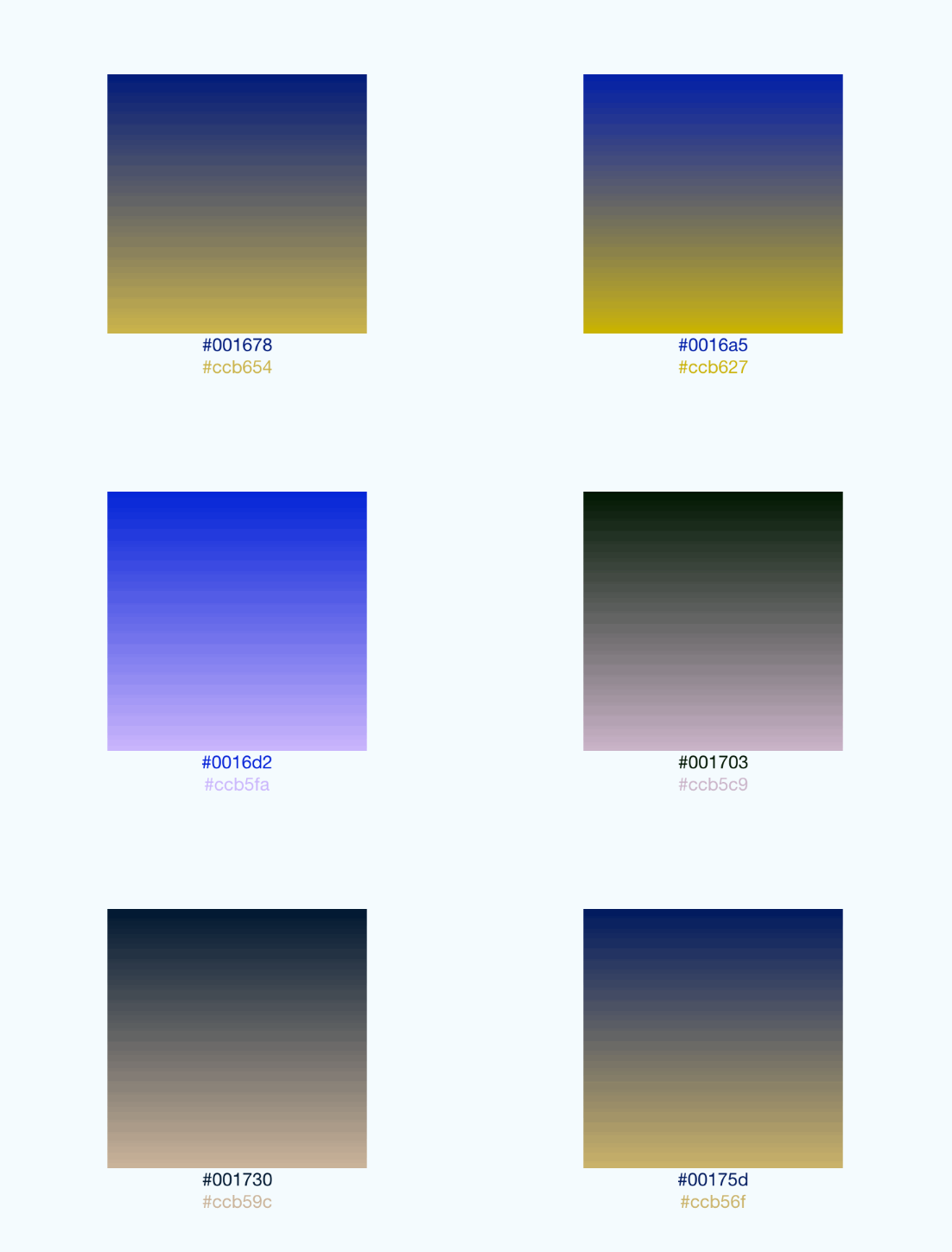
*This gif was created using [licecap](http://www.cockos.com/licecap/) - a great piece of free OSS*
### Transparent Gradient
The use of `transparent` color will most likely not lead to the expected result. `transparent` is actually a transparent black color (`rgba(0, 0, 0, 0)`). If you need a gradient in which the color is "fading", you need to have the same color with changing alpha channel. Example:
```jsx
// RGBA
// Hex
```
## Props
In addition to regular `View` props, you can also provide additional props to customize your gradient look:
#### colors
An array of at least two color values that represent gradient colors. Example: `['red', 'blue']` sets gradient from red to blue.
#### start
An optional object of the following type: `{ x: number, y: number }`. Coordinates declare the position that the gradient starts at, as a fraction of the overall size of the gradient, starting from the top left corner. Example: `{ x: 0.1, y: 0.1 }` means that the gradient will start 10% from the top and 10% from the left.
#### end
Same as start, but for the end of the gradient.
#### locations
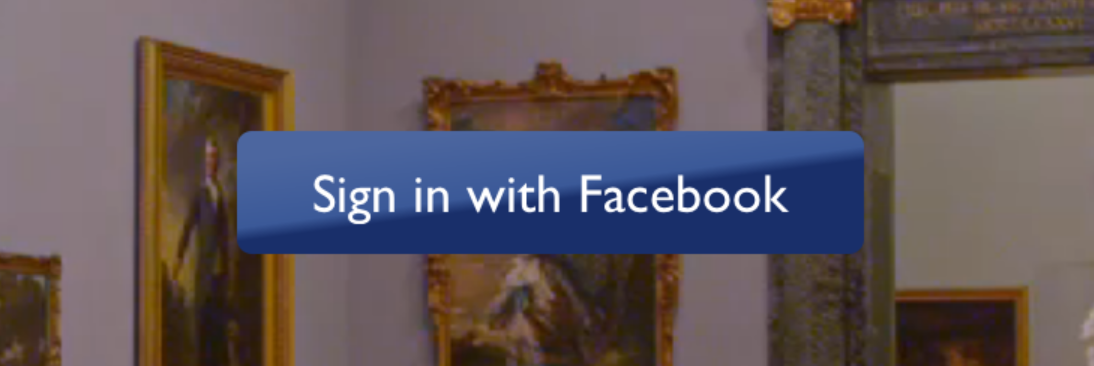
An optional array of numbers defining the location of each gradient color stop, mapping to the color with the same index in `colors` prop. Example: `[0.1, 0.75, 1]` means that first color will take 0% - 10%, second color will take 10% - 75% and finally third color will occupy 75% - 100%.
```javascript
Sign in with Facebook
```
#### useAngle / angle / angleCenter
You may want to achieve an angled gradient effect, similar to those in image editors like Photoshop.
One issue is that you have to calculate the angle based on the view's size, which only happens asynchronously and will cause unwanted flickr.
In order to do that correctly you can set `{ useAngle: true, angle: 45, angleCenter: { x: 0.5, y: 0.5} }`, to achieve a gradient with a 45 degrees angle, with its center positioned in the view's exact center.
`useAngle` is used to turn on/off angle based calculation (as opposed to `start`/`end`).
`angle` is the angle in degrees.
`angleCenter` is the center point of the angle (will control the weight and stretch of the gradient like it does in photoshop.