https://github.com/zhusiqing/picture_compression_tool
a picture compression tool
https://github.com/zhusiqing/picture_compression_tool
cli image koa2 react rollup
Last synced: about 1 year ago
JSON representation
a picture compression tool
- Host: GitHub
- URL: https://github.com/zhusiqing/picture_compression_tool
- Owner: zhusiqing
- Created: 2021-01-26T09:04:38.000Z (over 5 years ago)
- Default Branch: main
- Last Pushed: 2023-10-24T13:14:50.000Z (over 2 years ago)
- Last Synced: 2024-11-08T10:19:19.623Z (over 1 year ago)
- Topics: cli, image, koa2, react, rollup
- Language: CSS
- Homepage:
- Size: 572 KB
- Stars: 3
- Watchers: 2
- Forks: 0
- Open Issues: 0
-
Metadata Files:
- Readme: README.md
- Changelog: CHANGELOG.md
Awesome Lists containing this project
README
node-images-compress-cli
a image compression tool

## 先决条件
说明用户在安装和使用前,需要准备的一些先决条件,譬如:您需要安装或升级 [Node.js](https://nodejs.org/en/)(> = `12.* `,Npm 版本 >= `6.13.0 `,[Yarn](https://www.jeffjade.com/2017/12/30/135-npm-vs-yarn-detial-memo/) 作为首选)。
## 安装
```bash
# if npm
npm i node-images-compress-cli
# or
npm i -g node-images-compress-cli
# else if yarn
yarn add node-images-compress-cli
# or
yarn global add node-images-compress-cli
```
> 注意:非全局安装下,需要指定.bin下的文件或者使用`package.json`中的`scripts`
安装后会包含两个命令:
1. images-compress(命令行工具)
2. images-compress-web(web服务)
## 命令行工具
#### 基本语法
```bash
images-compress [...file|dir]
# eg: images-compress ./test .bg.jpg
```
> 注意:目前参数为文件夹目录时,支持嵌套目录
#### 参数
```
image-compress [options]
a picture compression tool
Options:
-V, --version output the version number
-q, --quality set picture quality, svg is invalid (default: "50")
-o, --output set picture output path
-h, --help display help for command
```
#### 功能
- [x] 批量压缩图片
- [x] 批量压缩文件夹中的图片
- [x] 支持压缩svg格式,采用```svgo```压缩
## web服务
#### 启动
``` bash
images-compress-web
```
#### 参数
```bash
# 指定服务启动端口,默认为5002
images-compress-web -p 5000
# or
images-compress-web --port 5001
```
#### 功能
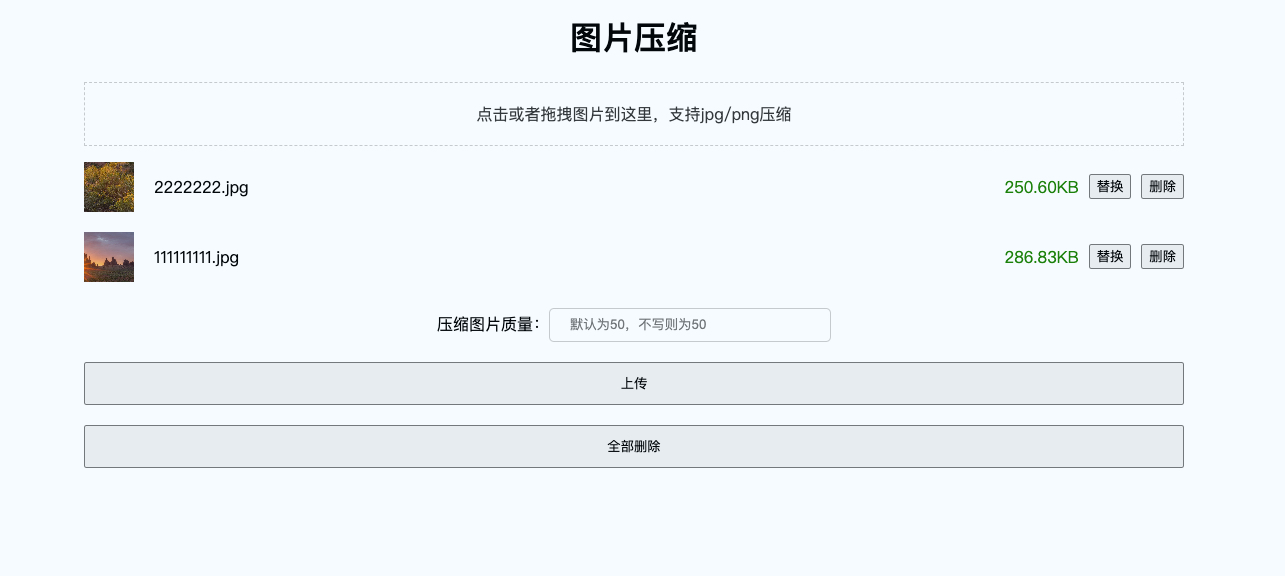
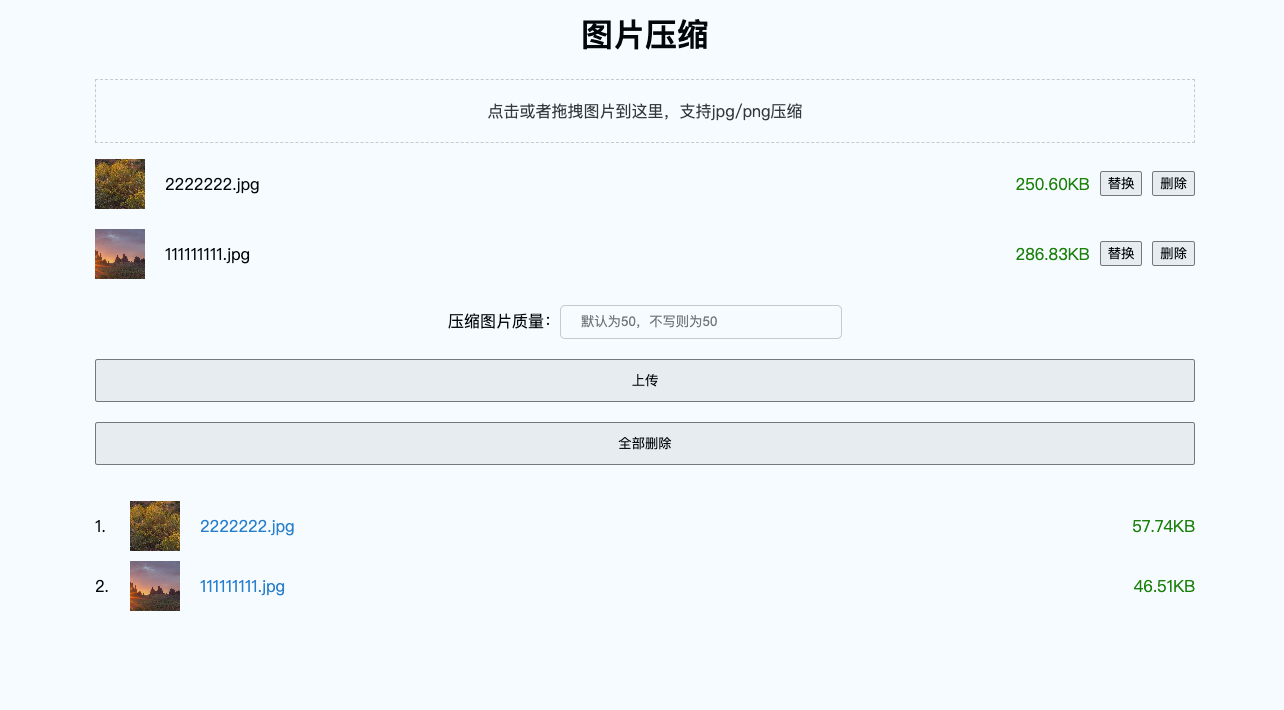
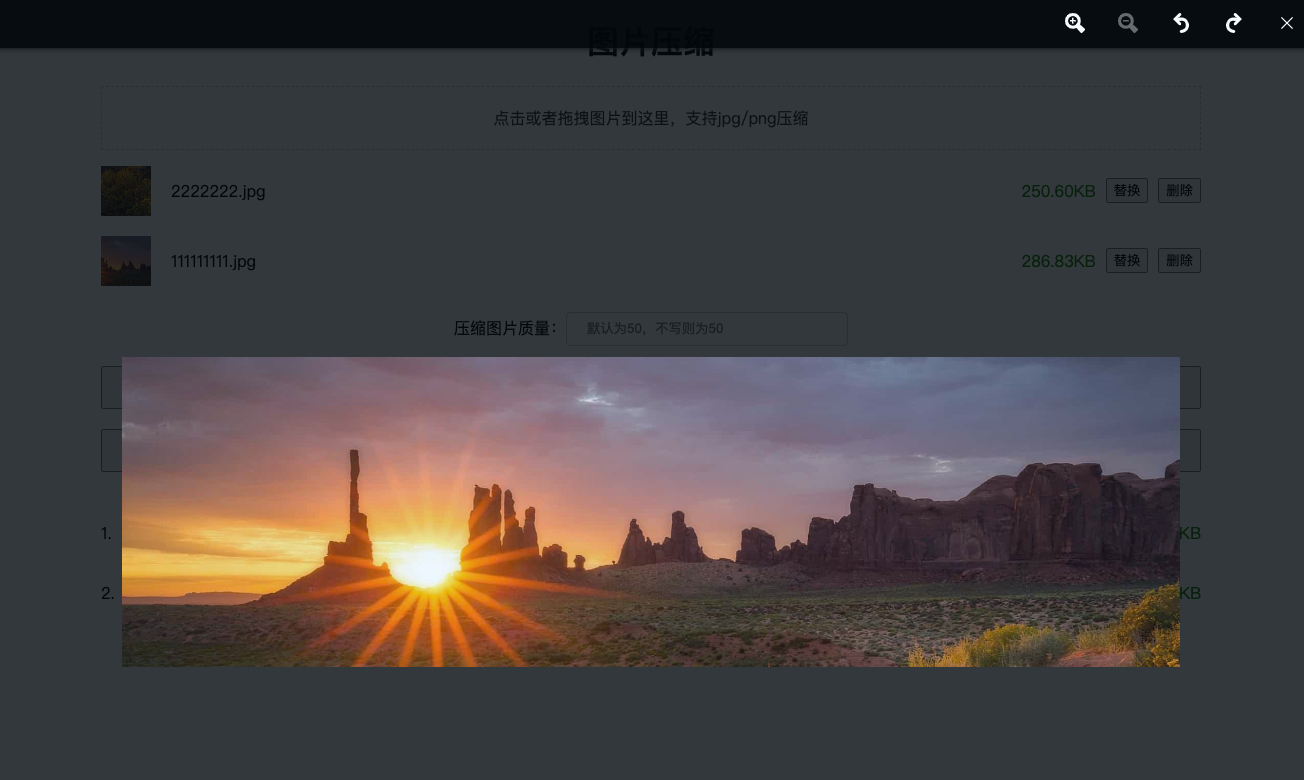
目前支持批量上传压缩和预览功能
- [x] 批量压缩图片
- [x] 批量压缩文件夹中的图片
- [x] 预览压缩前和预缩后图片
- [x] 压缩前和压缩后图片大小显示
- [x] 支持压缩svg格式,采用```svgo```压缩
#### 预览

## 本地执行
1. 依赖安装
```bash
npm i
## or
yarn
```
2. 执行
```bash
node index [...file|dir]
```
## 本地可视化版本
1. 一键启动
```bash
npm start
# or
yarn start
```
2. 页面构建
```bash
npm build
# or
yarn build
```
3. 页面开发
```bash
npm run dev
# or
yarn dev
```
4. 服务开发
```bash
npm run serve
# or
yarn serve
```
## 待办事项
- [x] 增加本地web版可视化页面工具
- [x] 目前的压缩后统一转换成.jpg格式,后续支持png压缩
- [x] 支持压缩svg格式,采用```svgo```压缩
- [x] 支持import方式导入
- [ ] 命令行增加png转jpg,jpg转png
- [ ] web版增加png和jpg之间互转
- [ ] 优化可视化页面视觉效果
- [ ] 支持ts
- [ ] 陆续增加一些功能,比如支持cdn?
## 执照
[MIT](http://opensource.org/licenses/MIT)
版权所有 (c) 2021-至今,[zhusiqing](https://github.com/zhusiqing)。