https://github.com/zichen04/no-exercise-no-entertainment
personal project to learn chrome extension development and mess around with openCV
https://github.com/zichen04/no-exercise-no-entertainment
chrome-extension computer-vision
Last synced: about 1 year ago
JSON representation
personal project to learn chrome extension development and mess around with openCV
- Host: GitHub
- URL: https://github.com/zichen04/no-exercise-no-entertainment
- Owner: zichen04
- Created: 2024-09-21T06:59:00.000Z (almost 2 years ago)
- Default Branch: main
- Last Pushed: 2024-10-22T04:43:01.000Z (over 1 year ago)
- Last Synced: 2025-06-20T23:06:31.718Z (about 1 year ago)
- Topics: chrome-extension, computer-vision
- Language: Python
- Homepage:
- Size: 2.57 MB
- Stars: 0
- Watchers: 1
- Forks: 0
- Open Issues: 0
-
Metadata Files:
- Readme: README.md
Awesome Lists containing this project
README
# No Exercise No Entertainment
I've been lacking in the exercise department. So I came up with this project, the idea is that this program will detect when i have a youtube video playing. And every 10 minutes it will pause my video and freeze my mouse and keyboard input (so i can't unpause). My inputs will be frozen until 10 pushups are done.
The idea originally started as "homeworkout" as in, homework workout. Instead of youtube, I was going to make myself do pushups while I was doing homework. However I realized this was a bad idea, because I would end up putting off both homework and exercise.
**As for the pushup detection algorithm.** I am using OpenCV and the built in KCF tracking to track my person. Originally, I was trying to create my own tracking algorithm with mask and contours. However countours would often track things I didn't want tracked, like it would track my shadow. So I read into the tracking algorithms available in the openCV library and felt KCF tracking was the best for my use case. This was an article that helped a lot -> https://broutonlab.com/blog/opencv-object-tracking/
Here is a video demo of pushup tracking (redirect to youtube): [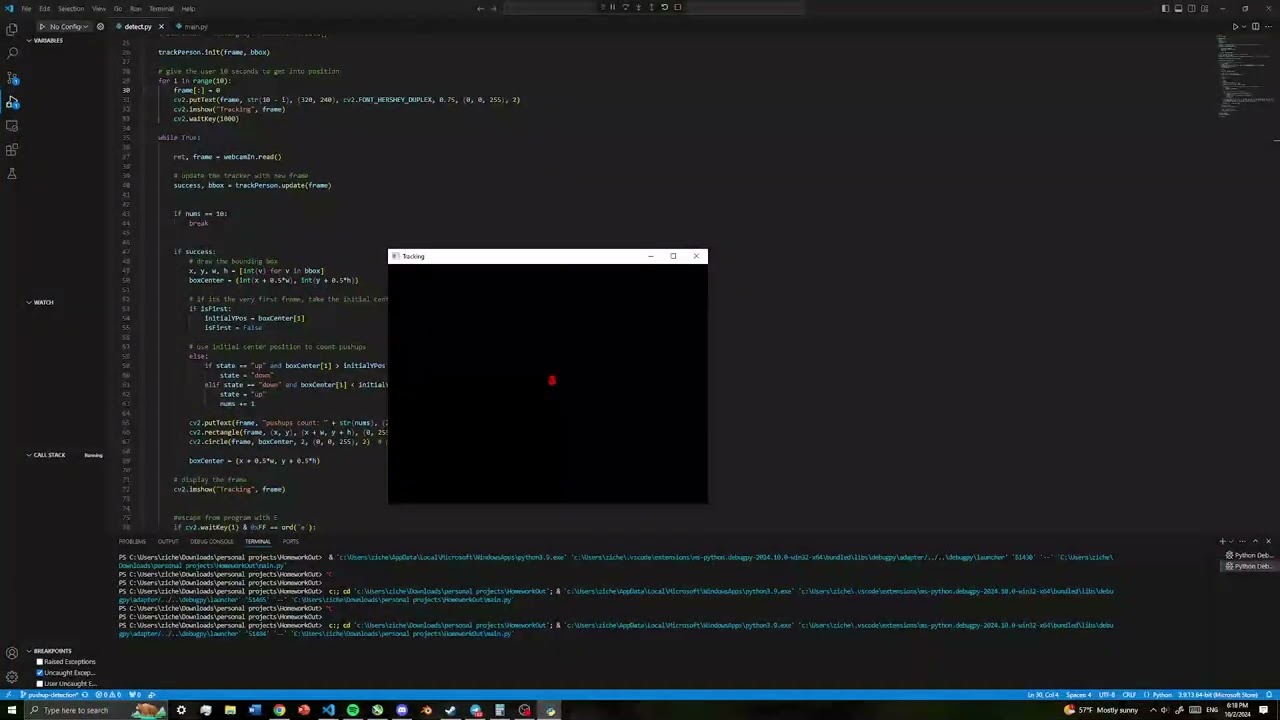](https://www.youtube.com/watch?v=bSQHON3_J4s)
**For detecting whether or not youtube is playing a video.** I created a chrome extension which keeps track of how long you've been watching for. Previously I tried to use easyocr library with python, however that implementation had significant drawbacks. It was taking a frames from the display, and checking if there is a youtube . com / watch, and it also checks for if a certain threshold of movement on the screen. So it didn't work if the youtube video is fullscreened, and also if it was a video with not a lot of movement on screen.
The Chrome extension keeps track of how long the user has watched youtube for.

Every 10 minutes, the extension communicates to the python code via a Flask local server. Inputs are frozen and the pushup detection is triggered.
**To run this**
go to chrome://extensions/ and load unpacked, choose the "extensions" folder
Make sure that you run command prompt as administrator, and run the main.py file.
Currently working on a full youtube video demoing this :3