https://github.com/zients/vue-node-online-chess
https://github.com/zients/vue-node-online-chess
Last synced: 2 months ago
JSON representation
- Host: GitHub
- URL: https://github.com/zients/vue-node-online-chess
- Owner: zients
- Created: 2019-10-31T08:10:29.000Z (over 6 years ago)
- Default Branch: master
- Last Pushed: 2023-01-04T23:51:40.000Z (over 3 years ago)
- Last Synced: 2026-03-23T18:30:57.775Z (3 months ago)
- Language: JavaScript
- Size: 2.28 MB
- Stars: 0
- Watchers: 1
- Forks: 0
- Open Issues: 34
-
Metadata Files:
- Readme: README.md
Awesome Lists containing this project
README
# Catalog/目錄
## English
[GettingStarted](#GettingStarted)
[GameRoom](#GameRoom)
[LoginRegister](#LoginRegister)
## 中文
[啟動](#啟動)
[簡介](#簡介)
[遊戲房間](#遊戲房間)
[登入註冊](#登入註冊)
# GettingStarted
Hello, you can start this project by installing Vue and others modules with front-end and back-end by npm.
```
$ npm install
```
Then, we need to run the front-end and backend server.
## Vue
```
$ npm run serve
```
## Node
```
$ npm run start
```
# Introduction
This is an online chess game where players can play with others.
The front-end is developed by vue.
Manage the statement by vuex and config the router by vue-router.
I choose socket.io to build the real-time online chess application.
The back-end is developed by node/express.
It receives requests, including chess board and login/registration info, etc.
And mongoDB, NoSQL, will save data which pass by Joi validation.
# GameRoom
After you login, you can enter the room to play and chat with other players.
So first you choose the room from the room list and join.
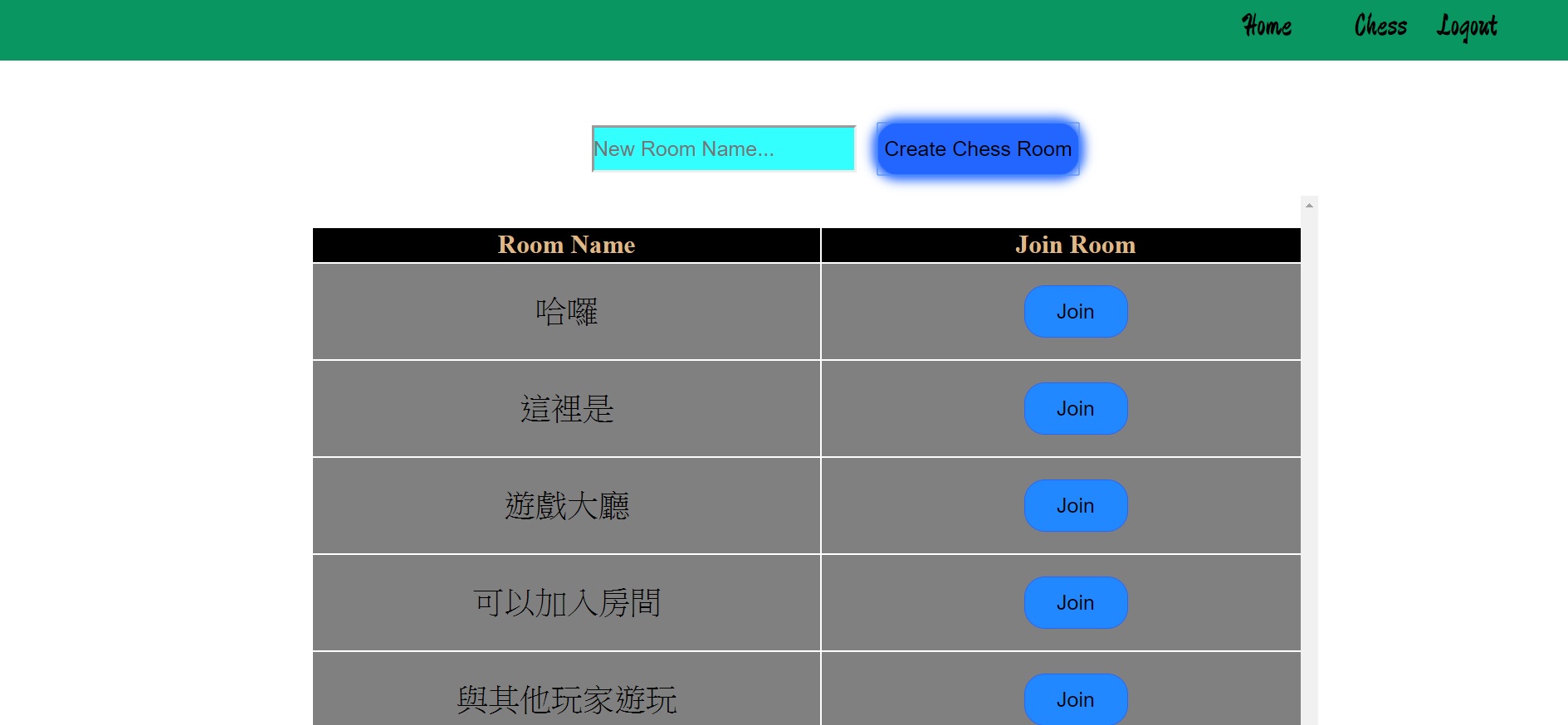
If you enter the room paramaters and this room is not exist, you will return the room list.
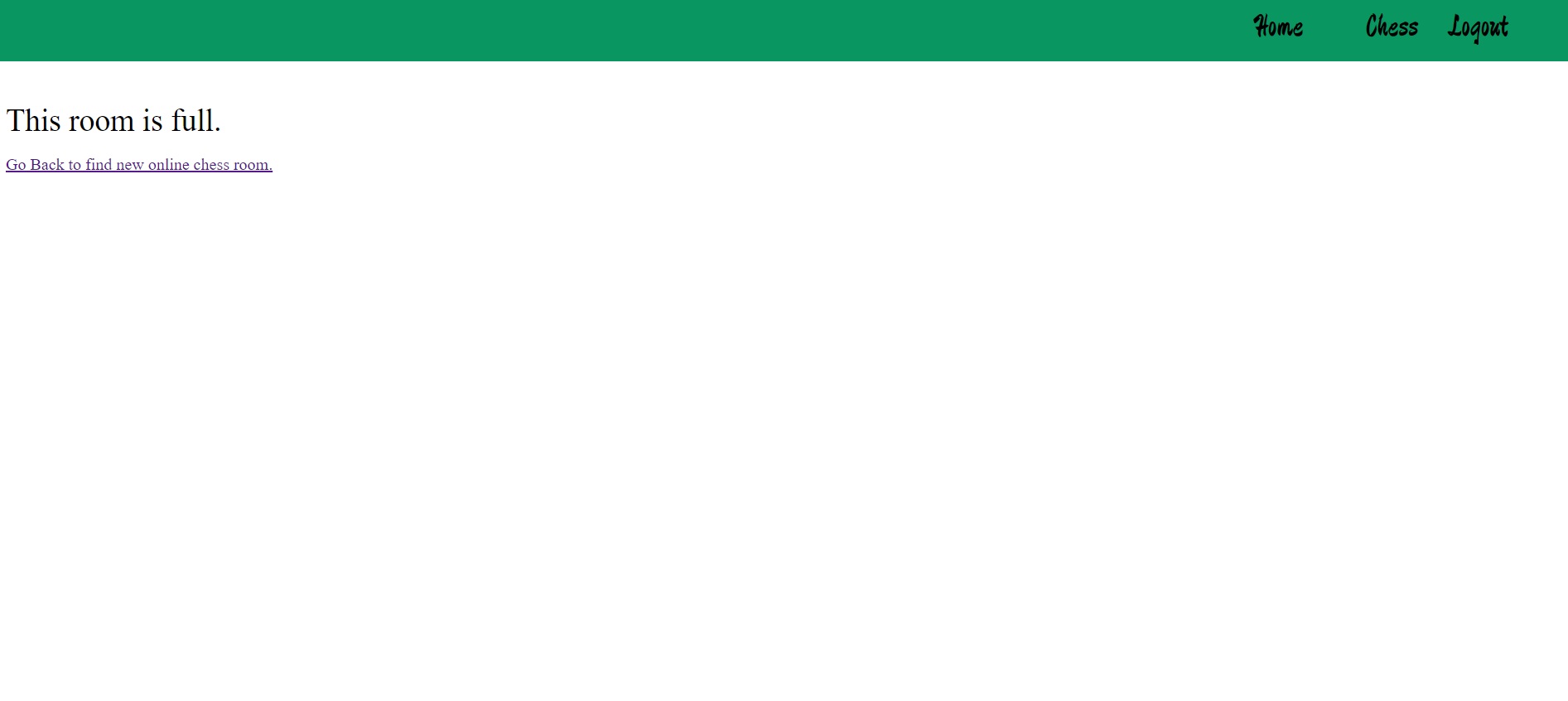
If the room is full, you will quit by system. Then, you need to find the new room.
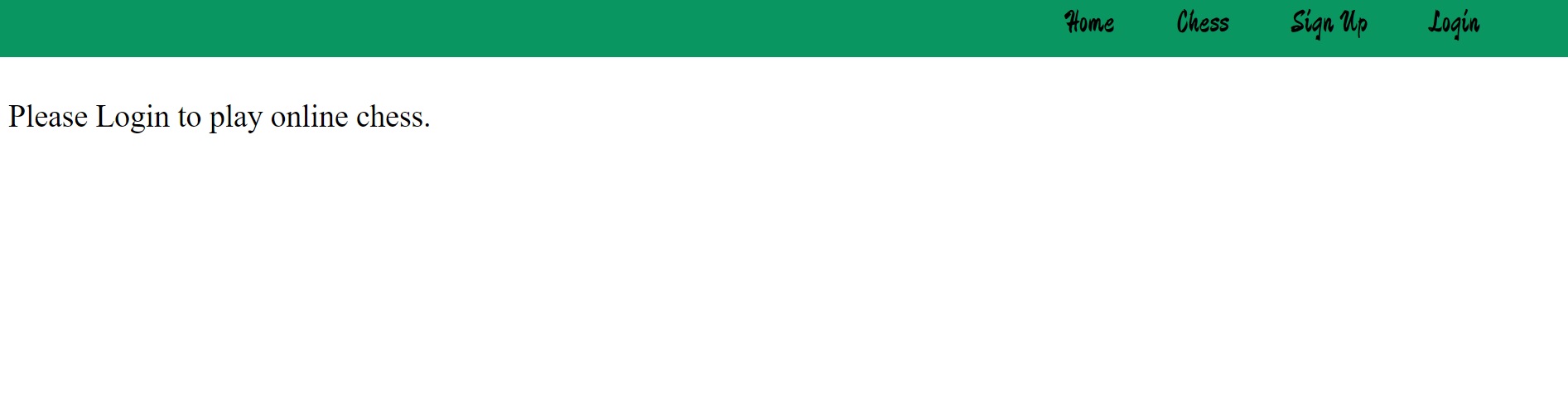
If you aren't login, you can't play with others.
When you enter the room, client will emit the userid and room name from vuex by socket.io. Server will save these info.
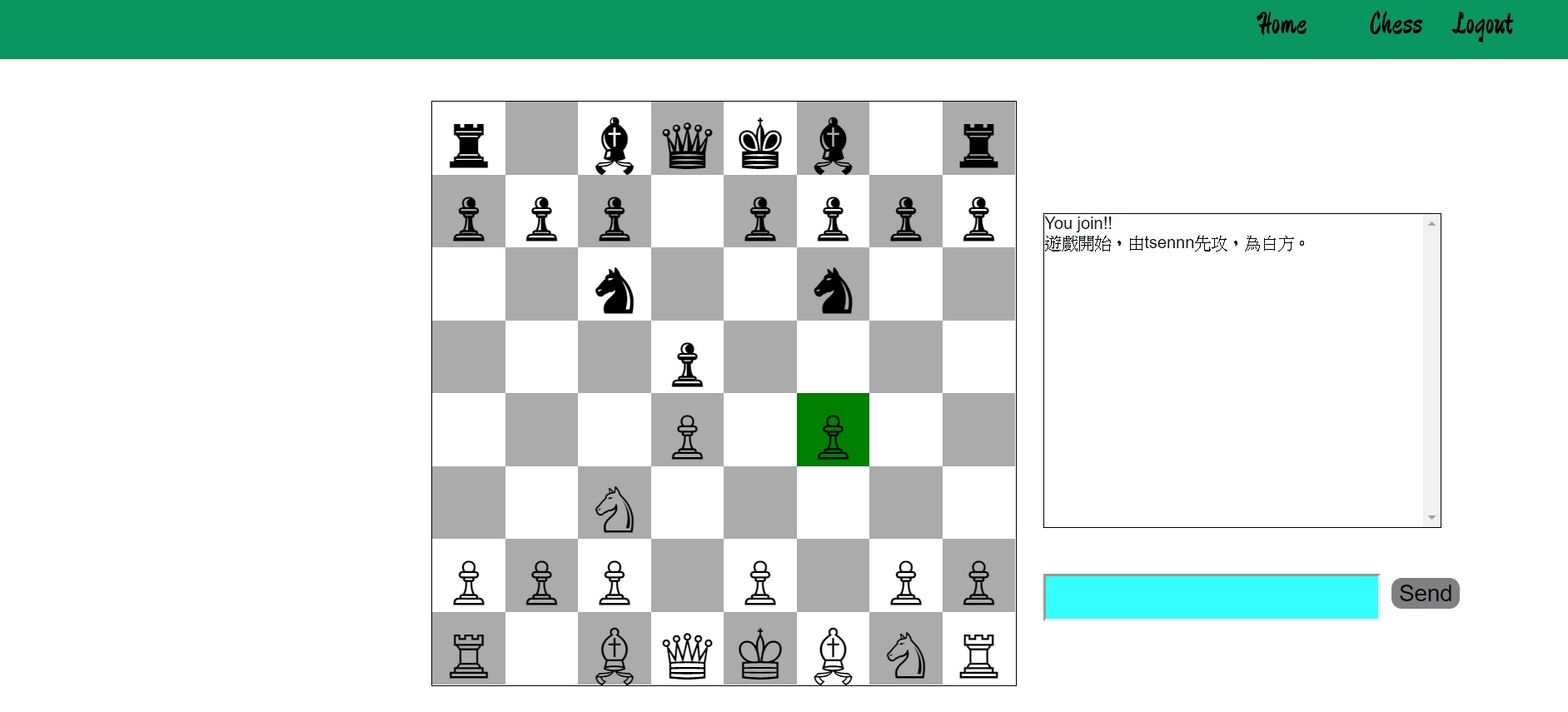
After entering the room, the chess board lock until another player enter. Otherwise, when this turn is not your turn, your chess board will lock.
However, one player leaves room or win the chess game. system will reset the chess board after 5 seconds.
```
race setting:
turn: true, true:white turn false: black turn
gamewatching: true true:can move piece
```
```
socket server:
socket.on("sendMsg", (msg, userid, roomName) => {
socket.to(roomName).emit("recMsg", { msg, userid });
});
....
socket client:
this.$socket.emit("sendMsg", this.msgInput, this.userid, this.roomName);
```
```
Vue socket.io setting:
import VueSocketIO from "vue-socket.io";
import io from "socket.io-client";
Vue.use(
new VueSocketIO({
debug: true,
connection: io("http://localhost:1111"),
vuex: {}
})
);
```
If player leaves room, the socket.io listener will be unsubscribed to avoid the multiple same listener when web mount the same component.
```
beforeRouteLeave(to, from, next) {
this.sockets.unsubscribe("recMsg");
...
}
mounted(){
this.sockets.subscribe("recMsg", data => {
this.appendMsg(`${data.userid}:${data.msg}`);
});
}
```
# LoginRegister
Login:
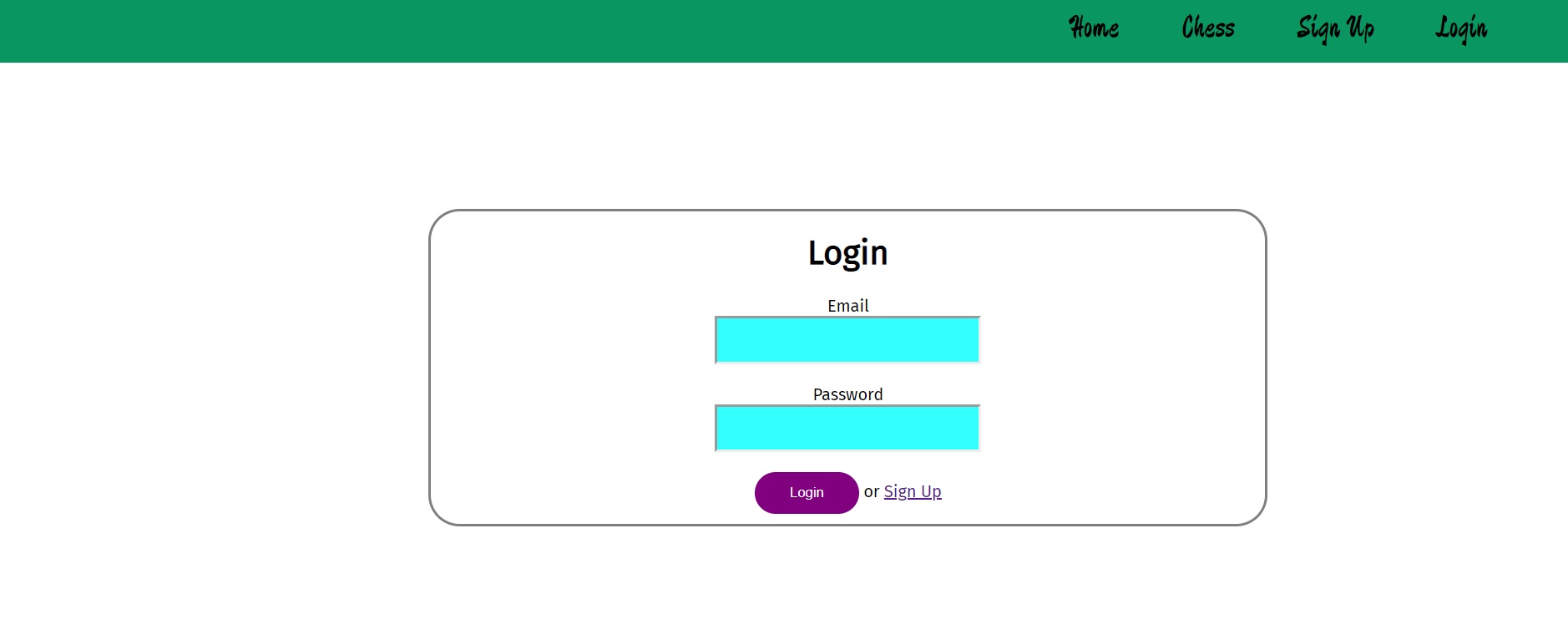
Registration:
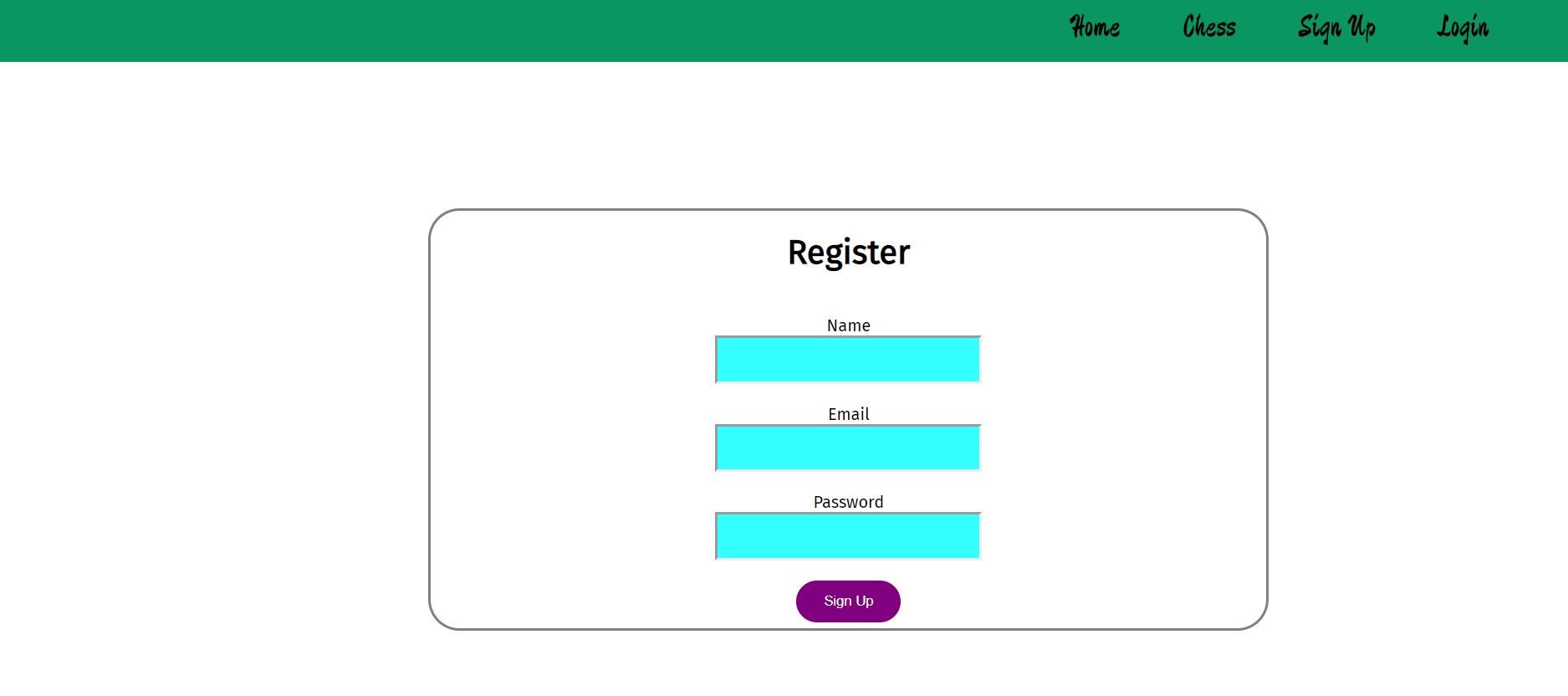
First, I set the model to process the account info.
```
DataBase setting:
.env:
DB_CONNECT = your mongoDB setting
server:
const mongoose = require("mongoose");
const dotenv = require("dotenv");
dotenv.config();
mongoose.connect(
process.env.DB_CONNECT,
{ useNewUrlParser: true, useUnifiedTopology: true },
() => {
console.log("connect to db");
}
);
```
```
schema setting:
const userSchema = new mongoose.Schema({
name: {
type: String,
required: true,
max: 255,
min: 6
},
....
```
Express router configs the API router.
Joi validates the info ,then byscript hashes the password.
```
Joi:
const schema = Joi.object({
name: Joi.string()
.min(6)
.required(),
....
....
return schema.validate(data);
byscript:
const salt = await bcrypt.genSalt(10);
const hashpwd = await bcrypt.hash(req.body.password, salt);
```
If the account email is existed when you register, system will send error message.
```
const emailExist = await User.findOne({ email: req.body.email });
if (emailExist) {
return res.status(400).send("Email already exists");
}
```
When you login, system will check the mongoDB account table.
```
const user = await User.findOne({ email: req.body.email });
if (!user) {
return res.status(400).send("Email or password is wrong.");
}
const validPass = await bcrypt.compare(req.body.password, user.password);
if (!validPass) {
return res.status(400).send("Invalid password");
}
```
When registration examination is ok , model will help me deal with the account info, then save to mongoDB.
```
const user = new User({
name: req.body.name,
email: req.body.email,
password: hashpwd
});
try {
const savedUser = await user.save();
res.send(user._id);
} catch (err) {
res.status(400).send(err);
}
```
When you login, system will authorize and send token and userid.
```
const username = user.name;
const token = jwt.sign({ _id: user.id }, process.env.TOKEN_SECRET);
res
.header("auth-token", { token: token, userid: username })
.send({ token: token, userid: username });
```
Vuex manage the statement, including the authorization info.
This is state, mutations settings.
If you are interested in actions settings or detail statement info, you can get from store.js.
```
state:
token: localStorage.getItem("token") || null,
userid: localStorage.getItem("userid") || null,
type: "",
error: null
mutations:
Auth_Start(state)
...,
Auth_Success(state, token, userid)
...,
Auth_Fail(state)
...,
Auth_Logout(state)
...,
actions:
login({ commit }, user)
...
... ,
register({ commit }, user)
...
... ,
logout({ commit })
...
... ,
```
# 啟動
## 前端
Vue/Vuex 開發。
請先安裝 Node 與 Npm。
並輸入下面的指令安裝 modules。
```
$ npm install
```
啟動伺服器
```
$ npm run serve
```
預設 Port 為 8080,位於 localhost。
此外也可以經由 Build 使用打包後的版本。
## 後端
Node/Express 開發。
安裝所需 modules。
```
$ npm install
```
安裝完成後,啟動伺服器 Server。
```
$ npm run start
```
# 簡介
這是一個線上西洋棋網站,玩家可以在網路上與其他人進行即時對戰。
前端使用 Vue 來處理,使用 Router 設定路由,搭配棋子移動與棋子繪製的模塊,使用 Socket.io 來傳遞即時資料等,讓雙方玩家可以享受即時對戰的樂趣。
後端則是會處理接受到的資訊,登入註冊方面設定 model 以及 API,連接 mongoDB 並儲存,
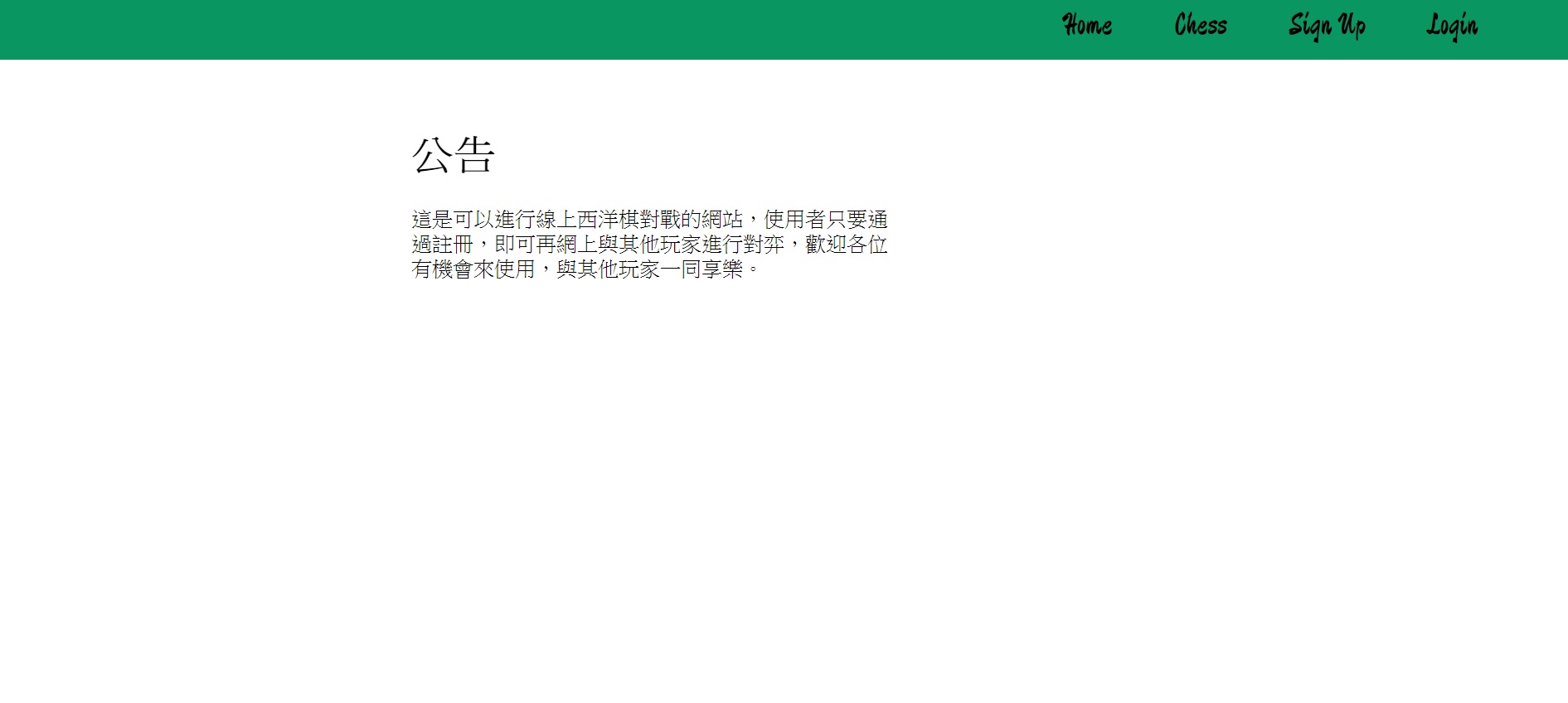
首頁可以張貼一些相關公告。
# 遊戲房間
使用者登入後可以進入房間與其他玩家遊玩,而且可以與其他玩家聊天。
所以要先從房間清單,尋找自己想玩的房間並加入。
如果房間並未存在,玩家會自動彈出,重新尋找房間。
如果房間人數已達兩人,第三個進去的玩家會被系統彈出,請重新尋找房間。
當然,如果您未登入,將無法進行遊玩。
進入房間時,socket.io 會發送 Vuex 儲存的帳號名稱,和房間名稱,讓伺服器知道是誰進入了這個房間。
進入房間後,棋盤功能會被鎖定,直到有其他玩家加入,在下棋過程中如果不是你的回合,有人離開房間,或是勝利了,功能亦會被鎖定,而後兩者會將棋盤重置。
```
race setting:
turn: true, true:white turn false: black turn
gamewatching: true true:can move piece
```
```
socket server:
socket.on("sendMsg", (msg, userid, roomName) => {
socket.to(roomName).emit("recMsg", { msg, userid });
});
....
socket client:
this.$socket.emit("sendMsg", this.msgInput, this.userid, this.roomName);
```
```
Vue socket.io setting:
import VueSocketIO from "vue-socket.io";
import io from "socket.io-client";
Vue.use(
new VueSocketIO({
debug: true,
connection: io("http://localhost:1111"),
vuex: {}
})
);
```
而當玩家離開房間時,會 unsubscribe socket 的監聽器,以免引發效能以及 SPA 多個監聽器等問題。
```
beforeRouteLeave(to, from, next) {
this.sockets.unsubscribe("recMsg");
...
}
mounted(){
this.sockets.subscribe("recMsg", data => {
this.appendMsg(`${data.userid}:${data.msg}`);
});
}
```
# 登入註冊
登入頁面:
註冊頁面:
基本上這兩個原理是相同的,首先會設定 model,來處理相關資訊。
```
DataBase setting:
.env:
DB_CONNECT = your mongoDB setting
server:
const mongoose = require("mongoose");
const dotenv = require("dotenv");
dotenv.config();
mongoose.connect(
process.env.DB_CONNECT,
{ useNewUrlParser: true, useUnifiedTopology: true },
() => {
console.log("connect to db");
}
);
```
```
schema setting:
const userSchema = new mongoose.Schema({
name: {
type: String,
required: true,
max: 255,
min: 6
},
....
```
之後使用 Express Router 設定 API 的相關路由。
再來使用設定好的 model schema,搭配 Joi 檢查 Post 的資訊符不符合設定標準、由 byscript 來 hash 我們的密碼。
```
Joi:
const schema = Joi.object({
name: Joi.string()
.min(6)
.required(),
....
....
return schema.validate(data);
byscript:
const salt = await bcrypt.genSalt(10);
const hashpwd = await bcrypt.hash(req.body.password, salt);
```
註冊時會先檢查帳號是否已存在。
```
const emailExist = await User.findOne({ email: req.body.email });
if (emailExist) {
return res.status(400).send("Email already exists");
}
```
而登入時會檢查帳號與密碼是否相符。
```
const user = await User.findOne({ email: req.body.email });
if (!user) {
return res.status(400).send("Email or password is wrong.");
}
const validPass = await bcrypt.compare(req.body.password, user.password);
if (!validPass) {
return res.status(400).send("Invalid password");
}
```
註冊方面確定都沒問題會依照 Schema 將資料放置於 mongoDB 內。
```
const user = new User({
name: req.body.name,
email: req.body.email,
password: hashpwd
});
try {
const savedUser = await user.save();
res.send(user._id);
} catch (err) {
res.status(400).send(err);
}
```
登入成功則會給予 token,使用 jwt,並回傳 token 與 userid。
```
const username = user.name;
const token = jwt.sign({ _id: user.id }, process.env.TOKEN_SECRET);
res
.header("auth-token", { token: token, userid: username })
.send({ token: token, userid: username });
```
而傳到前端的資訊會由 Vuex 進行狀態管理,登入註冊的觸發細節位於 actions,在此為一些基本設定。
```
state:
token: localStorage.getItem("token") || null,
userid: localStorage.getItem("userid") || null,
type: "",
error: null
mutations:
Auth_Start(state)
...,
Auth_Success(state, token, userid)
...,
Auth_Fail(state)
...,
Auth_Logout(state)
...,
actions:
login({ commit }, user)
...
... ,
register({ commit }, user)
...
... ,
logout({ commit })
...
... ,
```