https://github.com/zortax/zlaunch
Fast wayland application launcher
https://github.com/zortax/zlaunch
gpui hyprland launcher niri rust wayland
Last synced: 4 months ago
JSON representation
Fast wayland application launcher
- Host: GitHub
- URL: https://github.com/zortax/zlaunch
- Owner: zortax
- License: mit
- Created: 2025-11-26T14:33:35.000Z (8 months ago)
- Default Branch: main
- Last Pushed: 2026-03-27T22:37:09.000Z (4 months ago)
- Last Synced: 2026-03-28T05:07:43.184Z (4 months ago)
- Topics: gpui, hyprland, launcher, niri, rust, wayland
- Language: Rust
- Homepage: https://zlaunch.zortax.de
- Size: 470 KB
- Stars: 190
- Watchers: 5
- Forks: 11
- Open Issues: 10
-
Metadata Files:
- Readme: README.md
- License: LICENSE
Awesome Lists containing this project
README
# zlaunch


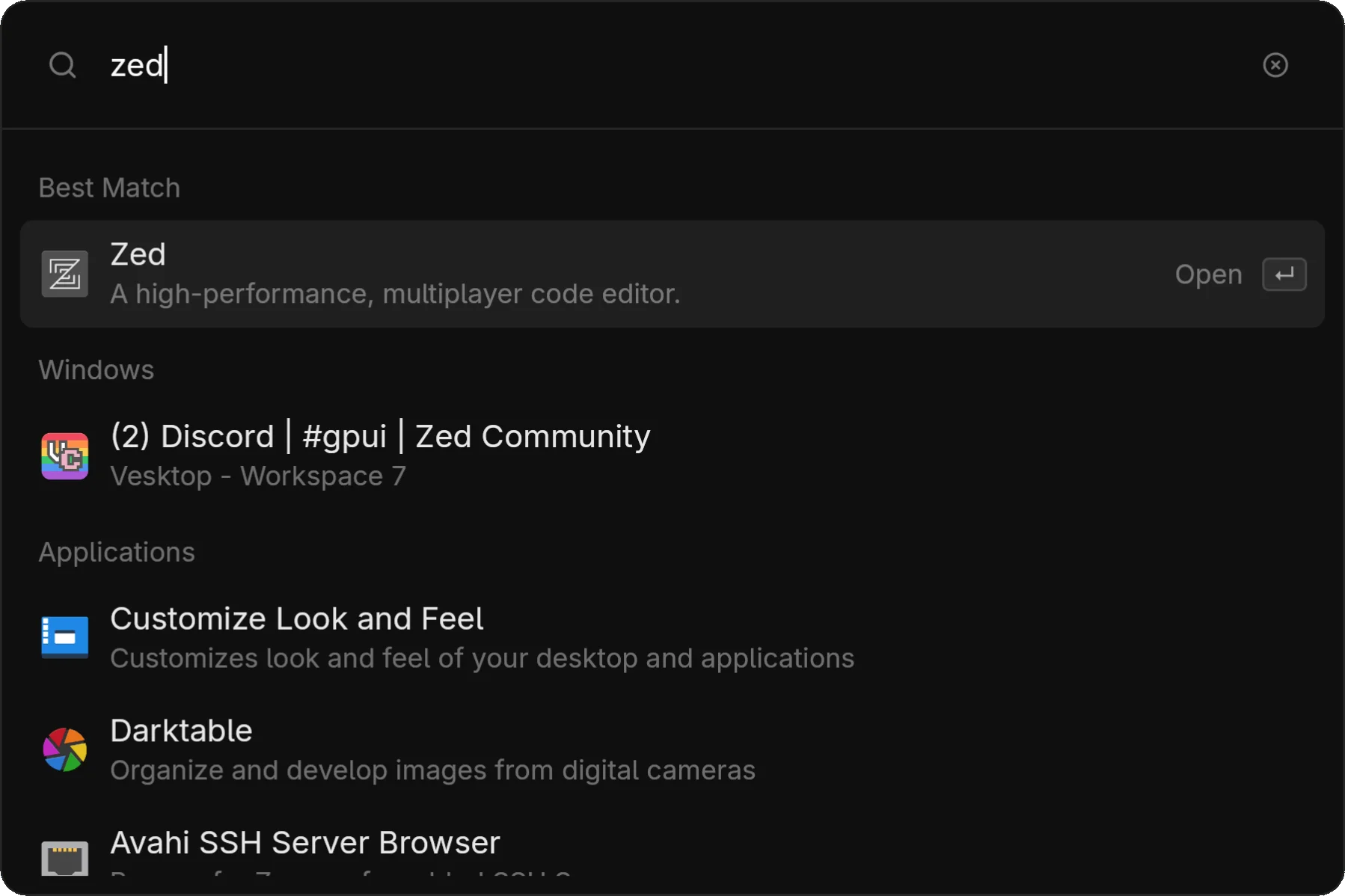
A fast application launcher and window switcher for Linux Wayland, built with
[GPUI](https://github.com/zed-industries/zed).
**[Website](https://zlaunch.zortax.de)** · **[Documentation](https://zlaunch.zortax.de/docs)**
---
---
Demo video
## Features
- **Application launching** — Fuzzy search through desktop entries with icons
- **Window switching** — Switch between open windows (Hyprland, Niri, KWin)
- **Calculator** — Evaluate math expressions and copy the result to clipboard
- **Web search** — Search Google, DuckDuckGo, Wikipedia, YouTube, and more
- **Emoji picker** — Searchable emoji grid
- **Clipboard history** — Browse and paste from clipboard history
- **AI mode** — Query local or cloud LLMs with streaming responses
- **Theming** — 15 bundled themes plus custom theme support
- **Daemon architecture** — Runs in the background for instant response
## Installation
### Arch Linux
Available on the AUR as [`zlaunch-bin`](https://aur.archlinux.org/packages/zlaunch-bin) or [`zlaunch-git`](https://aur.archlinux.org/packages/zlaunch-git).
### Nix / NixOS
```nix
{
inputs = {
zlaunch.url = "github:zortax/zlaunch/0.5.0";
};
}
```
The package is available as `zlaunch.packages.${pkgs.system}.default`. A Home
Manager module is available as `zlaunch.homeManagerModules.default` (for
details see [Installation Instructions](https://zlaunch.zortax.de/docs/getting-started/installation)).
### Building from source
```bash
cargo build --release
```
If you have Nix installed, you can use `nix develop` for a preconfigured dev
shell with all dependencies.
## Quick Start
```bash
zlaunch # Start the daemon
zlaunch toggle # Toggle the launcher (bind this to a key)
```
See the [documentation](https://zlaunch.zortax.de/docs) for configuration, theming, keybindings, and more.
## License
MIT