https://github.com/zutto/gpt.vim
https://github.com/zutto/gpt.vim
Last synced: about 1 year ago
JSON representation
- Host: GitHub
- URL: https://github.com/zutto/gpt.vim
- Owner: zutto
- Created: 2023-07-12T09:18:44.000Z (almost 3 years ago)
- Default Branch: main
- Last Pushed: 2025-04-15T07:47:07.000Z (about 1 year ago)
- Last Synced: 2025-05-05T14:10:27.874Z (about 1 year ago)
- Language: Vim Script
- Size: 16.6 KB
- Stars: 3
- Watchers: 2
- Forks: 0
- Open Issues: 0
-
Metadata Files:
- Readme: README.md
Awesome Lists containing this project
README
# gpt.vim
(unfinished but working project, you may encounter problems.)
A plugin for interfacing with general purpose text models, such as openai-chatgpt, localai, etc.
Works with vim and neovim.
## TODO
* Implement a localai backend as a demo back
* Implement proper openai backend
* Tidy the code and remove wonk
* Reset function for the sessions
* (MAYBE) option to change session on the fly to enable multiple contexts for the backend.
* The `Gpt` command is quite wonky but seems useful, needs quite bit of fixing & rewriting.
## Goals
* vim & neovim compatible codebase
* small & simple
* Heavy lifting should be done by the "backend". Openai is not the only player anymore, local & private general purpose language models exist.
* simple interface with the backends using pipes.
## Requirements
An application that accepts a stdin stream of JSON. Such an application can be found at [github.com/zutto/python-chatgpt-vimbackend (WIP)](https://github.com/zutto/python-chatgpt-vimbackend), [github.com/mattn/chatgpt](https://github.com/mattn/chatgpt) or [sample bash backend](https://github.com/zutto/gpt.vim/tree/main/sample_bash_backend). You can also build your own simple piped handling.
Example of the JSON stream:
```
{"model": "gpt-4", "text":"Hello world", "systemrole":"custom role", "session": ""}
```
Sessions are just different chat sessions, so for completion you could use `completion` as session name, for chat just `chat`.
Example of the output stream expected from the application:
```
{"eof": false, "error": "", "text": "", notification: ""}
{"eof": false, "error": "", "text": "Hello", notification: ""}
{"eof": false, "error": "", "text": "!", notification: ""}
{"eof": false, "error": "", "text": " How", notification: ""}
{"eof": false, "error": "", "text": " can", notification: ""}
{"eof": false, "error": "", "text": " I", notification: ""}
{"eof": false, "error": "", "text": " assist", notification: ""}
{"eof": false, "error": "", "text": " you", notification: ""}
{"eof": false, "error": "", "text": " today", notification: ""}
{"eof": false, "error": "", "text": "?", notification: ""}
{"eof": false, "error": "", "text": "", notification: ""}
{"eof": false, "error": "", "text": "", notification: ""}
{"eof": true, "error": "", "text": "", notification: ""}
```
Reset session (cleans the conversations, resets the underlying chatsession,
reauthenticates, etc):
```
{"model": "gpt-4", "text":""", "systemrole":"","session": "", "reset"="true"}
```
## Settings
- `g:chatgpt_bin` - Location of the program this plugin interfaces with. Default value: `['python3.11', '/usr/local/bin/chatgpt']`. Example:
```vim
let g:chatgpt_bin = ['python3.11', '/usr/local/bin/chatgpt']
```
- `g:chatgpt_role` - Role to set for the assistant. This is a great place to use augroups to set different roles for different files. The program that interfaces with this plugin should handle updating the role for the assistant as needed. Example:
```vim
let g:chatgpt_role = "You are a helpful commit writer who likes to write easy to understand and compact commit messages."
```
- `g:chatgpt_role_completion` - same as `g:chatgpt_role` but for completion requests.
## Commands
- `Chatgpt` - Calls the assistant. Note: You highlight contents with visual mode. The highlighted contents will be sent to the assistant along with your request.
- `Gpt` - Calls the assistant with completion session, using the completion role. This may be wonky, as this uses chat session for completion. Mainly made for fun.
- `ChatgptSetRole` - Set a custom role on the fly.
## Credits
mattn's project was an inspiration for this project. This is basically a personal rewrite of the original project: [github.com/mattn/vim-chatgpt](https://github.com/mattn/vim-chatgpt). Give mattn all the love.
## Demo
normal usage
[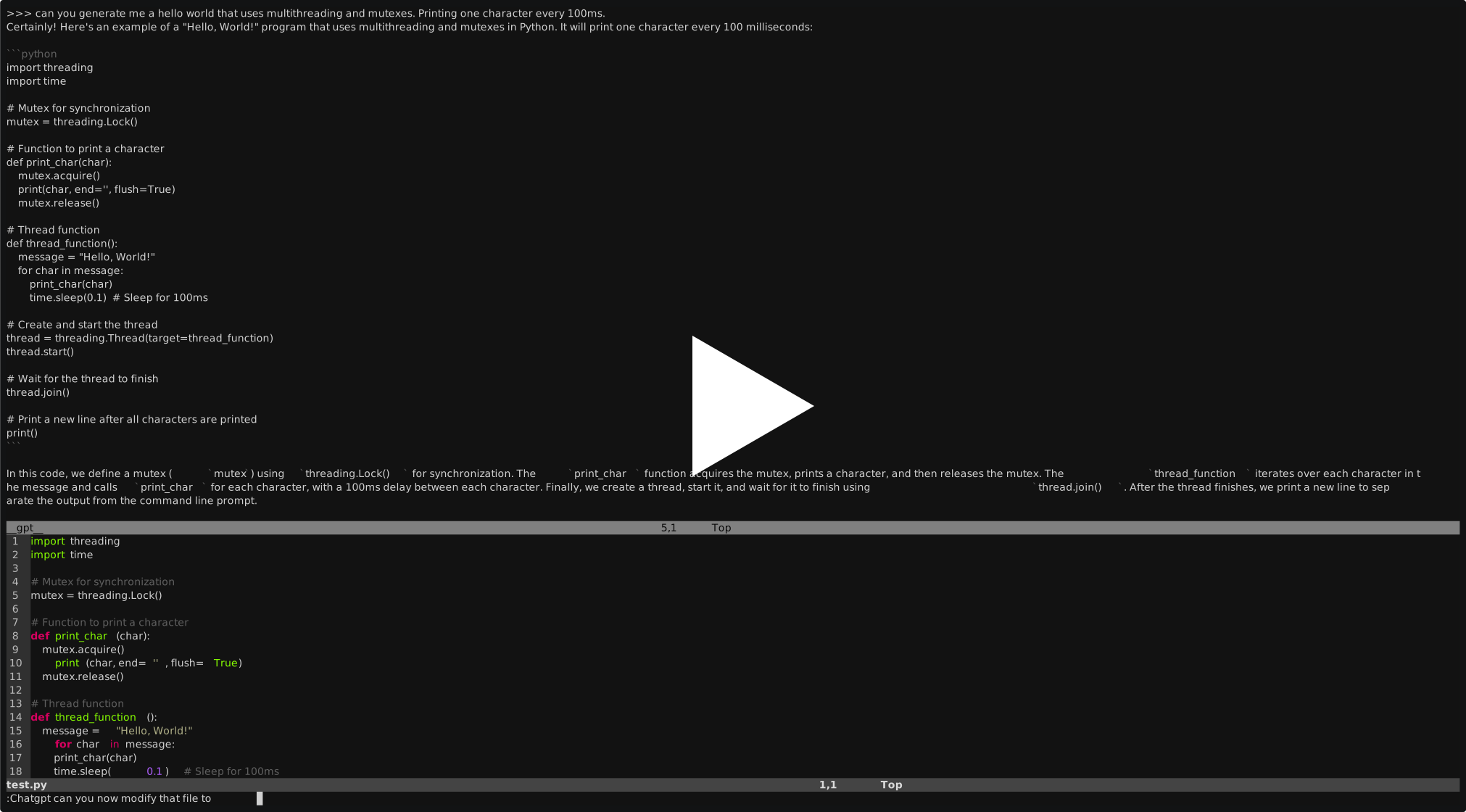](https://asciinema.org/a/81jVCwHdEmEBSv00Lm71WHazk)
Example of using visual mode.
[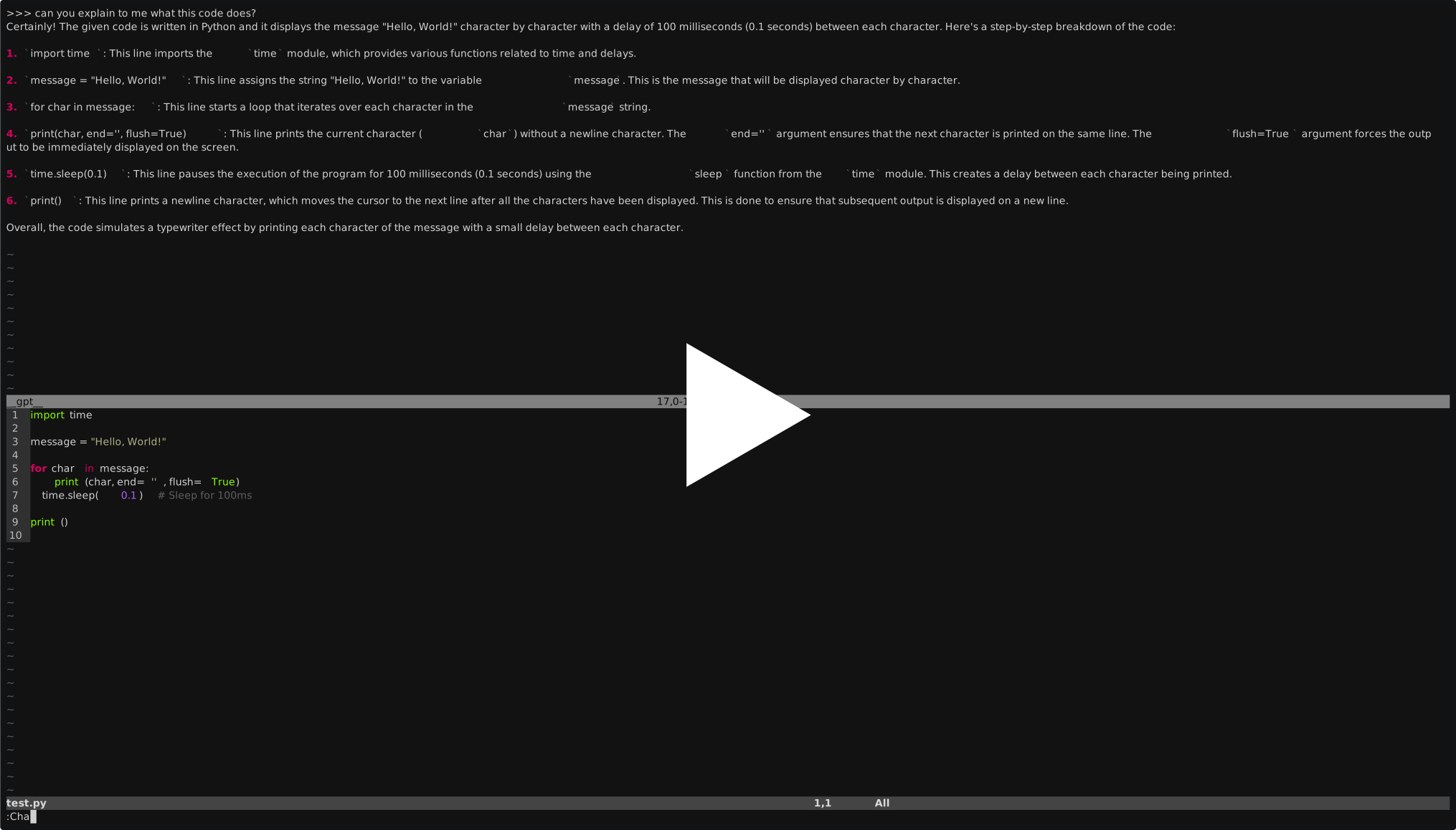](https://asciinema.org/a/PVKHKSRIYOm7mvohAnCDIuDgB)
Gpt command demo
[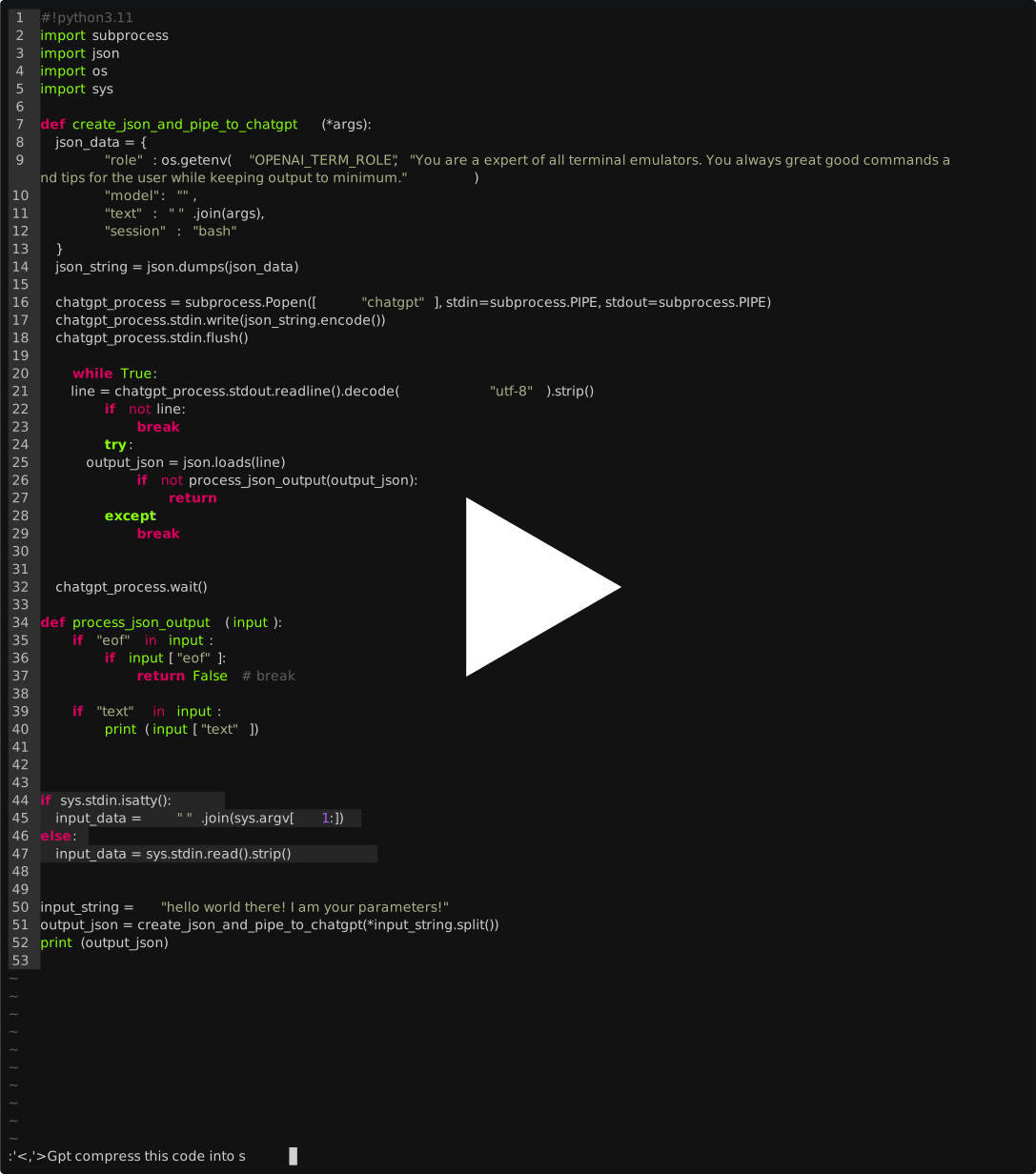](https://asciinema.org/a/Bn4VZP9qp2s2BerHj3TUmkiFE)