https://github.com/zutto/python-chatgpt-vimbackend
https://github.com/zutto/python-chatgpt-vimbackend
Last synced: over 1 year ago
JSON representation
- Host: GitHub
- URL: https://github.com/zutto/python-chatgpt-vimbackend
- Owner: zutto
- Created: 2023-06-09T19:17:42.000Z (about 3 years ago)
- Default Branch: main
- Last Pushed: 2023-07-18T08:17:48.000Z (almost 3 years ago)
- Last Synced: 2025-03-29T08:33:42.362Z (over 1 year ago)
- Language: Python
- Size: 10.7 KB
- Stars: 0
- Watchers: 1
- Forks: 0
- Open Issues: 0
-
Metadata Files:
- Readme: readme.md
Awesome Lists containing this project
README
[](https://asciinema.org/a/035L1ULYfEgXFkXsWBdE6Fjeh)
demo backend for this: https://github.com/zutto/gpt.vim
you can try this manually by running:
```
cat test.json | ./main.py
```
# Make
install requirements
```
make deps
````
(or python -m pip install -r requirements.txt)
copy files to $PATH:
```
sudo make
```
Add variables to $env - examples below.
```
# Username and password are optional, but you must use api key without them.
OPENAI_USER=
OPENAI_PASSWORD=
#OPENAI api key
CHATGPT_API_KEY=
#paid flag for chatgpt
OPENAI_PAID=
#base url for your openai or similar compatible service - see localai for example.
CHATGPT_BASE_URL=http://localhost:8080/
```
Example use on chatgpt generated code to tidy it:
[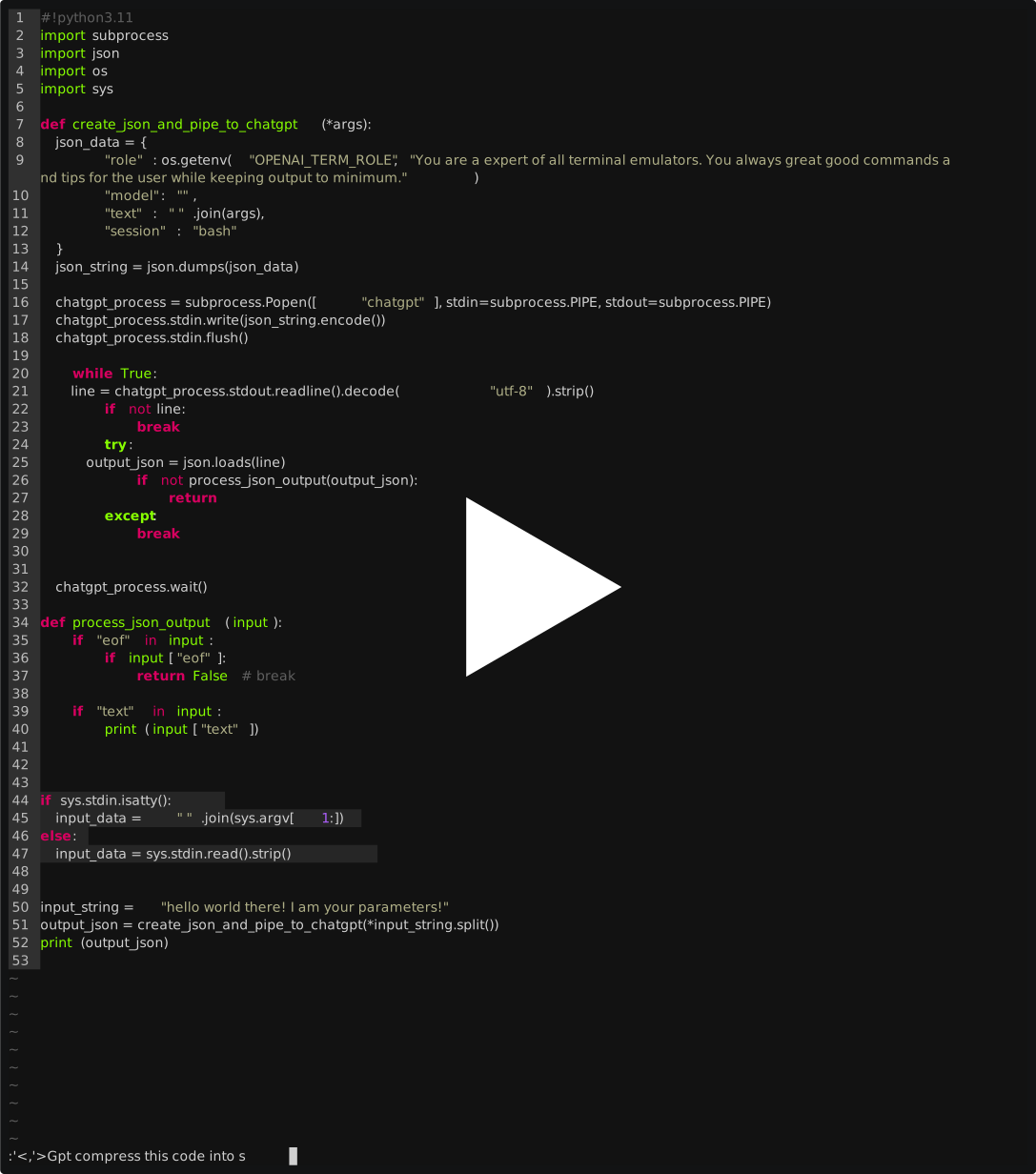](https://asciinema.org/a/Bn4VZP9qp2s2BerHj3TUmkiFE)
[](https://asciinema.org/a/596676)
At exit, this will also clean up the conversation.