https://github.com/atsushisakai/rosbag_to_csv
Converter from ros bag to csv
https://github.com/atsushisakai/rosbag_to_csv
converter csv gui python ros rosbag
Last synced: over 1 year ago
JSON representation
Converter from ros bag to csv
- Host: GitHub
- URL: https://github.com/atsushisakai/rosbag_to_csv
- Owner: AtsushiSakai
- Created: 2016-02-10T10:41:03.000Z (over 10 years ago)
- Default Branch: master
- Last Pushed: 2023-02-07T12:55:19.000Z (over 3 years ago)
- Last Synced: 2025-03-29T15:09:01.481Z (over 1 year ago)
- Topics: converter, csv, gui, python, ros, rosbag
- Language: Python
- Size: 75.2 KB
- Stars: 337
- Watchers: 9
- Forks: 140
- Open Issues: 4
-
Metadata Files:
- Readme: README.md
Awesome Lists containing this project
README
# rosbag_to_csv
A GUI tool to convert topics from a single rosbag file or multiple rosbag files at once to csv files
# Supported versions
* [`master` branch](https://github.com/AtsushiSakai/rosbag_to_csv/tree/master): Python3 (ROS Noetic, Python 3.8 or higher.)
* [`python2` branch](https://github.com/AtsushiSakai/rosbag_to_csv/tree/python2): Python2 (ROS Melodic)
# Install Dependencies and Build
## Python3
clone this repository
```
$ cd ~/catkin_ws/src
$ git clone https://github.com/AtsushiSakai/rosbag_to_csv.git
$ cd ~/catkin_ws && rosdep install -r --ignore-src --from-paths src
$ catkin_make
```
## Python2
clone this repository with `-b python2` option
```
$ cd ~/catkin_ws/src
$ git clone -b python2 https://github.com/AtsushiSakai/rosbag_to_csv.git
$ cd ~/catkin_ws && rosdep install -r --ignore-src --from-paths src
$ catkin_make
```
# How to use
## Start the node
```
$ rosrun rosbag_to_csv rosbag_to_csv.py
```
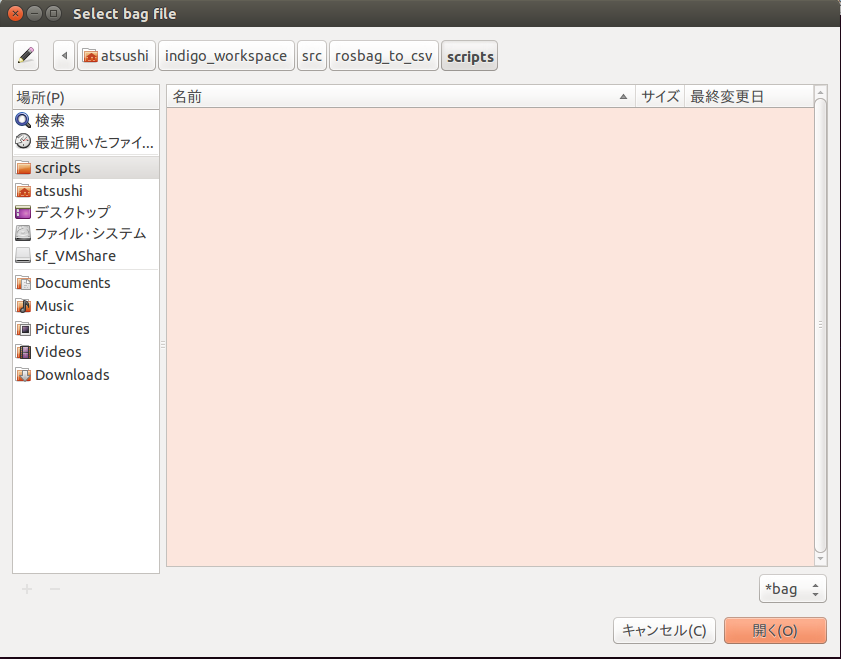
## Select a single bag file or multiple bag files with the GUI
## Select topics to convert csv
You can select topics to save in csv files.

## Wait seconds....
A Message "Converting..." is displayed in the terminal.
## Finish convert
When the finish convert message dialog is shown,
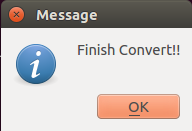
CSV files are generated successfly in `~/.ros`.

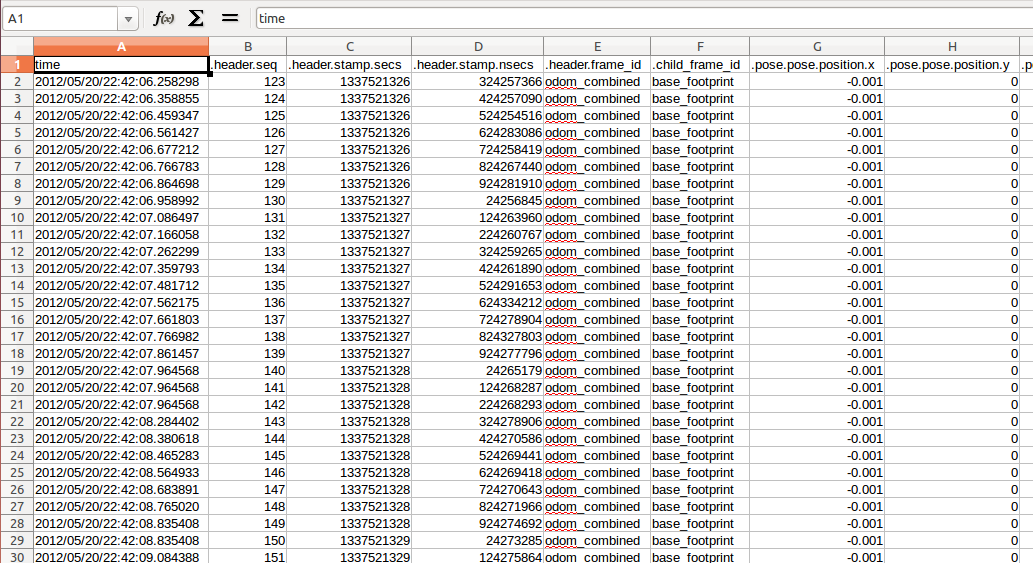
The CSV file name is same as (the bag file name)_(each selected topic name).csv.
If You open the csv file with office software, you can see:
# License
MIT