https://github.com/ctlst-tech/c172atom
https://github.com/ctlst-tech/c172atom
Last synced: about 1 year ago
JSON representation
- Host: GitHub
- URL: https://github.com/ctlst-tech/c172atom
- Owner: ctlst-tech
- License: bsd-3-clause
- Created: 2022-04-25T19:04:18.000Z (about 4 years ago)
- Default Branch: main
- Last Pushed: 2022-04-28T03:01:50.000Z (about 4 years ago)
- Last Synced: 2025-04-05T03:31:55.132Z (over 1 year ago)
- Language: Shell
- Size: 8.79 KB
- Stars: 7
- Watchers: 1
- Forks: 1
- Open Issues: 0
-
Metadata Files:
- Readme: README.md
- License: LICENSE
Awesome Lists containing this project
README
# Demo of [**c-atom**](https://github.com/ctlst-tech/c-atom) library usage: Piloting Cessna 172 in flightgear
## YouTube demo
[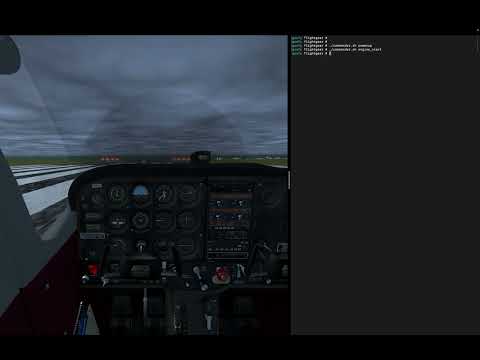](https://www.youtube.com/watch?v=OVEkKTiokHU)
## Run it
0. Make sure you have all submodules inited and updated: ```git submodule update --init --recursive```
1. Run ```make prebuild``` to generate code of atomic functions
2. Build **catom** runner by ```make catom``` command
3. Copy ```rig/flightgear/*.xml``` to ```Protocol``` dir inside your FlightGear installation
4. Add the following to the FlightGear command line options (check that c172 is selected as an aircraft):
```
--generic=socket,in,50,,6000,udp,fg_in_control
--generic=socket,in,50,,6001,udp,fg_in_switches
--generic=socket,out,50,127.0.0.1,6010,udp,fg_out_nav
--generic=socket,out,50,127.0.0.1,6011,udp,fg_out_engine
```
5. Start FlightGear
6. Run ```catom``` by ```make run_catom```
7. Use ```rig/flightgear/commander.sh``` to toggle commands