https://github.com/khaled71612000/unity-platformer
Unity Platformer is a project that demonstrates the creation of a platformer game using the Unity game engine.
https://github.com/khaled71612000/unity-platformer
unity
Last synced: 3 months ago
JSON representation
Unity Platformer is a project that demonstrates the creation of a platformer game using the Unity game engine.
- Host: GitHub
- URL: https://github.com/khaled71612000/unity-platformer
- Owner: khaled71612000
- Created: 2022-06-30T00:23:57.000Z (about 4 years ago)
- Default Branch: main
- Last Pushed: 2026-04-04T10:29:33.000Z (3 months ago)
- Last Synced: 2026-04-04T11:37:53.449Z (3 months ago)
- Topics: unity
- Language: C#
- Homepage:
- Size: 3.56 MB
- Stars: 0
- Watchers: 1
- Forks: 0
- Open Issues: 0
-
Metadata Files:
- Readme: README.md
Awesome Lists containing this project
README
# Unity Platformer


**Unity Platformer** is a project that demonstrates the creation of a platformer game using the Unity game engine. This project showcases how to develop gameplay mechanics for a platformer, including character controls, enemy AI, and level design.
## Key Components
### Scripts
- **PlayerController.cs:** Manages player movements, jumps, and interactions.
- **EnemyController.cs:** Controls enemy behaviors, including patrol and attack patterns.
- **LevelManager.cs:** Handles level transitions and game state management.
## Features
- **Character Controls:** Implements smooth and responsive player controls.
- **Enemy AI:** Includes melee and ranged enemies with simple patrol AI behavior.
- **Level Design:** Demonstrates techniques for creating engaging platformer levels.


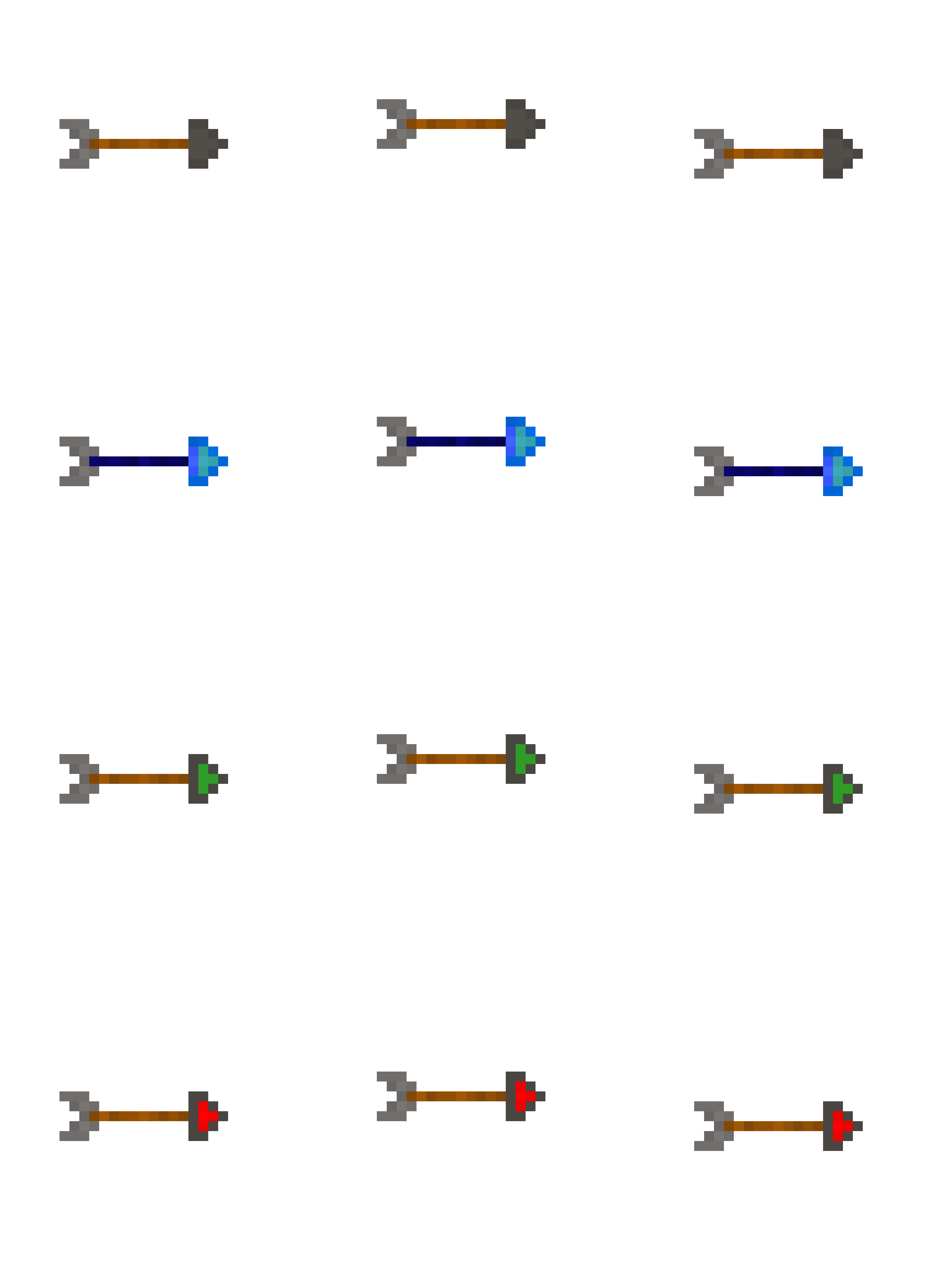
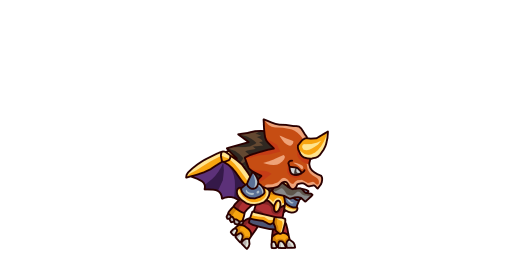
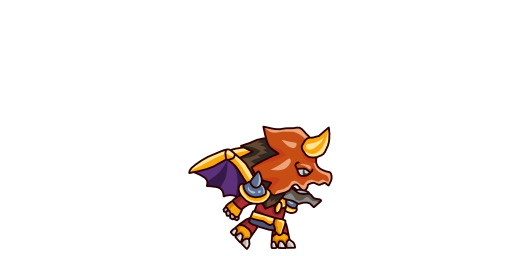
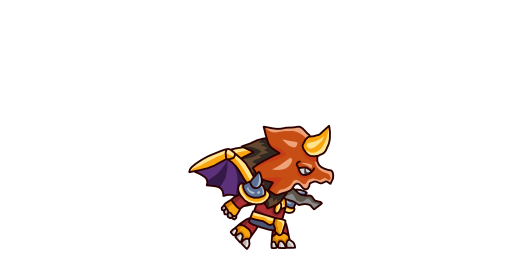
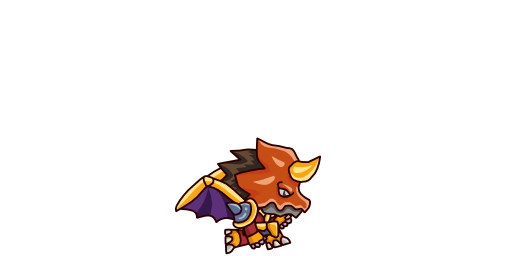
## Screenshots
## Architecture
Key classes and systems (from source code):
- **`CameraController`** (extends `MonoBehaviour`) — Unity component attached to a GameObject — orchestrates game-wide systems — controls camera positioning and follow logic — Key methods: `MoveToNewRoom`
- **`PlayerAttack`** (extends `MonoBehaviour`) — Unity component attached to a GameObject — handles player input, movement, and state — neural network layer / training logic — Key methods: `Attack`, `FindFireball`
- **`PlayerMovement`** (extends `MonoBehaviour`) — Unity component attached to a GameObject — handles player input, movement, and state — neural network layer / training logic — Key methods: `Jump`
- **`EnemyDamage`** (extends `MonoBehaviour`) — Unity component attached to a GameObject — drives enemy AI behavior and decision-making — tracks hit points and applies damage — Key methods: `OnTriggerEnter2D`
- **`EnemyFireballHolder`** (extends `MonoBehaviour`) — Unity component attached to a GameObject — drives enemy AI behavior and decision-making
- **`EnemyPatrol`** (extends `MonoBehaviour`) — Unity component attached to a GameObject — drives enemy AI behavior and decision-making — Key methods: `DirectionChange`, `MoveInDirection`
## Tech Stack
| Technology | Role |
|---|---|
| Unity 3D | Game engine |
| C# | Gameplay scripting |
| Unity Physics | Rigidbody & collision |
| Git | Version control |
## Getting Started
### Prerequisites
- [Unity Hub](https://unity.com/download) + Unity 2019.4 LTS or higher
- Visual Studio 2019+ or VS Code
### Setup
```bash
git clone https://github.com/khaled71612000/Unity-Platformer.git
```
1. Open **Unity Hub** → **Add** → select the cloned folder
2. Open **Assets/Scenes/** → double-click the main scene
3. Press ▶ **Play**