https://github.com/miso-develop/cube-scrambler
キューブを自動で崩したり揃えたりする、LEGOで作れるロボットです。
https://github.com/miso-develop/cube-scrambler
Last synced: 8 months ago
JSON representation
キューブを自動で崩したり揃えたりする、LEGOで作れるロボットです。
- Host: GitHub
- URL: https://github.com/miso-develop/cube-scrambler
- Owner: miso-develop
- License: mit
- Created: 2023-08-29T13:40:35.000Z (almost 3 years ago)
- Default Branch: main
- Last Pushed: 2024-04-04T01:14:40.000Z (about 2 years ago)
- Last Synced: 2025-02-03T10:12:20.574Z (over 1 year ago)
- Language: TypeScript
- Size: 773 KB
- Stars: 3
- Watchers: 1
- Forks: 0
- Open Issues: 4
-
Metadata Files:
- Readme: README.en.md
- License: LICENSE
Awesome Lists containing this project
README
# Cube Scrambler

### [日本語](./README.md) | English
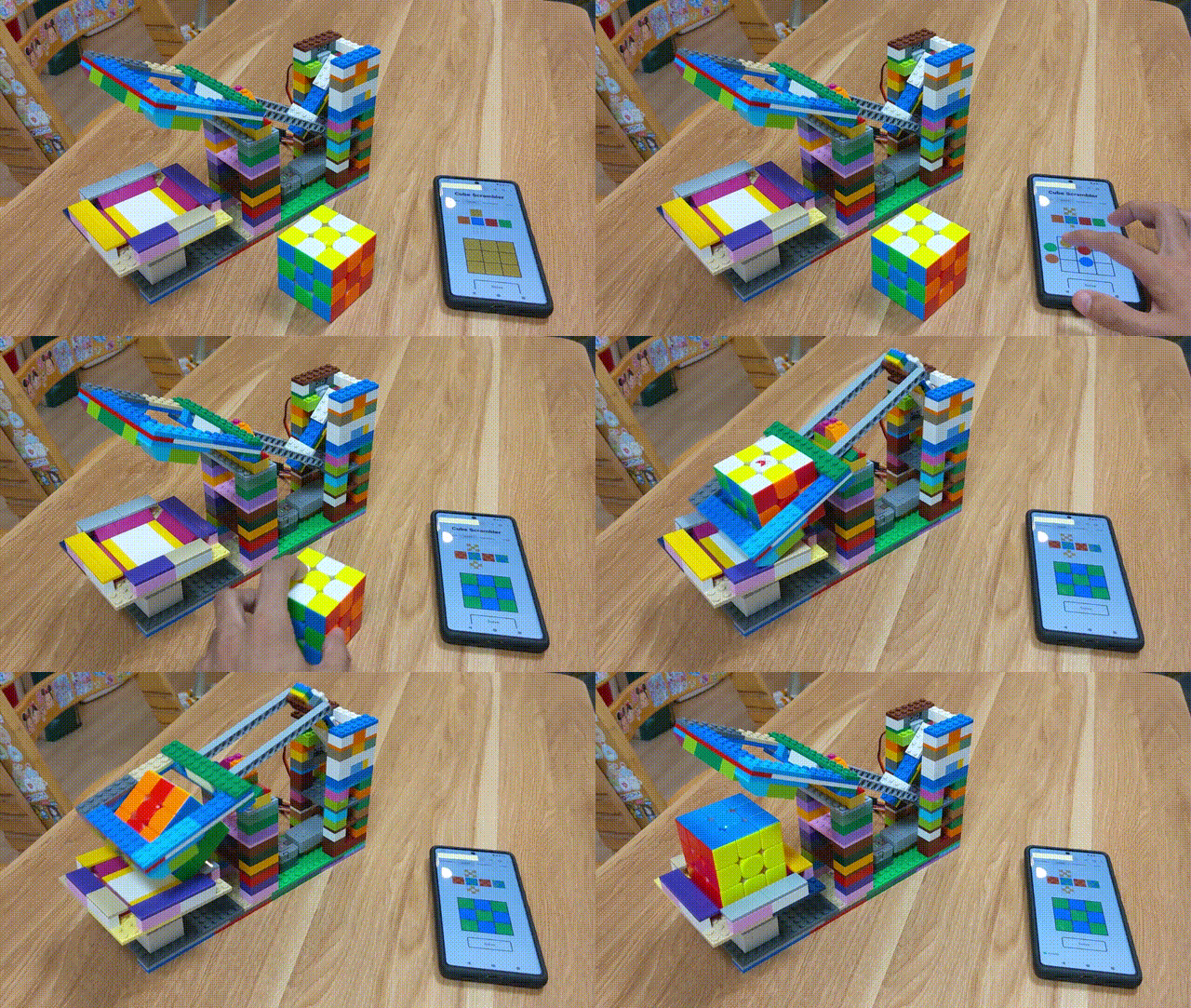
This is a robot that can be built with LEGO that automatically scramble and solve cube.
## Features
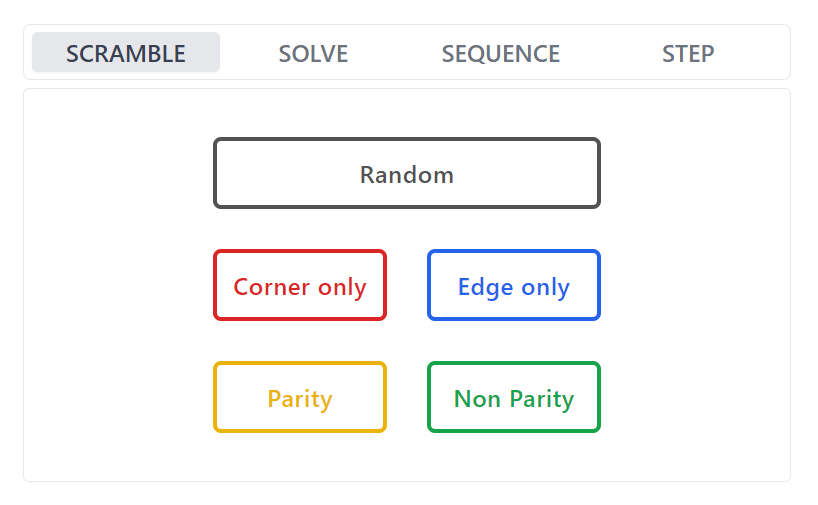
### SCRAMBLE
Scramble the cube randomly.
### SOLVE
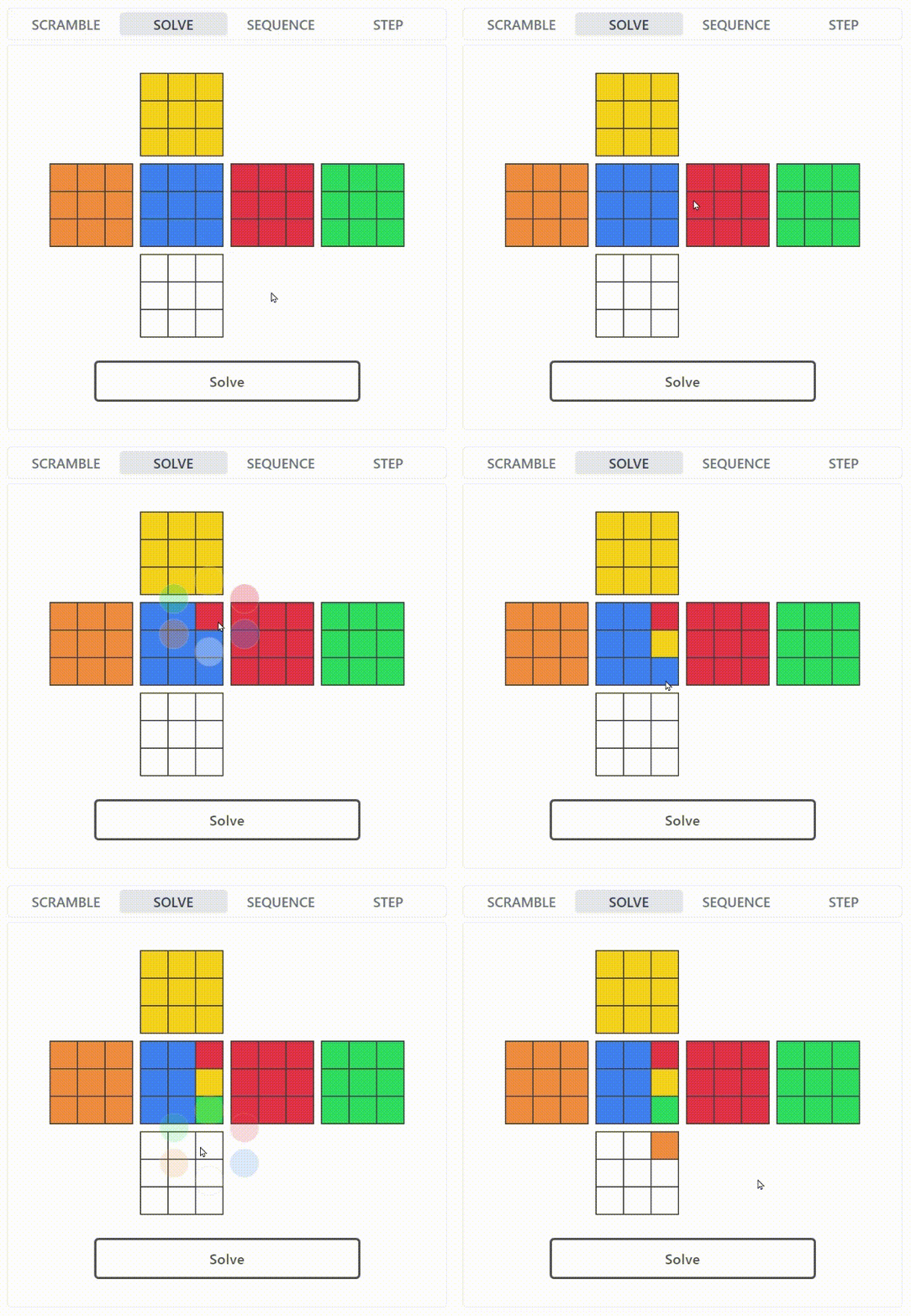
Solve the cube.
The state of the cube to be solved can be entered through the Web UI.
### SEQUENCE
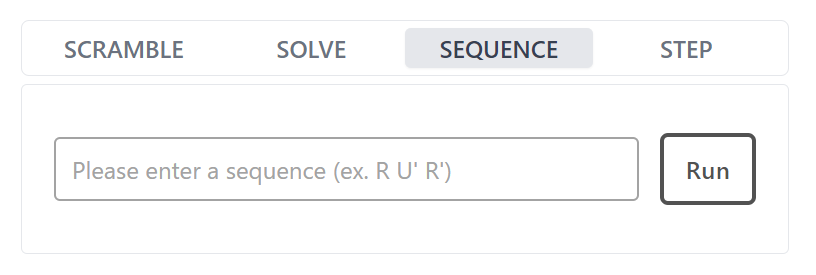
Execute any sequence.
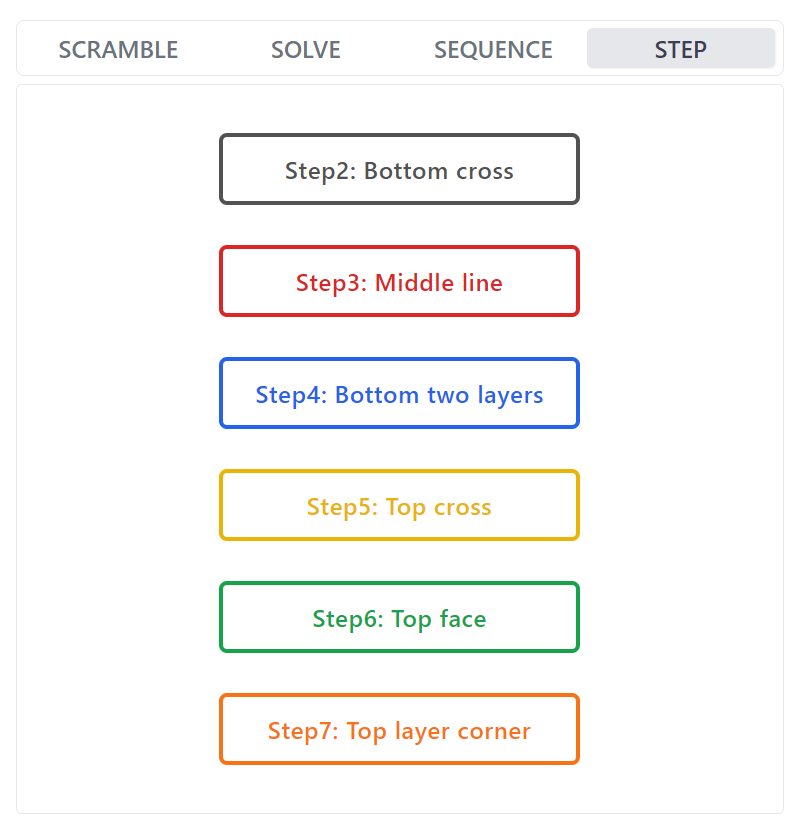
### STEP
Scramble each step of the [M2L method](https://cubevoyage.net/how-to-solve/beginner-m2l/) to a random state.
You can focus on the step you want to practice.
## Web UI Demo
### [➡ Demo Page](https://cube-scrambler-ui-demo.vercel.app/)
## Solve Demo
https://user-images.githubusercontent.com/22117028/262409631-2e17618e-4031-4c18-ba2e-d9d0367b45a7.mp4
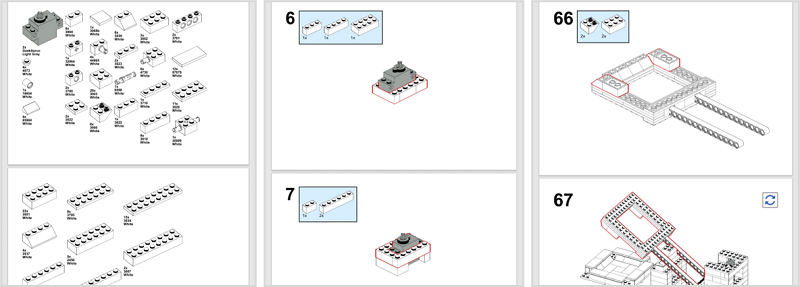
## Assembly Instructions
Separate sections for Node.js applications and LEGO robots are available to show how to set up each.
### [➡ Node.js application](./docs/setup-guide.en.md)
### [➡ LEGO Robot](https://drive.google.com/file/d/1LfaUZmzZbCQRWulfV_bqecyGe_8wCMht/view)
If you have any questions on how to set it up, please contact me via Issue on GitHub or my email address <>.
## System Configuration
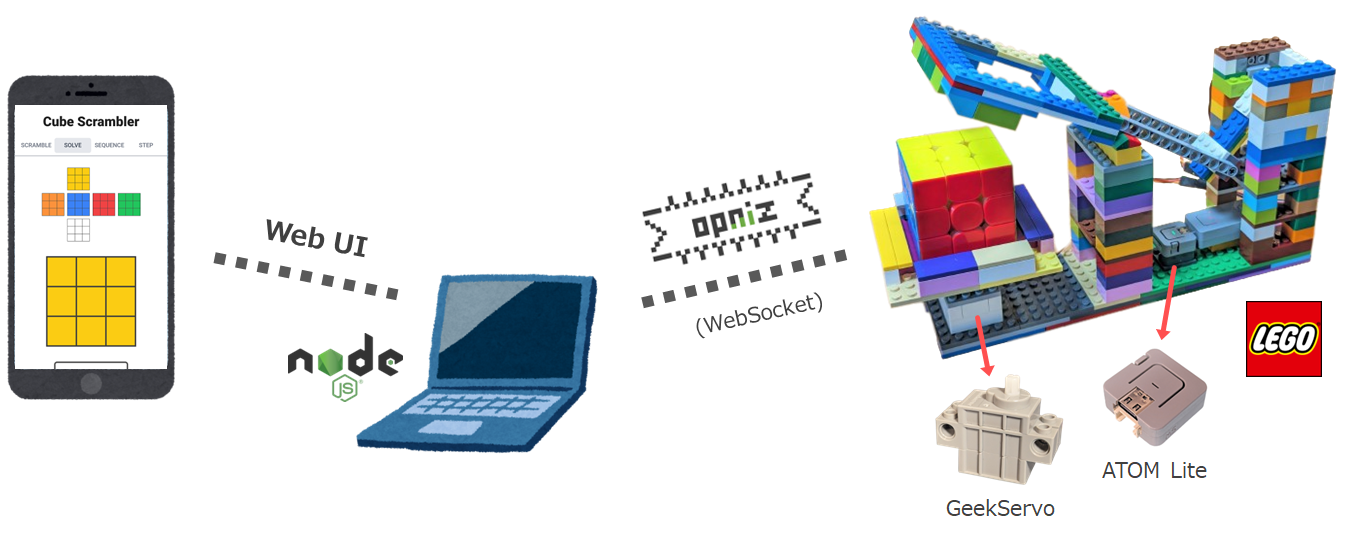
The Cube Scrambler is controlled by a Node.js application.
The Node.js application runs a Web server that provides a Web UI and a WebSocket ([opniz](https://github.com/miso-develop/opniz-sdk-nodejs)) server that controls the microcontroller.
The robot uses a motor called [GeekServo](https://www.switch-science.com/products/6811), which can be attached to LEGO.
The motors are controlled by [ATOM Lite](https://www.switch-science.com/products/6262) (other M5Stack series devices can also be used).
The microcontroller is controlled by a Node.js application via WebSocket using [opniz](https://github.com/miso-develop/opniz-sdk-nodejs), an IoT framework.
## YouTube
[](https://youtu.be/fbkrc3qQbqk)
## Project Details
### ➡ [ProtoPedia](https://protopedia.net/prototype/4244)
## LICENSE
### [MIT](./LICENSE)