https://github.com/monogo-engine/monogo
Cross-Platform .NET 8 C# 2D game engine build ontop of MonoGame.
https://github.com/monogo-engine/monogo
2d-game-engine content cross-platform csharp engine entity-component-system gui monofoxe monogame nopipeline nuget particles shader templates visual-studio
Last synced: 5 months ago
JSON representation
Cross-Platform .NET 8 C# 2D game engine build ontop of MonoGame.
- Host: GitHub
- URL: https://github.com/monogo-engine/monogo
- Owner: MonoGo-Engine
- License: other
- Created: 2023-09-21T16:32:59.000Z (almost 3 years ago)
- Default Branch: dev
- Last Pushed: 2025-05-06T12:34:22.000Z (about 1 year ago)
- Last Synced: 2025-05-06T13:47:02.952Z (about 1 year ago)
- Topics: 2d-game-engine, content, cross-platform, csharp, engine, entity-component-system, gui, monofoxe, monogame, nopipeline, nuget, particles, shader, templates, visual-studio
- Language: C#
- Homepage:
- Size: 23.7 MB
- Stars: 21
- Watchers: 2
- Forks: 0
- Open Issues: 1
-
Metadata Files:
- Readme: README.md
- License: LICENSE.txt
Awesome Lists containing this project
README

# Welcome to MonoGo!
[](https://github.com/MonoGo-Engine) [](https://www.nuget.org/packages/MonoGo.Templates) [](https://monogo-engine.github.io/monogo.github.io/)
Cross-Platform C# 2D game engine build ontop of MonoGame.
# Setup
### Automatic
The easiest and recomended way of using this game engine is to install the templates for Visual Studio:
- ```dotnet new install MonoGo.Templates```
### Manual
- ```dotnet add package MonoGo.Engine```
- ```dotnet add package MonoGo.Engine.DesktopGL``` or ```dotnet add package MonoGo.Engine.WindowsDX```
### Modules
Install **optional** [modules](#modules).
* [(i)](https://www.mapeditor.org/) [](https://www.nuget.org/packages/MonoGo.Tiled)
* [(i)](https://github.com/RonenNess/Iguina) [](https://www.nuget.org/packages/MonoGo.Iguina)
* [(i)](https://github.com/Jjagg/MgMercury) [](https://www.nuget.org/packages/MonoGo.MercuryParticleEngine)
---
# Features
* Graphics Pipeline and Automated Batch\Vertex Buffer Management.
* Easy SpriteSheet-Animations.
* Texture Packing.
* Sprite Groups and Dynamic Graphics Loading.
* Input Management with GamePad support.
* Timers, Alarms, Cameras, State Machines.
* Coroutines.
* Hybrid EC.
* Scene System with Layers.
* GameDev related Math lib.
* Lightweight Collision Detection.
* Integrated Post-Processing Management (Includes Bloom & ColorGrading Effects).
* Powerful Particle-Effect-System.
* Extensive GUI-System.
* Enhanced Content Management.
* FMOD Audio Support (As a standalone [Library](https://github.com/Martenfur/FmodForFoxes/)).
# Sample Project
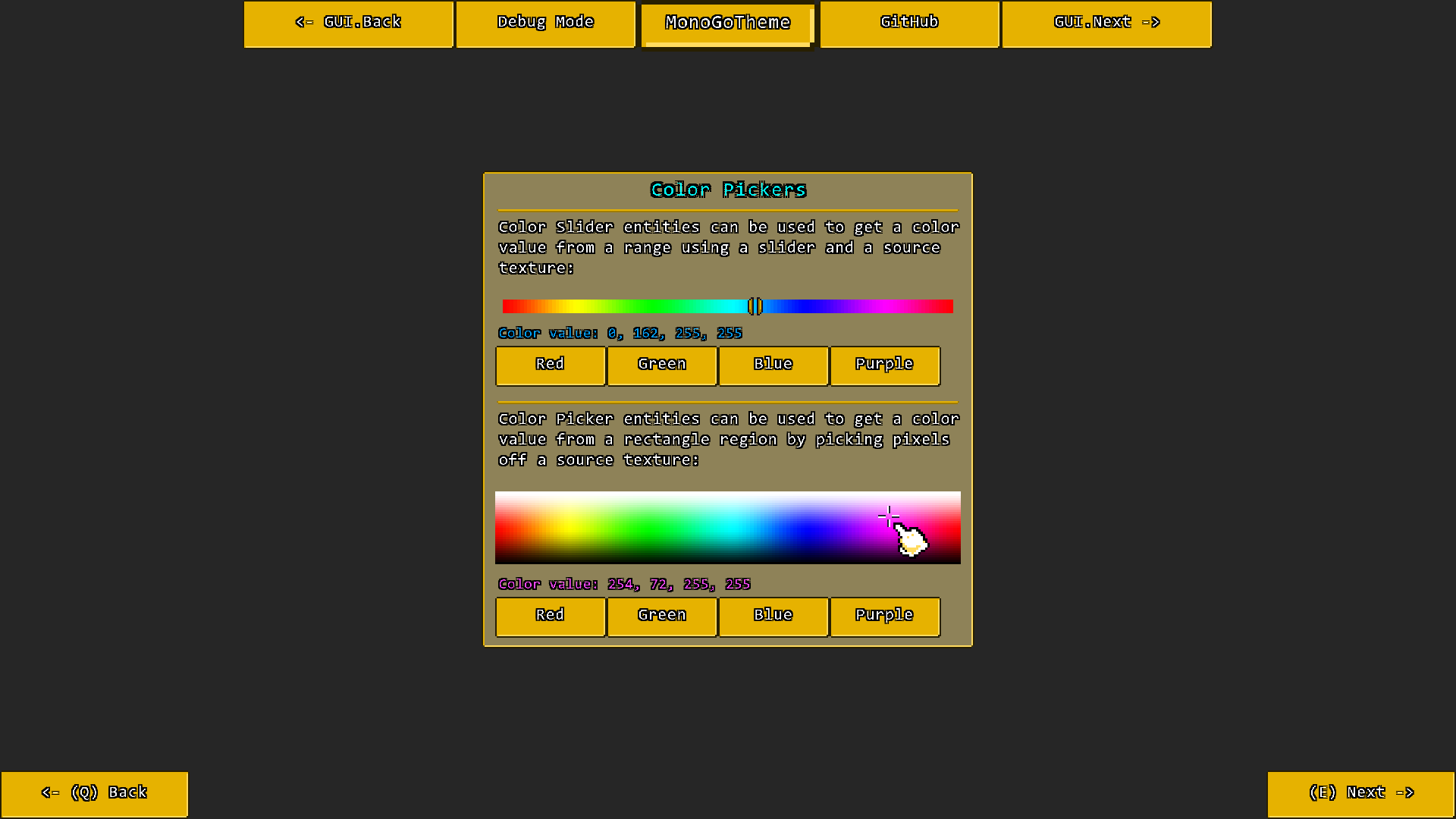
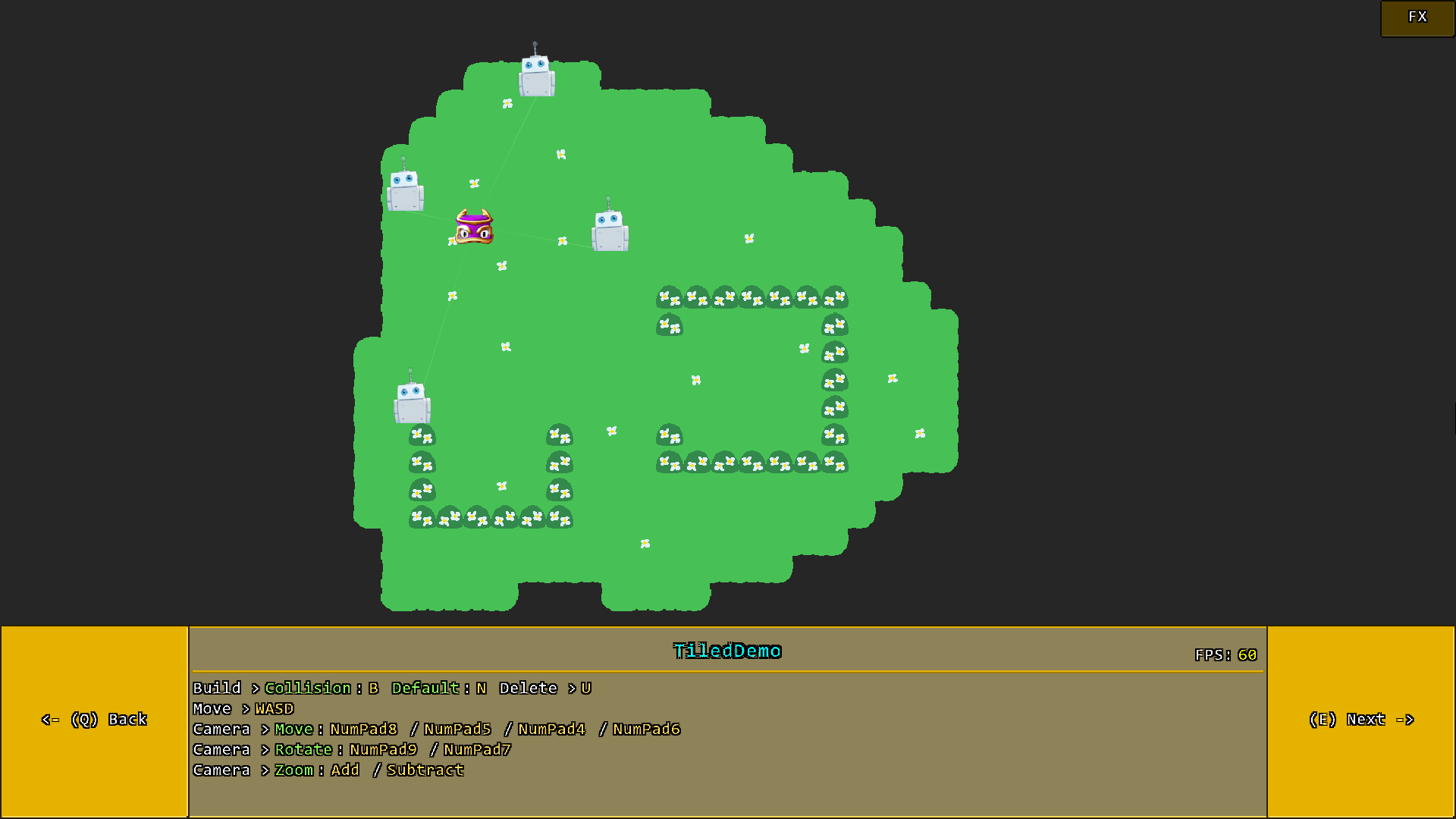
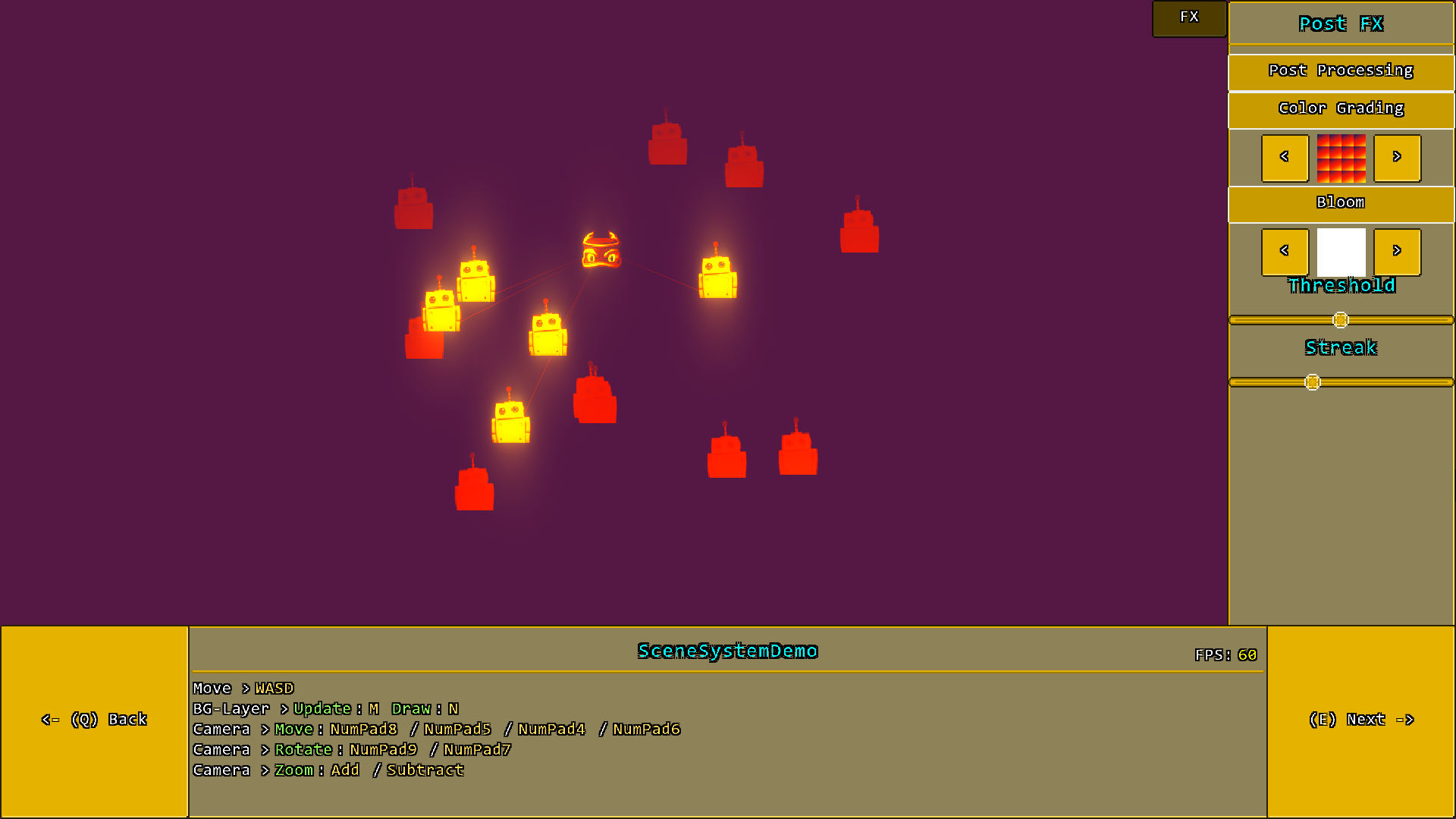
The included sample project itself contains alot more demos, but here are some impressions at least:
# Credits
- [MonoGame](https://github.com/MonoGame/MonoGame) created by [MonoGame Foundation, Inc](https://monogame.net/)
- [Monofoxe](https://github.com/Martenfur/Monofoxe) created by [Chai Foxes](https://github.com/Martenfur) (Martenfur)
- [StbImageSharp](https://github.com/StbSharp/StbImageSharp) created by [Roman Shapiro](https://github.com/rds1983) (rds1983)
- [Iguina](https://github.com/RonenNess/Iguina) created by [Ronen Ness](https://github.com/RonenNess)
- [Mercury Particle Engine](https://github.com/Matthew-Davey/mercury-particle-engine) created by [Matthew Davey](https://github.com/Matthew-Davey) (Matt Davey)
- [ColorGrading](https://github.com/Kosmonaut3d/ColorGradingFilter-Sample) & [Bloom Filter](https://github.com/Kosmonaut3d/BloomFilter-for-Monogame-and-XNA) created by [Thomas Lüttich](https://github.com/Kosmonaut3d) (Kosmonaut3d)
For license information please take a look at the [License.txt](https://github.com/MonoGo-Engine/MonoGo/blob/master/LICENSE.txt) file.
# Now Have Fun with MonoGo!