https://github.com/mr-glt/openscout
Android based scouting solution for teams competing in the FIRST Robotics competition.
https://github.com/mr-glt/openscout
android android-studio firebase frc-scouting frc-steamworks robotics robotics-competition
Last synced: 2 months ago
JSON representation
Android based scouting solution for teams competing in the FIRST Robotics competition.
- Host: GitHub
- URL: https://github.com/mr-glt/openscout
- Owner: mr-glt
- License: mit
- Created: 2016-12-11T23:42:33.000Z (over 9 years ago)
- Default Branch: master
- Last Pushed: 2017-03-03T01:02:11.000Z (over 9 years ago)
- Last Synced: 2025-03-12T20:24:21.554Z (over 1 year ago)
- Topics: android, android-studio, firebase, frc-scouting, frc-steamworks, robotics, robotics-competition
- Language: Java
- Homepage:
- Size: 19.4 MB
- Stars: 1
- Watchers: 1
- Forks: 0
- Open Issues: 3
-
Metadata Files:
- Readme: README.md
- License: LICENSE
Awesome Lists containing this project
README
#OpenScout
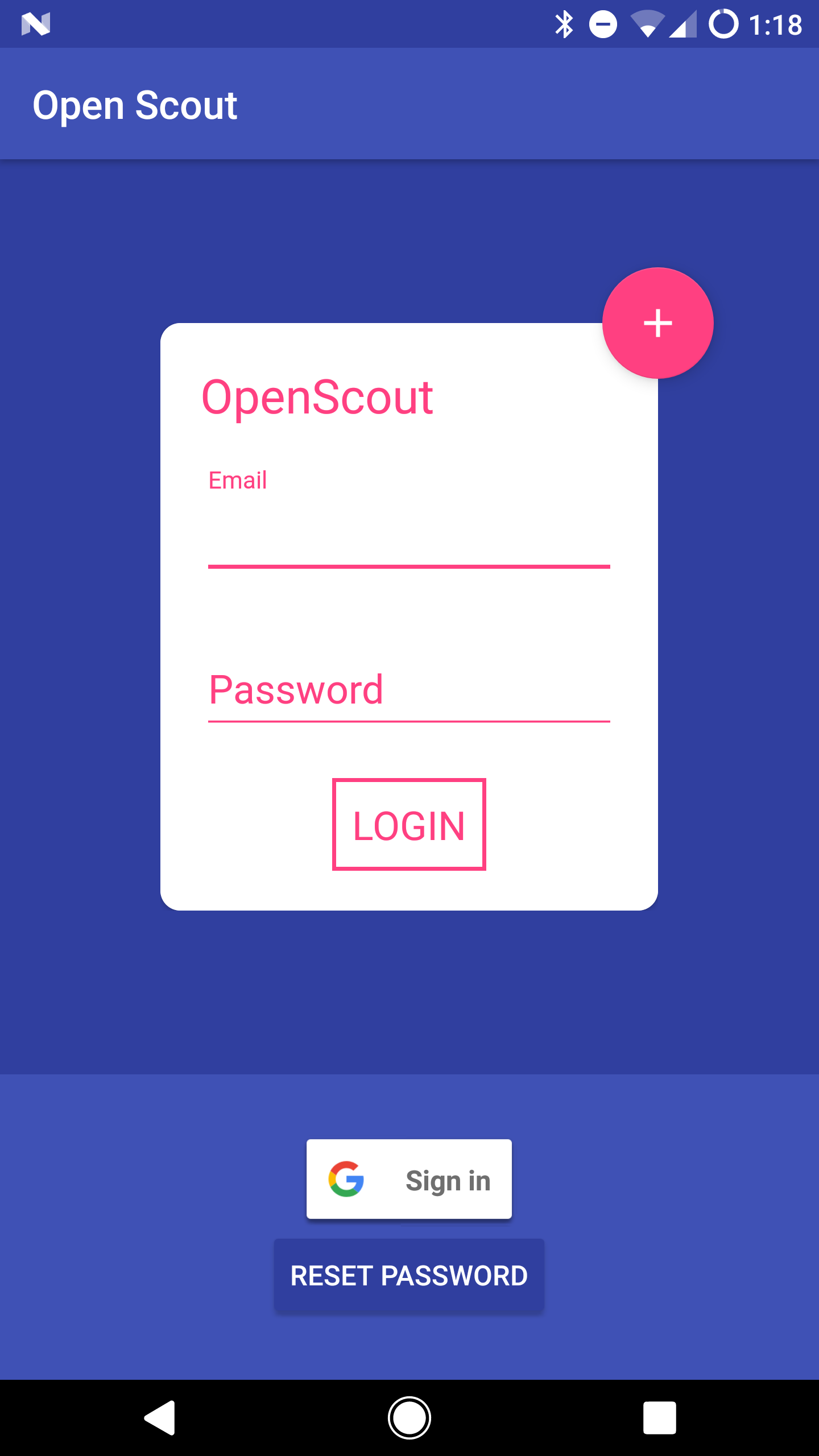
**OpenScout** is an Android app that provides an end to end scouting solution for teams competing in the *FIRST* Robotics competition. It leverages the Free-Tier of Google Firebase to provide a real time connection between scout and drive teams, while providing an easy-to-deploy database so that any team can run their own. The app combines your teams database with The Blue Alliance to organize and present contextually valuable information.


## Disclaimer
*This app is currently working for the 2017 season.*
##How to Clone, Build and Deploy
###Android App
1. Download and install Android Studio
2. Clone repository.
3. Open the root of the repository in Android Studio.
###Firebase
1. Create a Google Account.
2. Visit your Firebase Console.
3. Create a new project and call it whatever you would like.
4. Click on "Add Firebase to your Android app"
5. Use **Package Name** `xyz.syzygylabs.openscout` and follow this to get the debug certificate.
6. Copy `google-services.json` to `/app/`. You do **not** need to add the dependencies to the `build.gradle`. Hit finish to close the dialogue.
7. Navigate the *Authentication* tab in the console.
8. Under *SIGN-IN METHOD* enable `Email/Password` and `Google`. *By default, the Firebase will require a user to be authenticated to read and write to the database.*
9. At this point, your database and app should be ready for use.
##Contributing
Feel free to open a pull request with any changes or improvements. If you find a bug, report it in the Issues tab. For any other requests feel free to email me at *colson72098@gmail.com*.