https://github.com/underautomation/yaskawa.vi
🟨 LabVIEW SDK for communicating with Yaskawa Motoman robots : Control, monitor, and automate Yaskawa robots via High-Speed Ethernet Server (HSES). ✅ Real-time motion control, IO/register access, alarm handling, job management & more.
https://github.com/underautomation/yaskawa.vi
hses labview motoman remote-control robotics yaskawa
Last synced: 3 months ago
JSON representation
🟨 LabVIEW SDK for communicating with Yaskawa Motoman robots : Control, monitor, and automate Yaskawa robots via High-Speed Ethernet Server (HSES). ✅ Real-time motion control, IO/register access, alarm handling, job management & more.
- Host: GitHub
- URL: https://github.com/underautomation/yaskawa.vi
- Owner: underautomation
- Created: 2025-02-06T14:49:06.000Z (over 1 year ago)
- Default Branch: main
- Last Pushed: 2026-03-26T09:44:51.000Z (3 months ago)
- Last Synced: 2026-03-27T03:37:01.763Z (3 months ago)
- Topics: hses, labview, motoman, remote-control, robotics, yaskawa
- Language: LabVIEW
- Homepage: https://underautomation.com/yaskawa
- Size: 8.46 MB
- Stars: 3
- Watchers: 0
- Forks: 0
- Open Issues: 0
-
Metadata Files:
- Readme: README.md
Awesome Lists containing this project
README
# Yaskawa LabVIEW Library
[](#)
[](#)
[](#)
[](#)
[](#)
[](#)
[](#)
[](#)
[](#)
[](#)
[](#)
[](#)
[](#)
[](#)
[](#)
### 🤖 Effortlessly Communicate with Yaskawa robots
The **Yaskawa SDK** enables seamless integration with Yaskawa robots for automation, data exchange, and remote control. Ideal for industrial automation, research, and advanced robotics applications.
It allows you to connect to a **real robot**.
🔗 **More Information:** [https://underautomation.com/yaskawa](https://underautomation.com/yaskawa)
🔗 Also available for **[💻 .NET](https://github.com/underautomation/Yaskawa.NET)** & **[🐍 Python](https://github.com/underautomation/yaskawa.py)**
---
**⭐ Star if you like it !**
**👁️ Watch to be notified of latest updates !**
---
## 🚀 TL;DR (Too Long; Didn’t Read)
A powerful and efficient LabVIEW library for communicating with Yaskawa Motoman industrial robots using the High-Speed Ethernet Server (HSES) protocol. Enables seamless connectivity, motion control, and data acquisition.
✅ No additional installations or Yaskawa options are required to use this SDK.
**Key Benefits:**
- 📡 **Fast & Reliable**: Leverage high-speed UDP communication for real-time control.
- 🛠️ **Easy Integration**: Works with .NET projects, compatible with VB.NET and C#.
- 🤖 **Advanced Features**: Supports status monitoring, alarm handling, job selection, and more.
- 🌎 **Cross-Platform**: Works with Windows/Linux using .NET Core.
---
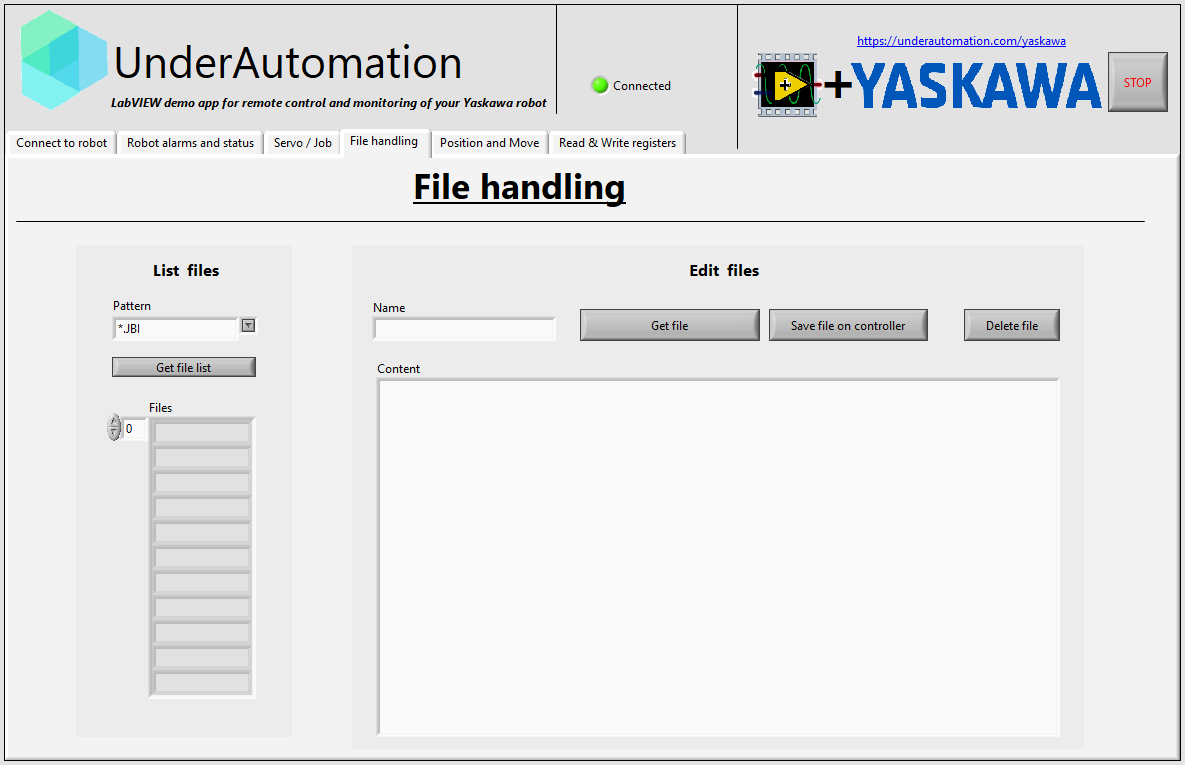
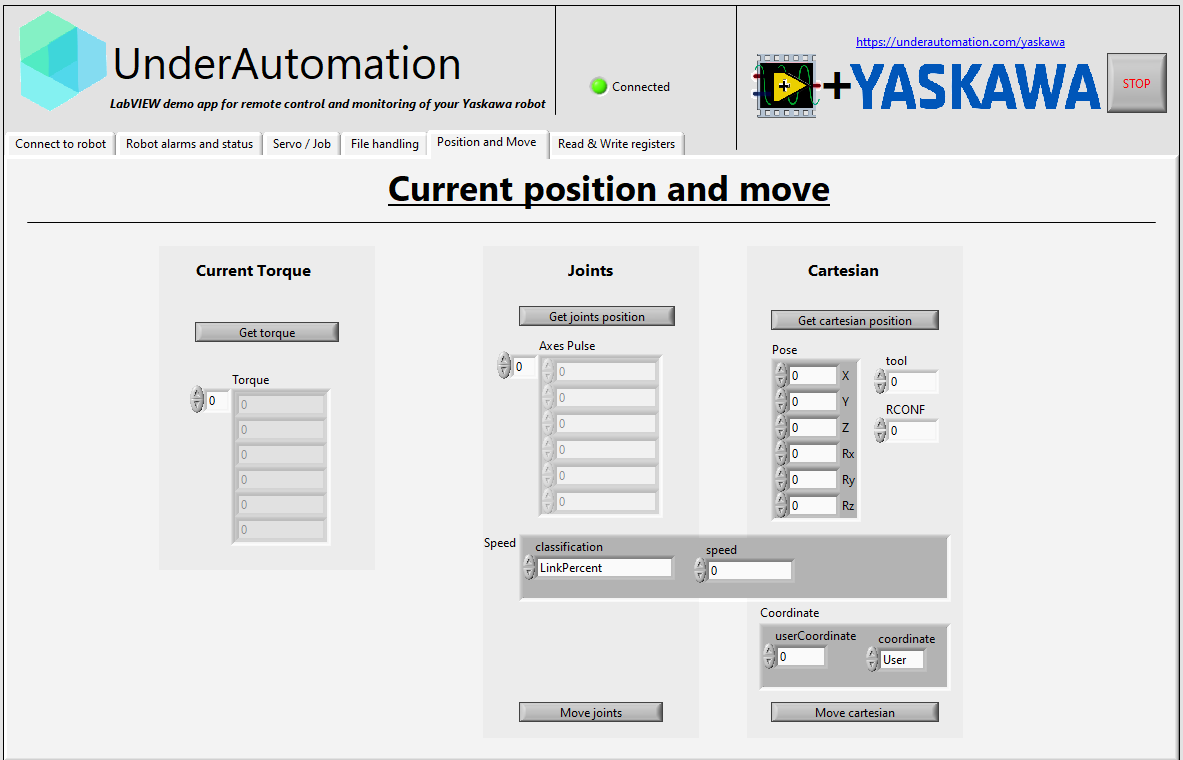
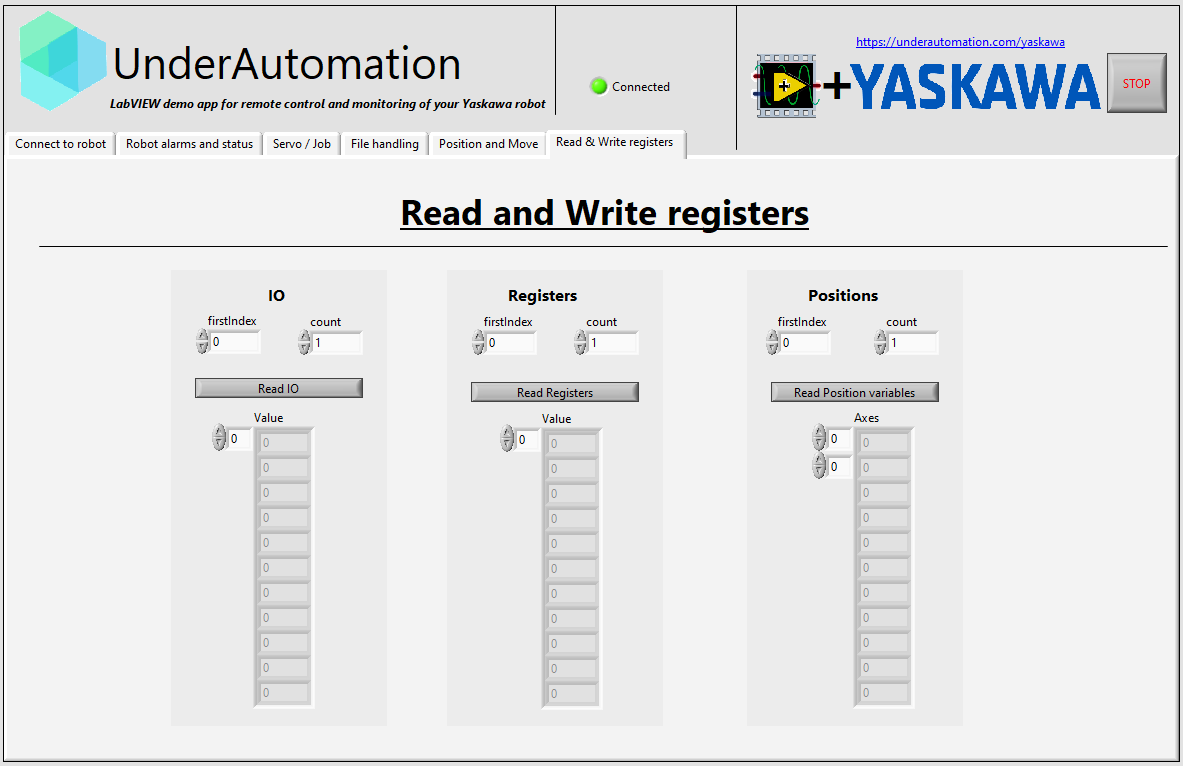
## 📥 Download Example Applications
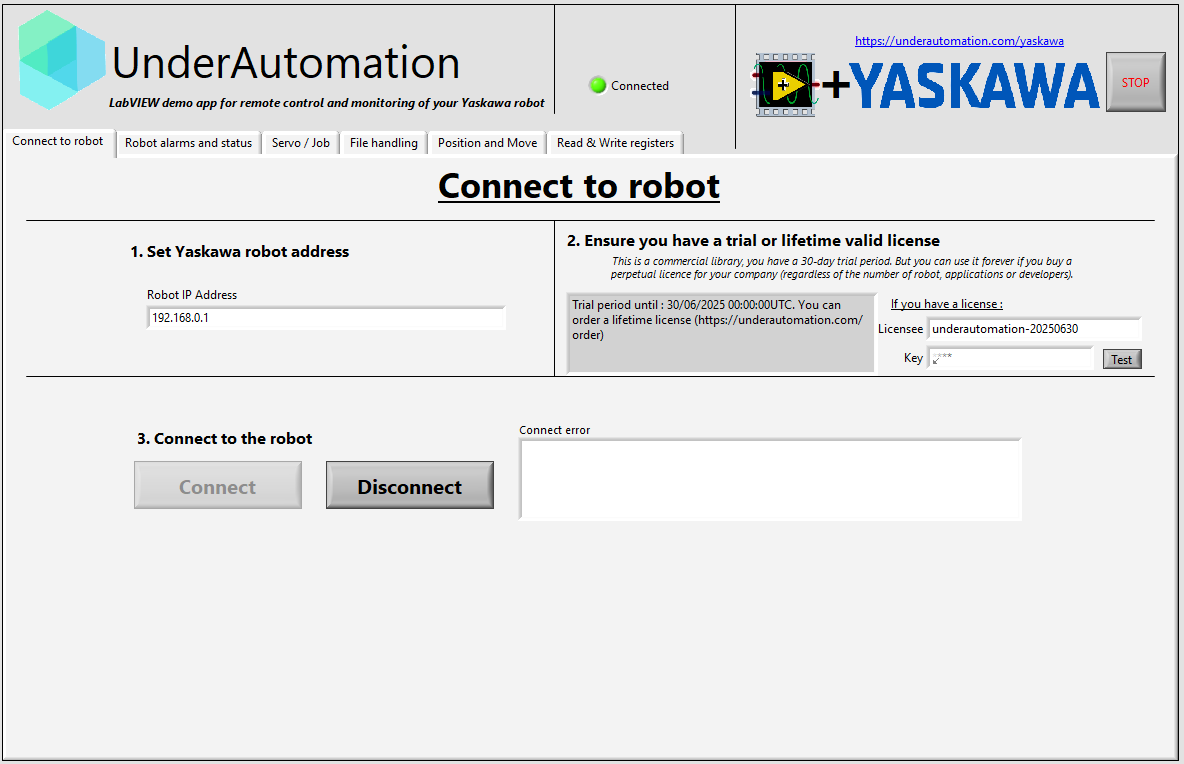
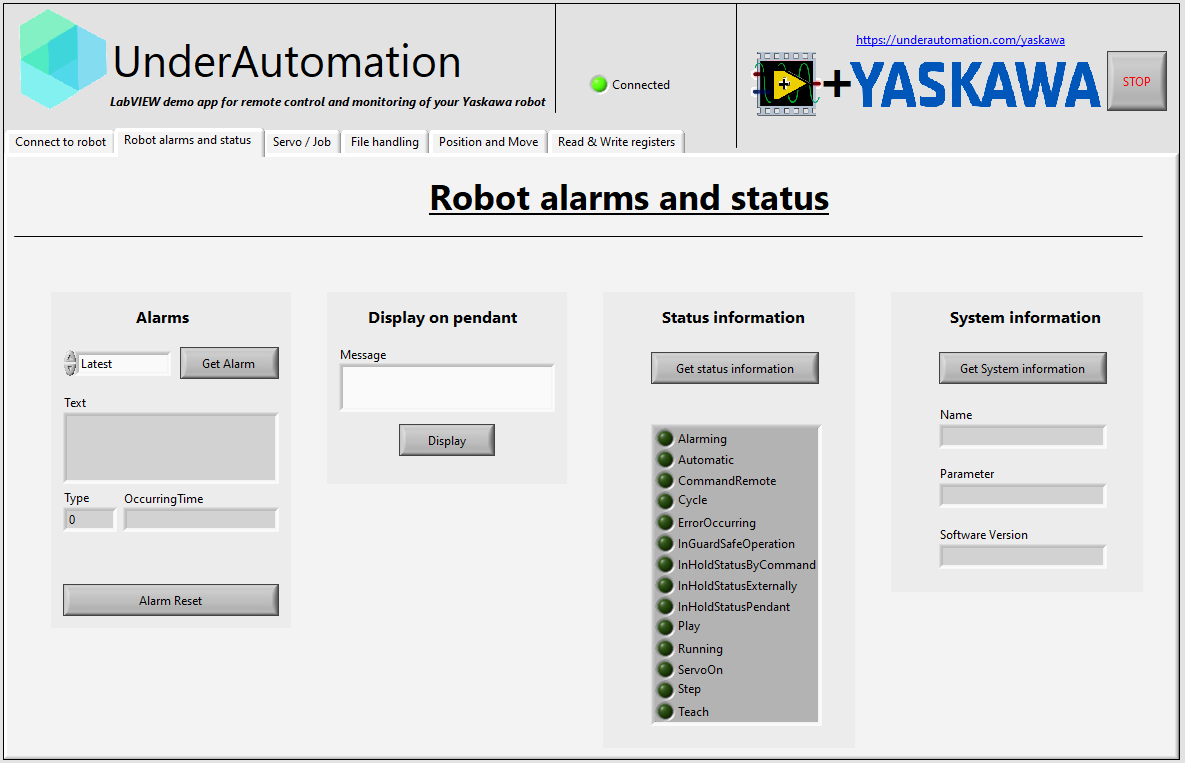
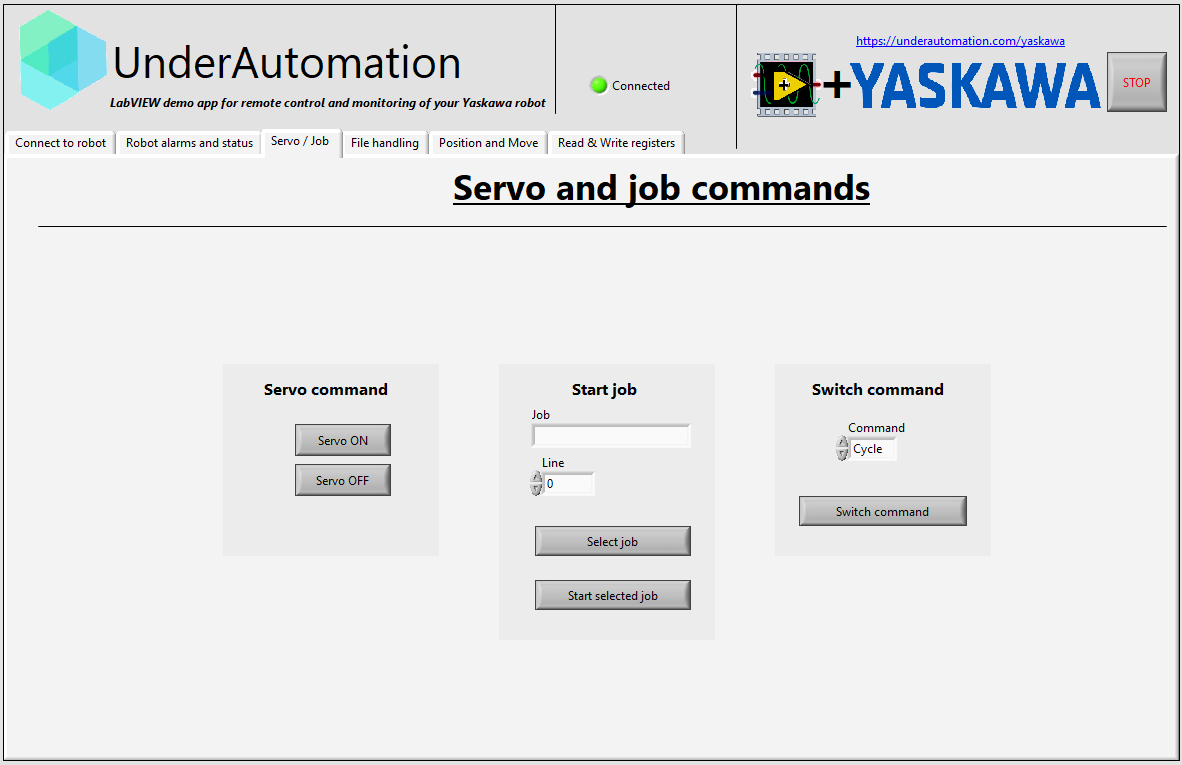
Explore the **Yaskawa SDK** with fully functional example applications for your LabVIEW version.
📌 **Download:** [📥 UnderAutomation.Yaskawa.lvproj](https://github.com/underautomation/Yaskawa.vi/releases)
---
## 📌 Features
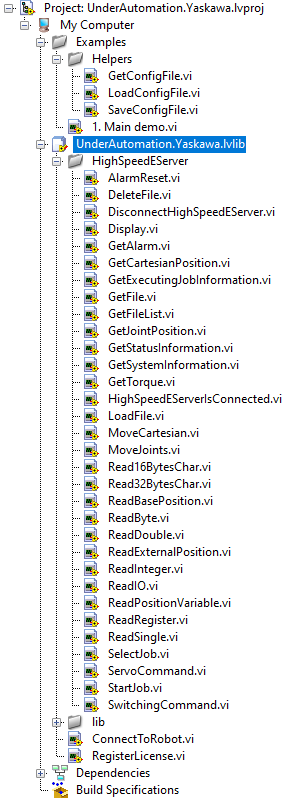
The library is a set of .vi files grouped under a library ```UnderAutomation.Yaskawa.lvlib```.
📌 **Download:** [📥 UnderAutomation.Yaskawa.lvlib](https://github.com/underautomation/Yaskawa.vi/releases)
### 🖧 **Connect to the robot**
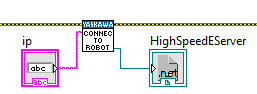
```ConnectToRobot.vi``` allows you to connect to the robot using its IP address.
This VI returns an instance of the robot the High-Speed Ethernet Server protocol. These returned values are to be used as input to the VIs described below.
---
### Alarm
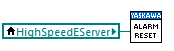
#### Alarm Reset
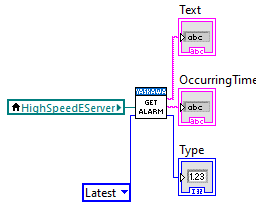
#### Get Alarm
---
### File
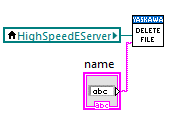
#### Delete File
#### Get File
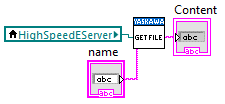
#### Get File List
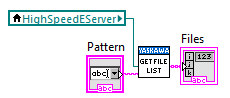
#### Load File
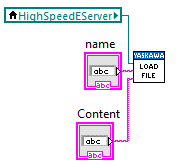
---
### Job
#### Get Executing Job Information
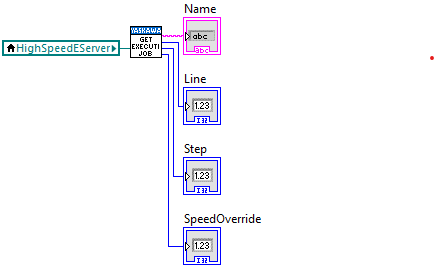
#### Select Job
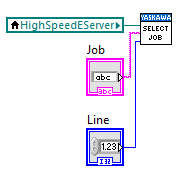
#### Start Job
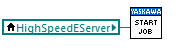
---
### Position
#### Get Cartesian Position
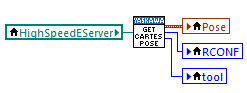
#### Get Joint Position
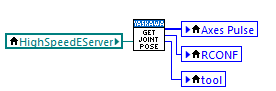
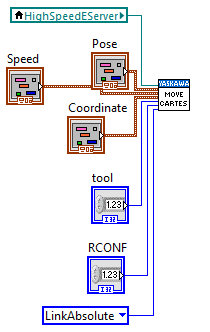
#### Move Cartesian
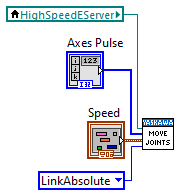
#### Move Joints
---
### Status
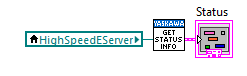
#### Get Status Information
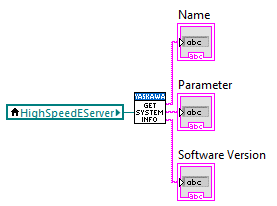
#### Get System Information
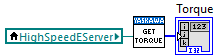
#### Get Torque
---
### Display
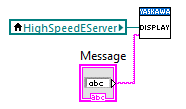
#### Display
---
### Read/Write
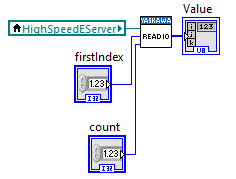
#### Read IO
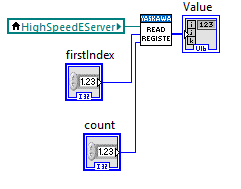
#### Read Registers
- 16 Bytes Char
- 32 Bytes Char
- Byte
- Double
- Integer
- Register
- Single
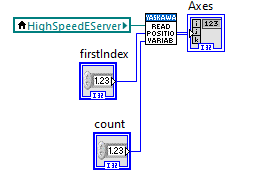
#### Read position
- Base Position
- External Position
- Position Variable
---
### Commands
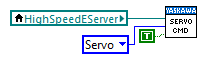
#### Servo Command
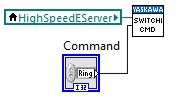
#### Switching Command
---
## 🔍 Compatibility
✅ **Supported Robots:** DX200, YRC1000, YRC1000 Micro
✅ **Operating Systems:** Windows
✅ **LabVIEW Versions:** LV2010 and newer
---
## 📢 Contributing
We welcome contributions! Feel free to:
- Report issues via [GitHub Issues](https://github.com/underautomation/Yaskawa.vi/issues)
- Submit pull requests with improvements
- Share feedback & feature requests
---
## 📜 License
**⚠️ This SDK requires a commercial license.**
🔗 Learn more: [UnderAutomation Licensing](https://underautomation.com/yaskawa/eula)
---
## 📬 Need Help?
If you have any questions or need support:
- 📖 **Check the Docs**: [Documentation](https://underautomation.com/yaskawa/documentation)
- 📩 **Contact Us**: [Support](https://underautomation.com/contact)